Why strings aren't equal even though they look identical — 5 invisible causes
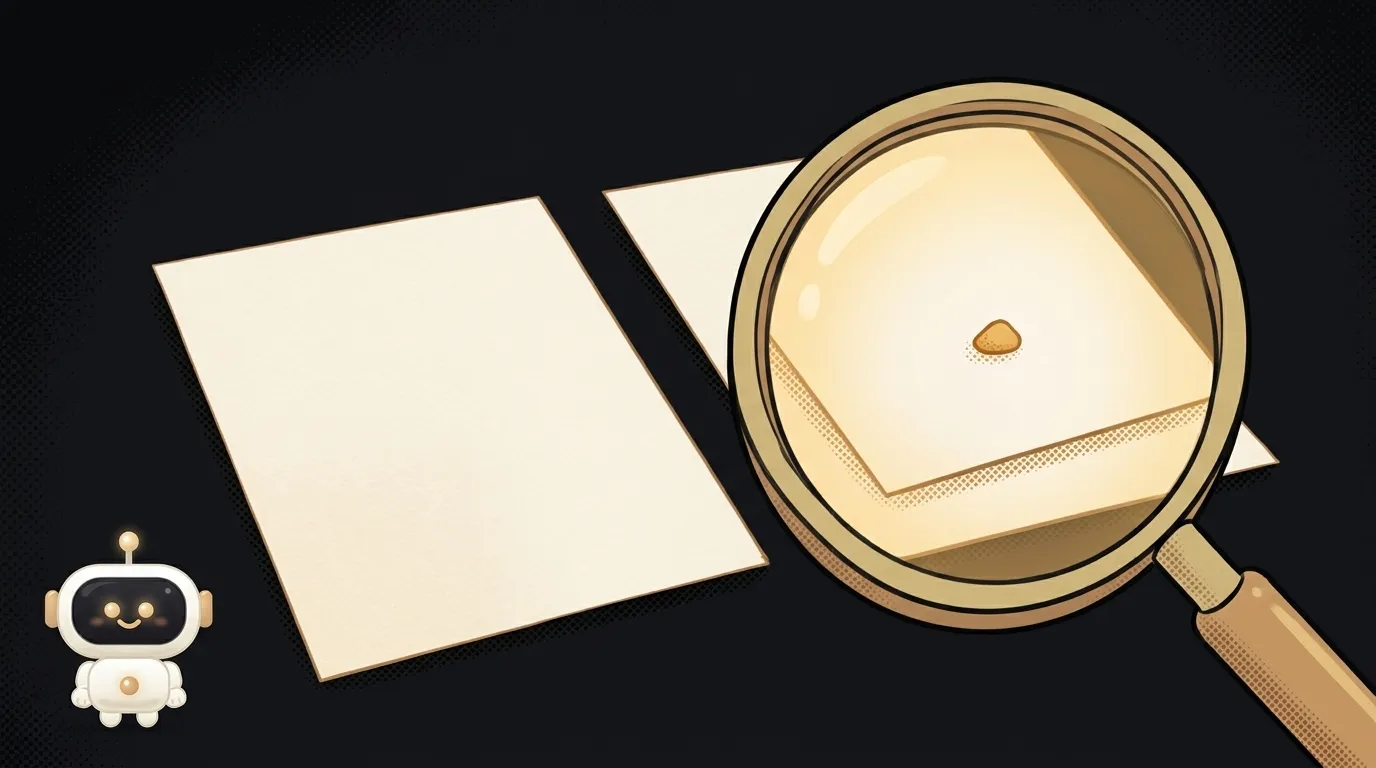
You load a list of emails from a spreadsheet and look up a user's address in it. The address is definitely there — you can see it. But list.includes(email) stubbornly says false.
You print both strings to the console. Identical. Letter for letter. Yet a === b is false.
The computer hasn't lost its mind. One of the strings has a character you can't see. Below are five such "invisibles" — from the most common to the sneakiest. And one trick that finds any of them in a second.
First — how to see the invisible
You won't catch these bugs by eye. You need to look at character codes. Add a temporary helper:
const show = s => [...s].map(c => c.codePointAt(0).toString(16).padStart(4, "0")).join(" ")

console.log(show(a))
console.log(show(b))
It prints every character of a string as its Unicode number. Two "Cat" strings turn into two rows of codes — and an extra or different code jumps right out. Another quick check: compare a.length and b.length. A different length for identical-looking strings is a sure sign of an invisible.
Now the causes.
Cause 1: a space or \r at the end
Where it comes from. The most common one. A user accidentally typed a space after their email. Or you're reading a file made on Windows: lines there end with two characters, \r\n. You split the text on \n — and an invisible \r stays at the end of every line.
How to check. JSON.stringify(a) shows \r explicitly, and a trailing space is visible right before the closing quote. In codes, \r is 000d, a space is 0020.
How to fix. trim() before comparing. And split files not on "\n" but on /\r?\n/ — that way \r goes away by itself.
Cause 2: a non-breaking space
Where it comes from. It looks like a regular space, but the code is different: 00a0 instead of 0020. It arrives from Word, from copied web pages, and even from JavaScript itself. new Intl.NumberFormat("ru-RU").format(1234567) gives "1 234 567" — and the gaps between the digit groups are non-breaking spaces. Compare it with "1 234 567" typed by hand — not equal.
Such a string also breaks number conversion: Number("1 200") with any space inside gives NaN. How to deal with that is covered in how to convert a string to a number.
How to check. You'll see 00a0 in the codes (or 202f — a narrow non-breaking space used by the French number format and some editors).
How to fix. s.replace(/\s+/g, " "). In JavaScript \s also matches non-breaking spaces, so they all become regular ones.
Cause 3: zero-width characters and the BOM
Where it comes from. Some characters have no width at all. The zero-width space 200b sneaks in when you copy from messengers and web pages. And feff — the so-called BOM — is placed by Excel and Notepad at the very start of a saved file.
A BOM classic: you read a CSV, and the first column isn't called "name" but "name". Looking the column up by name silently fails. And only the first one — the rest work fine.
How to check. "abc".length is 4 with three visible letters. In codes — 200b, or feff at the start.
How to fix. s.replace(/[-]/g, "") cleans out the most common ones.
Cause 4: one letter, two codes
Where it comes from. The sneakiest. A letter like "é" (or the Russian "й") can be written in Unicode two ways: as one character, or as a base letter plus a combining accent mark. On screen they're identical. For === they're different strings — even the length differs: 1 and 2.
This comes from file names on a Mac, text copied from PDFs, different keyboards. Accented letters suffer in many languages. So does search on your site: someone searches for "José", the database has it written the second way — and nothing is found.
How to check. The lengths don't match, and the codes include 0301, 0306 or 0308.
How to fix. s.normalize("NFC"). It brings all such pairs to one standard form. Do it both when saving to the database and when searching.
Cause 5: a lookalike letter from another alphabet
Where it comes from. "Cat" and "Cаt" — in the second word the "а" is Cyrillic. Letters like a, e, o, p, c, x, y, K, M, T look the same in Latin and Cyrillic. They slip in through a switched keyboard layout, copying, and sometimes on purpose — from spammers.
How to check. Latin letters sit around 0041–007a in the codes, while a stray Cyrillic one shows up around 0400–04ff.
How to fix. Not automatically: the computer can't know which letter you meant. But you can find them: a word mixing Latin and Cyrillic is suspicious. Highlight it and fix it by hand.
A ready function for comparing
Causes 1–4 are covered by one function. Run strings through it before comparing and before saving:
function clean(s) {
return s
.normalize("NFC")
.replace(/[-]/g, "")
.replace(/\s+/g, " ")
.trim()
}
clean(a) === clean(b)
For emails, add .toLowerCase() too — case almost never matters in addresses.
Why do the strings look the same in the browser console?
The console shows text the way it's drawn on screen. It does print the invisible characters — you just can't see them. So look at the length and the character codes, not the picture.
Should I clean strings before saving them to the database?
Yes, that's the best place. Clean once on the way in — and every search and comparison afterwards works without surprises. If the original text matters, you can store it separately.
The AI Architect 2027 course: step by step from computer basics to your own app and first customers. 543 short lessons on your phone.
Read next

Why SSH still asks for a password when your key is set up — 3 causes

How to set up ~/.ssh/config — short server names instead of long commands

Why does SSH disconnect on its own (Broken pipe) — three causes and how to fix them

How to read command help (--help and man) — and find your version's flags in a minute

Why Ctrl+C doesn't stop a program — and how one except line causes it
