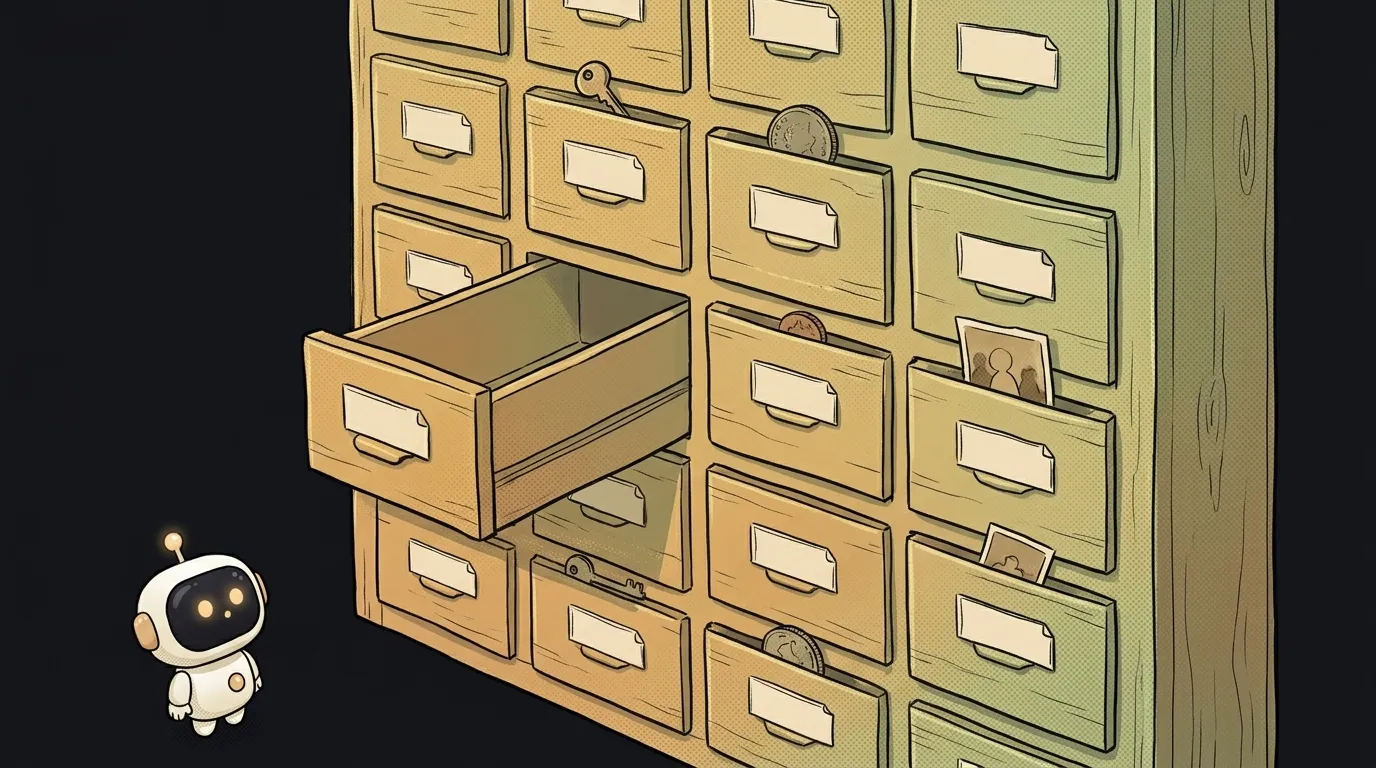
What is a string in programming — and why "5" and 5 aren't the same
Open your browser console and type "2" + "2". The answer is "22". Not four. The computer didn't make a mistake — it just glued two pieces of text together.
That's the whole puzzle of strings: to a program, 5 and "5" are different things. One is a number you can do math with. The other is text that happens to look like a number. The difference is two quote marks, and it breaks half of all beginner programs.
What a string is
A string is text inside a program. Any text: a name, a password, an address, a chat message, even a single letter. The tell is simple: a string sits in quotes.
const name = "Anya"
const city = 'Almaty'
const greeting = `Hi, ${name}!`   // backticks can insert variables
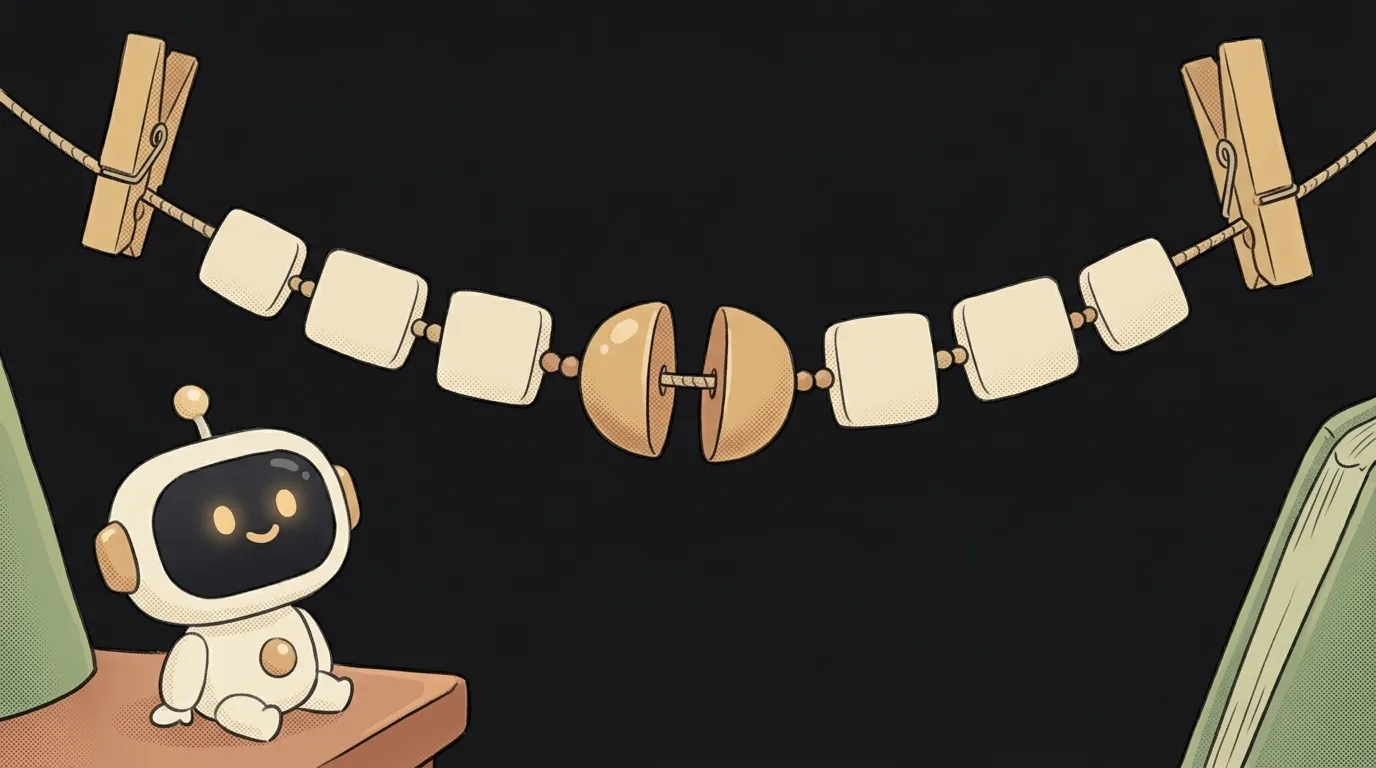
The word comes from string of characters. Picture a necklace: each bead is one letter, and the thread keeps them in order. You can count the letters, take the first one, cut off a piece.
"Hello".length   // 5 — five beads
"Hello"[0]       // "H" — the first bead, counting starts at zero
A string lives in a variable like everything else. That box just holds text instead of a number.
Why "5" and 5 are different
Quotes change the meaning. The number 5 gets added, multiplied, compared by size. The string "5" is, to the program, a picture of one character.
5 + 2      // 7
"5" + 2    // "52" — the number got glued onto the text
"5" - 2    // 3 — and here JavaScript suddenly decided to do math
That last line is a JavaScript trap. Text has no minus, so the language silently turns "5" into a number. But text does have a plus — it means gluing. Code that looks the same behaves differently.
Another trick: strings compare letter by letter, not by size. "10" < "9" is true — because the character "1" comes before "9". That's why a list of prices stored as text sorts in a weird order: 1, 10, 9.
Where strings sneak in
The one rule that will save you hours of debugging: anything that comes from outside is almost always a string.
- Form fields. Even
<input type="number">hands you its value as text. The user typed 3 — your code holds"3". - The URL. In
?page=2, the two is"2". - localStorage. The browser stores only text there. Put in a number — get back a string.
- Files and CSV. The spreadsheet you uploaded is strings until you say otherwise.
So the classic complaint "my cart adds up the total wrong" often means one thing: prices came in as strings, and 100 + "200" became "100200". How to fix it is covered in how to convert a string to a number.
JSON is a nice exception. Numbers there have no quotes, and after parsing they arrive as numbers. Unless the server sent "price": "200", of course.
The emoji surprise
Check it yourself: "👍".length returns 2. One symbol — two "characters". And the family "👨👩👧" counts as eight.
It's about how JavaScript stores text. Most letters fit in one slot; emoji take two. Complex emoji are glued from several pieces. Regular letters are fine: "Hello".length honestly gives 5.
Where this bites in practice:
- character limits. You capped a caption at 20 characters, and a user with emoji hits the limit early;
- trimming text. Cut a string by length — and an emoji splits in half into a weird little box.
If your app is about messages or captions, ask the AI to count length with [...text].length. That way an emoji counts as one.
What you can do with a string
Strings come with built-in commands — methods, called with a dot. You'll see them all the time in AI-written code:
"  anya  ".trim()           // "anya" — strip spaces at the edges
"anya".toUpperCase()        // "ANYA"
"a,b,c".split(",")          // ["a", "b", "c"] — cut into an array
"Hello".includes("ell")     // true — is this piece inside
"cat".replace("c", "h")     // "hat"
One important detail: you can't change a string in place. All these commands return a new string and leave the old one as it was. Wrote name.trim() without saving the result — the spaces are still there.
split is especially handy: it turns text into an array. That's how "apples, pears, plums" becomes a list you can loop over.
What's the difference between single and double quotes?
In JavaScript — none, it's a matter of taste. Backticks ` are special: inside them you can insert variables with ${...} and break lines.
Is an empty string the same as null?
No. "" is text with zero letters. null is the absence of a value altogether. A form field nobody filled in usually arrives as an empty string, not null.
How do I tell whether I have a string or a number?
Write console.log(typeof price) in your code. If it says "string", it's text and doing math with it is risky. "number" means you're fine.
Short story-lessons, an agent simulator and daily practice — in our mobile app. Free.
Read next
What is return and a return value — and why console.log returns nothing

What is a boolean — and why the string "false" is actually true
for loop or map — which to use, and why await inside map doesn't wait

What is scope in programming — and why a variable is "not defined" when it's right there
What is null — and why its inventor called it a billion-dollar mistake