Why my database backup won't restore — three causes and the fix
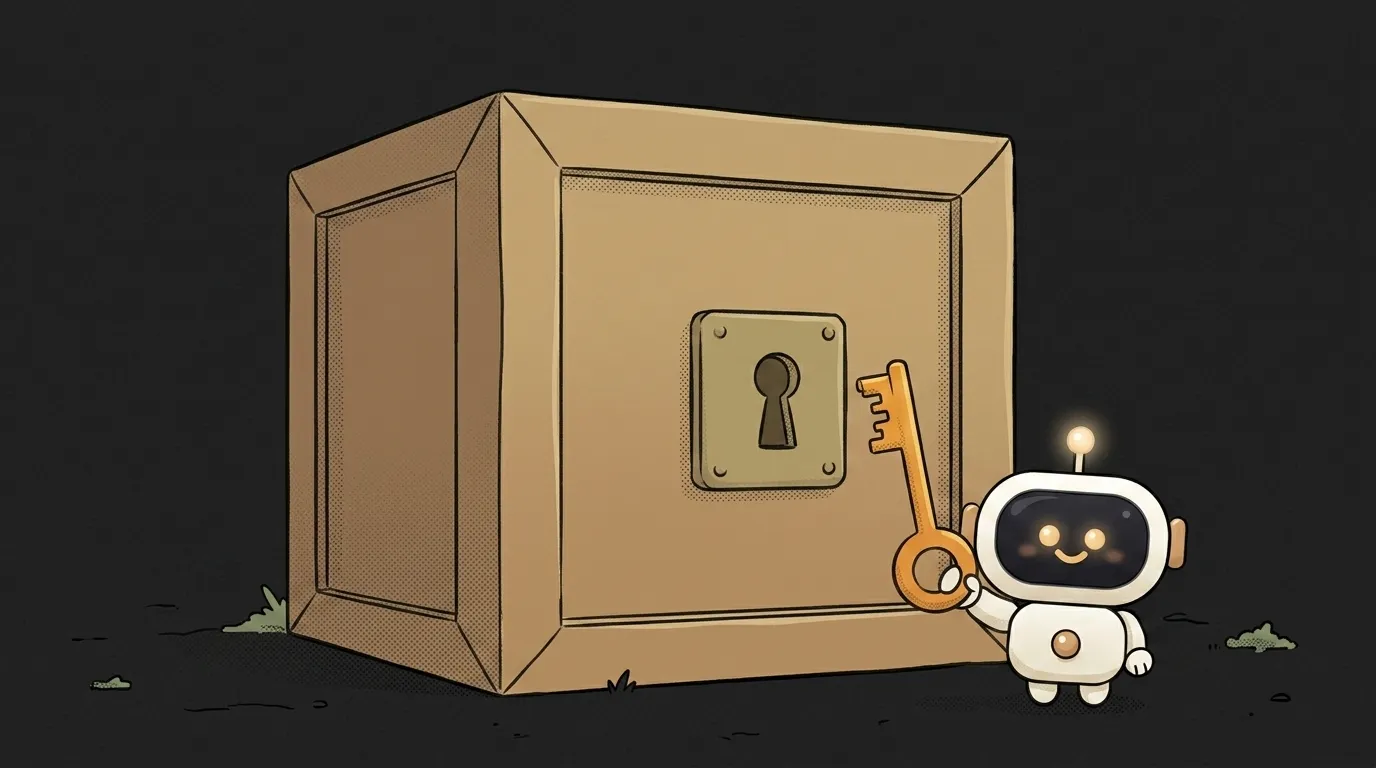
The backup file exists. It's three hundred megabytes. You confidently start the restore — and get an error within the first second.
Bad news: people usually discover this on the worst possible day. Good news: it's almost always one of three things, and none of them means the data is lost.
Let's go through them, most common first.
Symptom: the restore fails immediately, or quietly does the wrong thing
What it looks like:
- the command aborts with a message about the server version;
syntax errorpours into the console from line one, as if the file weren't SQL;- the script runs through, but ends with dozens of
must be owner oforpermission denied; - the database is created, but the tables are empty.
Each variant points at a different cause. Don't just retry "with sudo" — first read what the command actually said.
Cause 1. The versions don't match (the most common)
You took the dump with a local pg_dump, and the cloud server is newer. Or the reverse — the dump came from a newer version and you're restoring into an older one.
The PostgreSQL docs state the rule plainly: pg_dump output is expected to load into servers newer than pg_dump's own version. Dumping from an older server is fine too. The other direction is not: pg_dump "cannot dump from PostgreSQL servers newer than its own major version; it will refuse to even try, rather than risk making an invalid dump."
How to check. Compare two numbers:
pg_dump --version
psql -h your-host -U postgres -c "SHOW server_version;"
How to fix. Use a tool at least as new as the server. On managed databases (Supabase, Neon, RDS) the server is upgraded without you, so it's usually the local client that's stale. Update it, or take the dump through the provider's own panel.
And remember the direction: restoring into a newer version is fine, into an older one isn't. You can't downgrade a database with a dump.
Cause 2. The file isn't the format you think
pg_dump can emit four formats, and they aren't interchangeable. Plain text SQL is only one of them. The other three, in the docs' words, are "suitable for input into pg_restore": custom, directory and tar.
Hence the classic: the dump was taken in custom format (the -Fc flag) and someone restores it with psql. It dutifully tries to read a binary file as text and throws syntax error on line one.
How to check. Peek at the start of the file:
head -c 100 backup.dump
See PGDMP and gibberish — it's an archive, you need pg_restore. See -- PostgreSQL database dump and readable SQL — it's text, you need psql.
How to fix. Just pick the right tool:
# plain text dump
psql -d mydb -f backup.sql

# custom or directory archive
pg_restore -d mydb backup.dump
Only one direction is a dead end: you can turn an archive into SQL (pg_restore -f out.sql), but not text into an archive.
Cause 3. You aren't who the owner was
The script reaches the end, but half the commands failed with must be owner of relation.
By default pg_dump writes ownership commands into the dump. The docs warn: those statements "will fail when the script is run unless it is started by a superuser (or the same user that owns all of the objects in the script)."
On your own machine you are the superuser, so there's no problem. On a managed database you aren't — you get an ordinary role. And roles like postgres or admin_prod from the old dump may not exist on the new server at all.
How to check. Look for ownership lines in the dump:
grep -c "ALTER TABLE.*OWNER TO" backup.sql
How to fix. Take the dump without owners and without access privileges:
pg_dump -O -x -d mydb -f backup.sql
The -O flag is exactly the one the docs describe: to make a script that any user can restore, taking ownership of all objects. If the dump already exists, the same switches work on the restore side: pg_restore --no-owner --no-acl.
Two smaller traps
Extensions. If your database uses extensions (pgvector, postgis), installing them requires privileges, and the object isn't captured whole. The docs warn honestly that with a specific-extension dump "there is no guarantee that the results ... can be successfully restored by themselves into a clean database." The fix is to run CREATE EXTENSION on the new database first.
A truncated file. The dump was downloaded over the network and the connection dropped. On the surface the file is there. Check its size and its tail: a plain-text dump ends with a completion comment. No comment, no complete file — nothing to fix, take a fresh dump.
Does table order matter? I'm getting foreign key errors
On a normal full restore, no: the dump orders objects correctly and adds constraints after the data. Foreign key errors usually mean the data was loaded selectively, one table at a time. Then either respect "parents before children", or restore the whole database.
How do I know the backup works before disaster strikes?
The only honest way is to restore it. Keep an empty test database, load a fresh dump into it monthly and run a couple of queries. This works nicely as a scheduled task.
The dump restored, but yesterday's data is missing
Then the dump is older than you thought: it holds the state at the moment it was taken, not at the moment things broke. The gap between your last backup and the failure is what you lose. It only shrinks with more frequent dumps — or with the write-ahead logs that managed databases keep for you.
The AI Architect 2027 course: step by step from computer basics to your own app and first customers. 543 short lessons on your phone.
Read next

Why SSH still asks for a password when your key is set up — 3 causes

How to set up ~/.ssh/config — short server names instead of long commands

Why does SSH disconnect on its own (Broken pipe) — three causes and how to fix them

How to read command help (--help and man) — and find your version's flags in a minute

Why Ctrl+C doesn't stop a program — and how one except line causes it
