What is cron — how to run a task on a schedule while you sleep
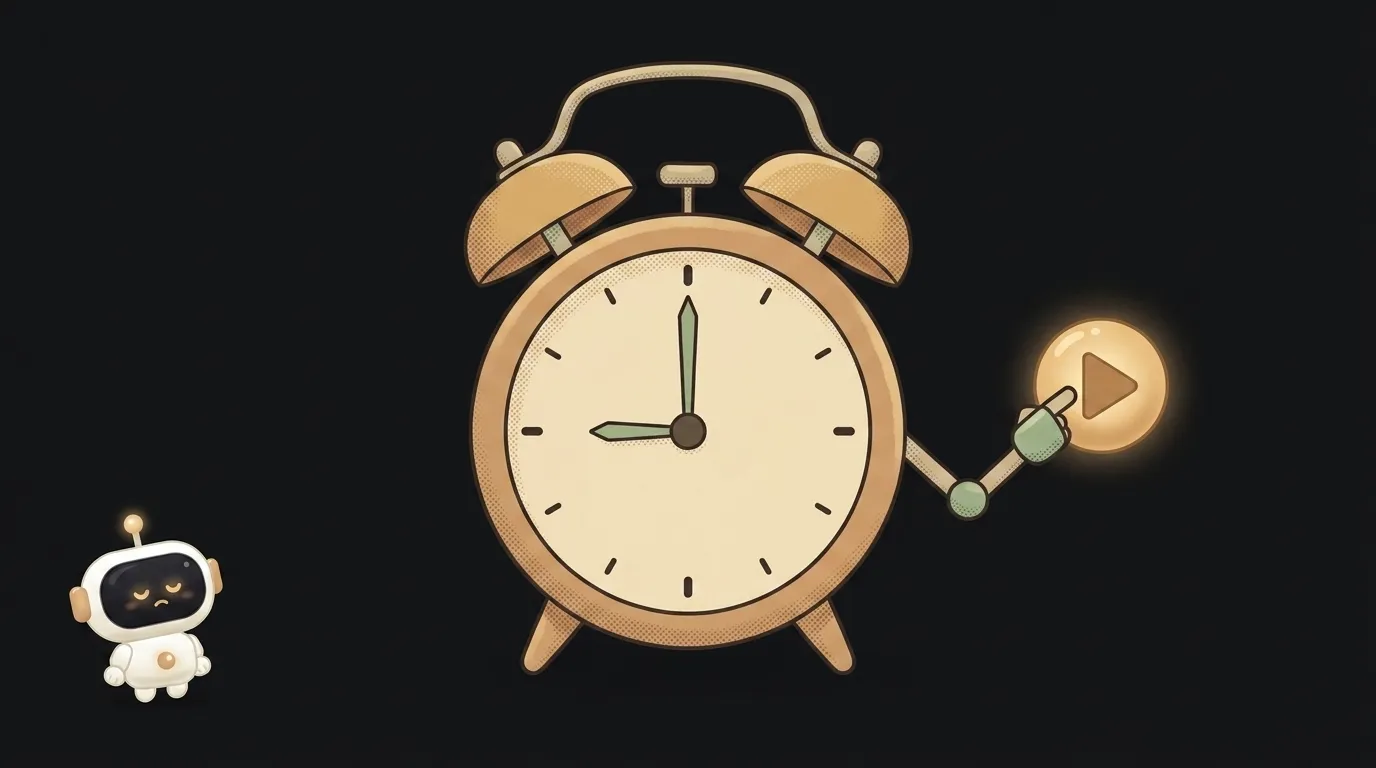
Here's a reveal: half the impressive "automations" people brag about are just a script and an alarm clock. Someone wrote the code once, and after that it runs on a schedule, no human involved. That alarm clock is called cron. And once you get its five-star syntax, you can make your app do chores while you sleep.
What cron means in plain words
Cron is a scheduler: it runs a given task at a given time, by itself, on repeat. Every day at 9am, every 5 minutes, every Monday — whatever you say.
Analogy: the alarm on your phone. You don't get up to check the clock every minute — you set the time once, and the phone rings when it should. Cron is that alarm, except instead of ringing it runs your code.
One scheduled task is called a cron job. Send the morning digest, pull fresh prices once an hour, delete old files at night — all cron jobs.
The five stars that decide everything
A cron schedule is one line of five values. It looks scary — */5 * * * * — but it reads simply. Five positions, left to right:
minute hour day-of-month month day-of-week
A star * means "any" — that is, "every". Now some examples:
0 9 * * *— minute 0, hour 9, the rest "every". Reads as: every day at 9:00.*/5 * * * *—*/5in the minutes field means "every 5". Reads as: every 5 minutes.0 9 * * 1— the last field1is Monday. Reads as: every Monday at 9:00.
That's it. No need to memorise — there are helper sites (like crontab.guru) where you type the line and see the schedule in plain English. Build the line once and forget it.
Where cron lives — and why your laptop won't do
Beginners trip here. You write a "email me every morning" task and run it on your laptop. Then you close the lid at night — and no email goes out. Cron works only while the machine it lives on is on.
So cron goes not on your laptop, but somewhere that's always running:
- On the server/host where your app runs. Many platforms offer cron right in settings — type the schedule and the command, done.
- In a serverless function on a schedule. No need to keep a server on: the platform wakes your code on the cron and shuts it down after. For "do a thing once a day" it's ideal — you pay only for the seconds it runs.
- In the database. Some databases can call your code on a schedule themselves.
Simple rule: cron must live where the lights never go out.
Cron or webhook — when to use which
People mix them up, but the difference is who presses the button.
- Cron fires on time. "Every day at 9." No event to wait for — it goes by the clock. Digests, reports, regular cleanup — that's cron.
- A webhook fires on an event. "A payment came in — do this." Time is irrelevant; what matters is the event.
If the task sounds like "regularly, on its own" — you want cron. If it's "in response to something" — a webhook. And a script plus a schedule plus a couple of actions is often all it takes to make a little AI agent that does the routine without you.
Why didn't my cron job fire?
Three common causes. First — the machine was off (that closed laptop). Second — a mistake in the schedule: you swapped minutes and hours, so the task waits for a different time; check the line on crontab.guru. Third — the time zone: servers often run on UTC, and you expected your local time — so it "fired at the wrong hour". Check these three before you dig into the code.
How often can cron run?
Standard cron does once a minute at most — you can't go finer with the plain syntax. If you need "every 10 seconds", that's not a job for cron: keep a process running all the time, or use event webhooks. But for 99% of everyday automations (hourly, daily) minutes are plenty.
Short story-lessons, an agent simulator and daily practice — in our mobile app. Free.
Read next

What is an Agent Skill — and why it costs almost nothing

What is a subagent — and why it saves context, not time
Agent Skills or MCP — which to choose and how they really differ
Why my MCP server won't connect — 4 causes, most common first
What is AGENTS.md — the file your AI agent reads before you ask