What is a webhook — and why it works on the 'don't call me, I'll call you' principle

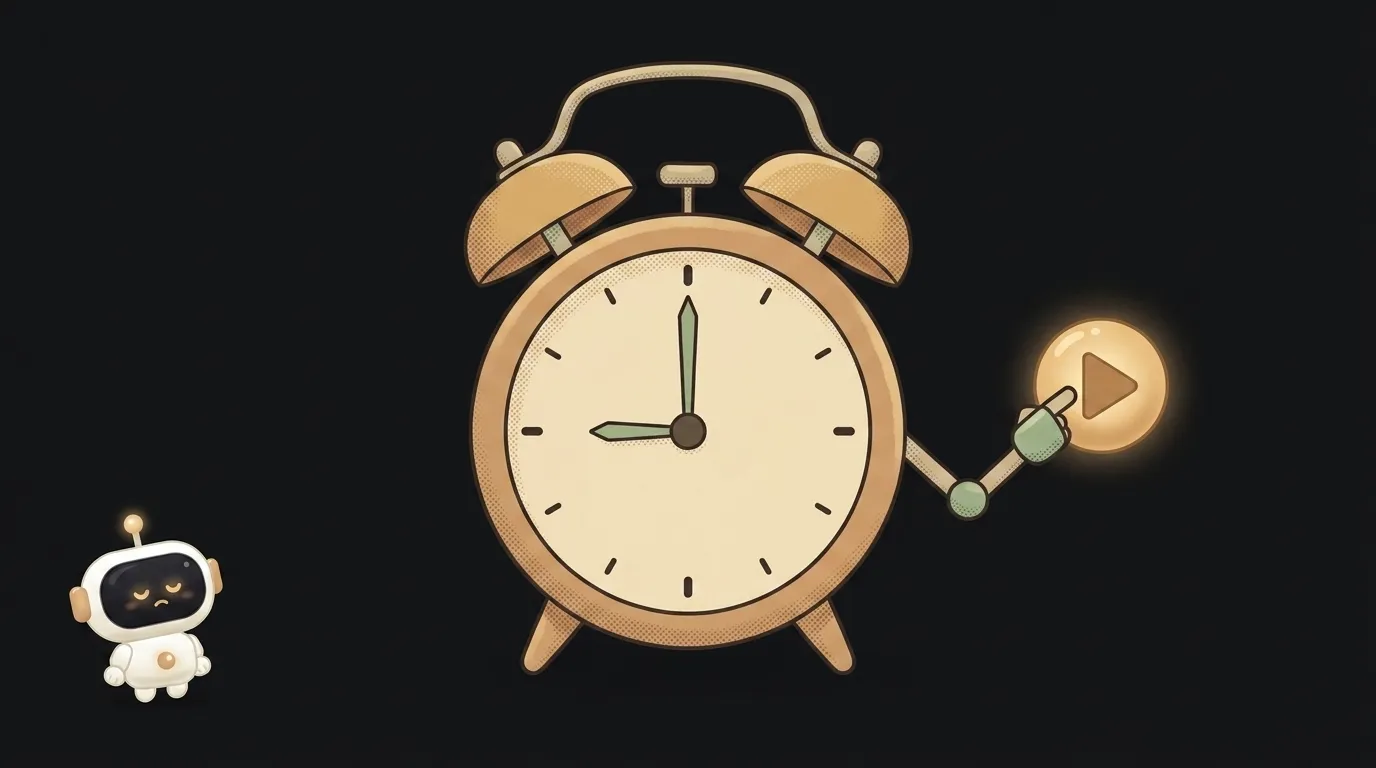
Picture waiting for a delivery. You could run to the door every two minutes to check — here yet or not. Or you could just leave a doorbell: when they arrive, they ring it themselves. A webhook is the doorbell. And when you build anything live (a bot, an automation, an agent), it saves you a ton of effort.
What it is
A webhook is a callback: one server sends a message to another the moment an event happens. Not "you ask, it answers," but "it happened, so it knocked on your door."
The classic example. Someone pays for your product. The payment service doesn't wait for you to ask — it sends a packet to your address: "payment cleared, order #42, this amount." Your app catches it and grants access instantly. No polling required.
How a webhook differs from a normal request
Usually it works the other way — that's called polling: your program hits someone else's server over and over — "anything new? anything new?". The downsides are obvious:
- Lag. Ask once a minute, and you learn about events up to a minute late.
- Wasted resources. 99% of requests return "nothing new" — but they still cost load.
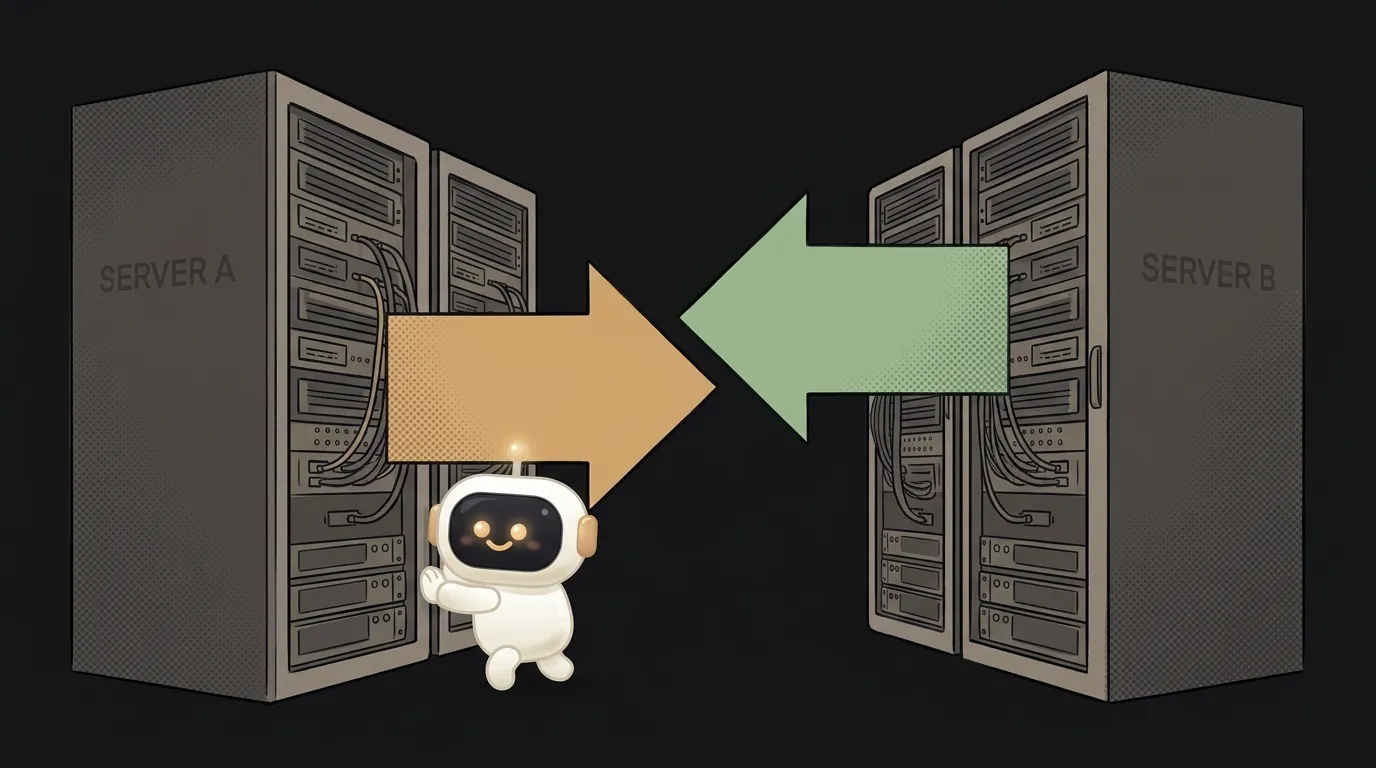
A webhook flips the direction. The source server initiates the connection:
| | Polling | Webhook | |---|---|---| | Who calls | you → server | server → you | | When you learn | at the next poll | immediately | | Load | constant | only on an event |
How it works, step by step
- You give the service your address. A URL on your app where notifications should go — e.g.
https://my-site.com/hook. - An event happens. A payment, a new message, a push to a repo — whatever you subscribed to.
- The service sends a data packet to your URL (usually JSON) describing what occurred.
- Your code receives it and reacts. Grants access, posts to a chat, wakes up an agent.
So a webhook is just an address you left in advance, where someone will knock at the right moment.
Why it matters to you
The moment you step beyond "ask the model, get an answer" and build something event-driven, webhooks are everywhere. A bot that reacts to a message; an automation that fires on a payment; an agent that wakes on a new email — all webhooks. Built a Telegram bot? Telegram delivers messages to you via a webhook.
And here's the main trap: your webhook address is open to the world. Anyone who knows it can send a fake "payment cleared" packet. That's why decent services sign every call with a secret key — and you're obliged to verify that signature. Without verification, a webhook is an open door.
Are a webhook and an API the same thing?
No — they're two directions. An API is when you go to the service and ask. A webhook is when the service comes to you and reports. They often work as a pair: the webhook says "something happened," and you call the API back to fetch the details. It's a bit like tool use in reverse: there the model calls a tool, here the outside world calls your code.
Do I need a server to receive webhooks?
Yes — you need an address reachable from the internet and always on. A local machine won't do: the service has nowhere to knock. So webhooks usually live on a host or a serverless function — a bit of code that runs in the cloud and wakes up on each call.
Short story-lessons, an agent simulator and daily practice — in our mobile app. Free.
Read next
AI agent vs workflow — when the AI decides, and when to keep it on rails
What is an agent loop — how an AI finishes a task on its own
What is a sandbox — and why it's safe to let an AI agent run code
API or webhook — what's the difference and when to use which

RAG or long context — paste your documents in or search through them