Why your input loses focus after every keystroke — 3 causes in React
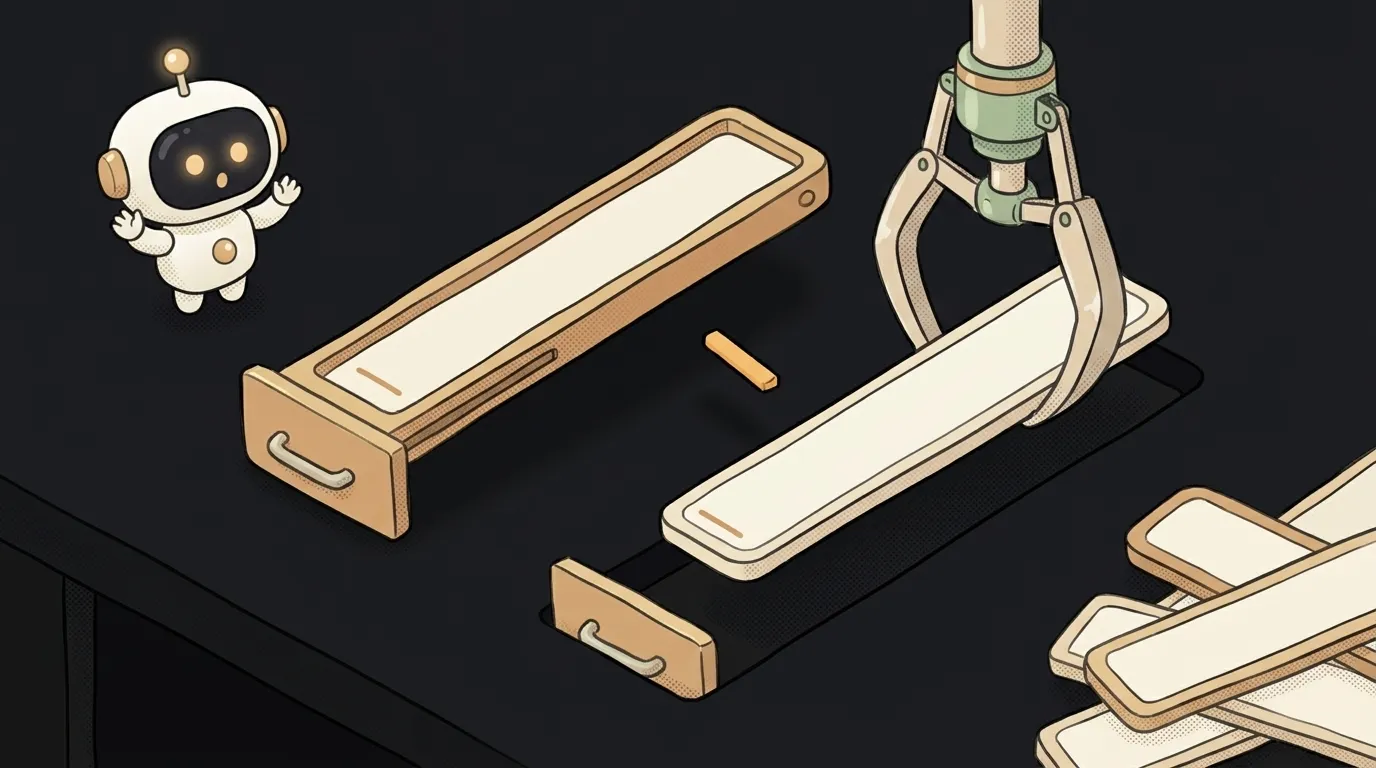
You type the letter "s" in a search box — and the cursor vanishes. You click again, type "e" — gone again. To type a word, you have to click after every letter.
The symptom is odd, but the cause is almost always the same. The input isn't "losing focus". It's being removed from the page and replaced with a new one, exactly identical. The new input doesn't have focus — that's all.
The only question is who's recreating it. Here are the three culprits, most common first.
How to tell the input is being recreated
First, confirm the diagnosis. Add this line to the component with the input:
useEffect(() => { console.log('input created') }, [])
An empty dependency array means "run once when it appears". If the console prints a new message after every letter, the component is being created from scratch. Read on.
Cause 1. A component declared inside another component
The most common cause. And AI does it all the time: it makes the code look tidier.
function SearchPage() {
  const [query, setQuery] = useState('')

  function SearchBox() {   // ← declared INSIDE
    return <input value={query} onChange={e => setQuery(e.target.value)} />
  }

  return <SearchBox />
}
Why it breaks. Each letter changes the state, and SearchPage runs again. Along with it, the SearchBox function is created anew. To React, that's a new component type, not the one from before. It removes the old one entirely and mounts the new one from scratch — along with a new input that has no focus.
How to check. Look for component functions (capitalized) declared inside other components.
How to fix. Move the component out and pass data through props:
function SearchBox({ query, onChange }) {
  return <input value={query} onChange={e => onChange(e.target.value)} />
}

function SearchPage() {
  const [query, setQuery] = useState('')
  return <SearchBox query={query} onChange={setQuery} />
}
Or just return the input directly in SearchPage's markup, without a separate component.
Cause 2. The key changes on every render
key is an element's passport for React. As long as the passport stays the same, React updates the element. New passport — React decides it's a different element and recreates it.
Common mistakes:
<input key={Math.random()} />          // new key every render
<input key={Date.now()} />             // same thing
<Field key={value} value={value} />    // key = whatever you're typing
The last one is sneaky: the key changes on exactly every letter, because it is the typed text.
How to check. Search the project for key= near your inputs. The key must stay constant for the same input.
How to fix. Use a stable id from your data: key={field.id}. If it's a single input and not in a list, it doesn't need a key at all.
Cause 3. The markup around the input changes shape
React compares the tree by position: "there was a div here, and now it's a label?" If the wrapper around the input changes, the input loses its spot — and gets created again.
{error
  ? <div className="error"><input value={name} onChange={...} /></div>
  : <input value={name} onChange={...} />}
While you type, form validation toggles error on and off. The input jumps from one branch to the other — and is born anew each time.
How to fix. Keep the structure the same and change only the class:
<div className={error ? 'error' : ''}>
  <input value={name} onChange={...} />
</div>
The same bug without React. In plain JavaScript, AI sometimes re-renders a chunk of the page via innerHTML on every keypress. innerHTML throws the old elements out of the DOM and creates new ones. Same fix: update only what changed (a counter's textContent, a class), and leave the input alone.
What if the input is in a modal or a list?
The same three causes, just deeper. Check whether the modal itself is declared inside the page, and whether the list rows have a stable key. A key by index (key={index}) doesn't recreate the input, but it sets up a different problem: delete a row and the focus and half-typed text "move" to the neighboring one. Use an id from your data.
Will autoFocus or ref.focus() help?
It's a band-aid. Focus comes back, but the cursor jumps to the start or end, and the input keeps getting recreated on every letter — which is slow. Find the cause from the list above.
How do I ask AI to fix it?
Name the symptom precisely: "loses focus after every letter". Otherwise the model starts adding autoFocus.
the input is glitchy, fix itThe search input in SearchPage loses focus after every typed letter. It looks like the input is recreated on each render. Check three things: 1) is the input component declared inside another component; 2) does the key of the input or its parent change; 3) does the wrapper around the input change based on a condition. Do not use autoFocus or ref.focus() as the fix.The AI Architect 2027 course: step by step from computer basics to your own app and first customers. 543 short lessons on your phone.
Read next

Why SSH still asks for a password when your key is set up — 3 causes

How to set up ~/.ssh/config — short server names instead of long commands

Why does SSH disconnect on its own (Broken pipe) — three causes and how to fix them

How to read command help (--help and man) — and find your version's flags in a minute

Why Ctrl+C doesn't stop a program — and how one except line causes it
