Why my timer speeds up — and why it sometimes freezes at 1 instead
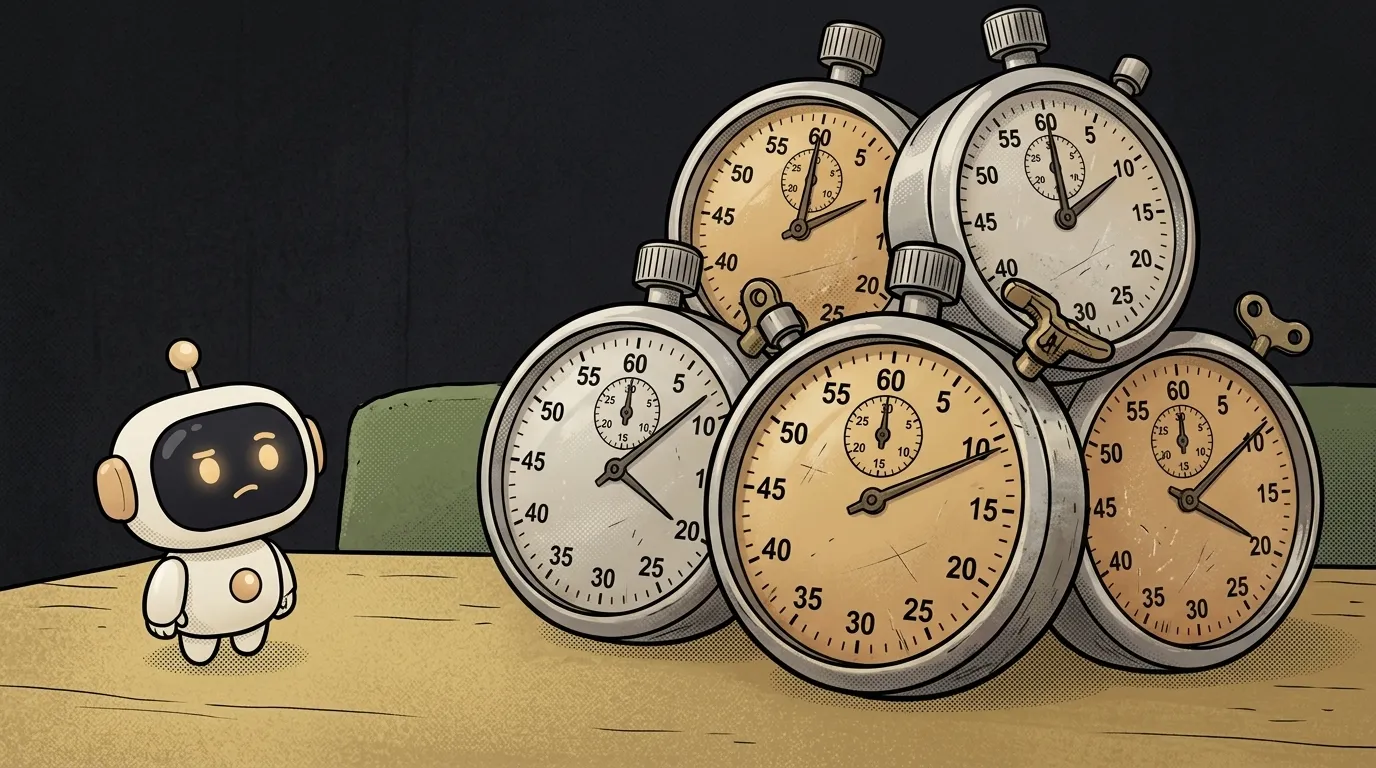
You asked an AI to build a pomodoro timer. You press "Start" — it runs evenly. You press "Pause", then "Start" again — the seconds run twice as fast. Once more — three times as fast. Or the opposite problem: the counter shows 1 and never moves, even though the code looks right.
The good news: this isn't magic and it isn't a browser glitch. Timers like these almost always have one of three causes. Let's go through them in order — most common first.
Cause 1: the timer is started more than once
setInterval is an alarm clock that rings every N milliseconds. The key thing about it: every call sets a new alarm. The old one doesn't go anywhere.
Press "Start" twice — two intervals are ticking. Each adds a second, and time runs twice as fast. Pause often doesn't help: it stops only the latest interval, while the first keeps ticking.
How to check. Add console.log("tick") to the function that runs on every tick. Open the console. One timer — one line per second. Two or three lines per second means you have several alarms.
How to fix. Remember the interval's number and stop the old one before starting a new one:
let timerId = null

function start() {
  clearInterval(timerId) // first stop the old one, if any
  timerId = setInterval(tick, 1000)
}

function pause() {
  clearInterval(timerId)
  timerId = null
}
setInterval returns the alarm's number, and clearInterval switches it off by that number. Without the number there's no way to stop the interval — that's why you keep it in a variable.
Cause 2: in React, nobody cleaned up
In React a timer is usually set up inside useEffect. And here's a common mistake in AI-written code — the effect starts an interval but never stops it:
useEffect(() => {
  setInterval(() => setSeconds(s => s + 1), 1000)
}, [])
Every time the component appears on screen, a new interval starts. Leave the page and come back — there are already two timers. And in development, React's StrictMode deliberately mounts components twice to catch exactly this kind of bug. So on your machine the timer runs twice as fast, while for users it doesn't. Confusion guaranteed.
How to check. The same console.log in the tick. Plus navigate to another page and back: if the console now shows more lines, this is the cause.
How to fix. The effect must return a cleanup function. React calls it when the component goes away:
useEffect(() => {
  const id = setInterval(() => setSeconds(s => s + 1), 1000)
  return () => clearInterval(id) // cleanup
}, [])
Cause 3: the counter is stuck at 1
The opposite symptom: the timer ticks, but the number on screen never goes past 1. The code looks innocent:
useEffect(() => {
  const id = setInterval(() => setSeconds(seconds + 1), 1000)
  return () => clearInterval(id)
}, [])
The thing is, the function inside the interval remembered seconds at the moment it was created. Back then it was 0. And every second it faithfully sets 0 + 1. Again and again. This is a closure: a function remembers the variables from the place where it was created. More in what is scope.
How to check. Log console.log(seconds) in the tick. If it's always the same number, this is it.
How to fix. Pass setSeconds a function instead of a number. React will plug the fresh value into it:
setSeconds(s => s + 1)
s => s + 1 means "take the current value and add one". This form works everywhere new state is calculated from the old one.
Bonus: the timer lags in a background tab
If the timer is correct but "lost" a minute after you came back to the tab, that's not a code bug. The browser saves battery: in a background tab it wakes timers at most once a second, and after a few minutes maybe once a minute.
So a reliable timer doesn't add a second at a time — it calculates the time difference:
const startedAt = Date.now()
// on every tick:
const elapsed = Math.floor((Date.now() - startedAt) / 1000)
However many ticks the browser skips, the difference between "now" and "start" is always right.
A ready prompt so the timer doesn't break
All three causes are closed with one sentence in your brief for the AI:
Make a timer with start and pause buttons.A timer with start and pause buttons in React. Keep the interval id and call clearInterval before every new start and in the useEffect cleanup function. Update state only with a function like s => s + 1. Compute elapsed time as the difference between Date.now() and the start moment, so the timer does not lag in a background tab.Why does the timer run fast only for me and not for users?
Most likely it's React's development mode, which runs effects twice. It exposes the missing clearInterval — fix the cleanup and the timer will run evenly everywhere.
How is setTimeout different from setInterval?
setTimeout fires once after the given delay, setInterval repeats until it's switched off. That's why a forgotten setInterval is more dangerous: it ticks forever.
The AI Architect 2027 course: step by step from computer basics to your own app and first customers. 543 short lessons on your phone.
Read next

Why SSH still asks for a password when your key is set up — 3 causes

How to set up ~/.ssh/config — short server names instead of long commands

Why does SSH disconnect on its own (Broken pipe) — three causes and how to fix them

How to read command help (--help and man) — and find your version's flags in a minute

Why Ctrl+C doesn't stop a program — and how one except line causes it
