A song where you change one chord — instead of spinning the generator again
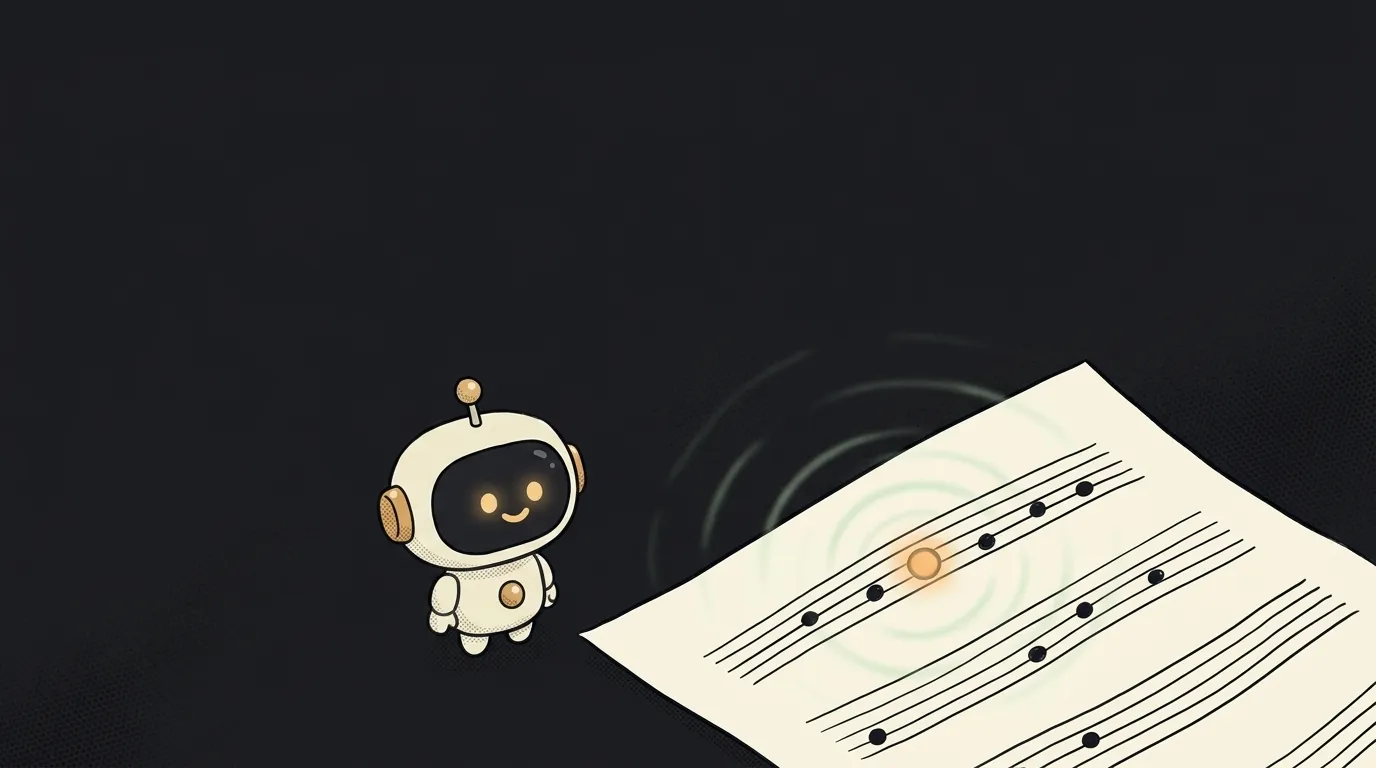
You know this pain. You asked an AI for a song, got almost what you wanted — but the chorus is too cheerful. You change one word in the prompt and hit generate. Back comes a different song: different voice, different tempo, different melody. Everything good is gone too.
The idea in one line: build yourself a studio where, after the first version, you edit two chords in a text file — and hear the same song, only in jazz.
Why this just became possible
Suno, Udio, Lyria all work the same way. Prompt goes in, audio comes out. What happens in between is none of your business. Want different harmony? Describe it in words and pray.
On September 9 the M·A·P team released the open YuE2 model. It works in two steps:
- First it writes a score — melody and chords in ABC notation. That's plain text, lines like
"Am" A2 B2 | "F" c4. - Then it sings from that score: vocals, accompaniment, mixing, 48 kHz stereo.
And you can step in between. The pipe.plan() method hands you the score before any audio exists. Edit it — by hand or with another model — and run synthesis from your version.
This isn't a toy, quality-wise: on the WildSongBench benchmark YuE2 scores 6.96 against 6.87 for Suno v5. An open model finally beat a closed one — and it shows you the notes.
What you'll learn
- That music can be text. ABC notation is lines, not some special format. A regular language model reads and writes it. You'll be able to ask one to "make the harmony jazzier" and get corrected notes back.
- The difference between plan and performance. Two-stage generation is a big idea, and not just for music. A cheap structural draft first, the expensive render after. See it once on a song and you'll start spotting it everywhere.
- What a seed is for. The editing examples deliberately keep it: the same
seedwith a new score means "only the thing I touched changed." That's how you run an experiment instead of pulling a lever. - To read the license. The weights are CC BY-NC 4.0: for yourself, for a gift, for learning — yes. Selling the result — no. A good habit to check before you fall in love with the output.
A ready starter prompt
The classic mistake is asking for "a music generator." You'll get another slot machine. Ask for the step in between the request and the sound:
Build an app that generates songs from a description.Build me a local "song versions studio" in Python on top of YuE2 (m-a-p/YuE2-3B, the yue2_infer package).
Step 1: from a style and lyrics, call pipe.plan(style=..., lyrics=..., cot="full", seed=SEED) and save the score to score.abc. Show it to me as plain text.
Step 2: a "variant" command copies score.abc to versions/NN.abc, sends it to a language model with my request ("make the harmony jazzier, leave the melody alone") and saves the answer as a new score.
Step 3: a "sing NN" command calls pipe(style=..., lyrics=..., abc=contents of versions/NN.abc, cot="full", seed=SEED) — same seed, mandatory, so only the harmony changes. Write the result to versions/NN.flac.
Keep versions/log.md: number, what I asked for, what changed in the notes.
Check the GPU before running and tell me plainly when there is not enough memory. Keys and paths in .env, README with two commands.The strong prompt bakes in three things a beginner won't think of: the score must be saved as its own file, the seed must stay the same when editing, and versions must be numbered — otherwise in an hour you won't remember which of the six was the good one.
What the result looks like
You end up with six files in a folder. The same song, the same voice, the same melody — with different harmony in each.
You open versions/03.abc and see with your own eyes that the model swapped "Am" for "Am7" and added a passing chord. You play 03.flac — and hear the song go softer because of it.
That's where the real thing happens. You stop guessing and start hearing the cause. No generator where you only edit the prompt can give you that.
A weekend plan
- Saturday morning. Sort out the hardware. The model asks for Linux and a 24 GB GPU, though their own tests peak around 11 GB. No card of your own — rent one for a couple of hours; there's an MLX build for Mac and a GGUF version already out for CPU. To just hear what this is, there's a demo on Hugging Face. If it's your first time running a model yourself, the step-by-step guide covers the environment chores.
- Saturday afternoon. Generate a full song and open
score.abcin a text editor. Swap one chord by hand. Re-run synthesis with the same seed. That's the moment this whole thing was for. - Sunday. Wrap it into a tool: a version list, a "reharmonize" button, a change log. Want to compare it with the usual approach — right next door is a one-prompt birthday song generator, where the audio arrives at once and the only thing you edit is the prompt.
A year ago the notes inside a music AI were internal plumbing nobody ever saw. Now they're a file you open in a text editor.
Source: YuE2-3B — model card on Hugging Face
Short story-lessons, an agent simulator and daily practice — in our mobile app. Free.
Read next
Describe your project in one sentence — get a diagram with the real logos
A one-minute cartoon with no video AI — every frame is code
A spell for your game — from one sentence, in pixels, with real impact
Does your app look like an AI made it? Let AI fix that
Saw a gorgeous animation on someone's site? Bring it home