Does your app look like an AI made it? Let AI fix that
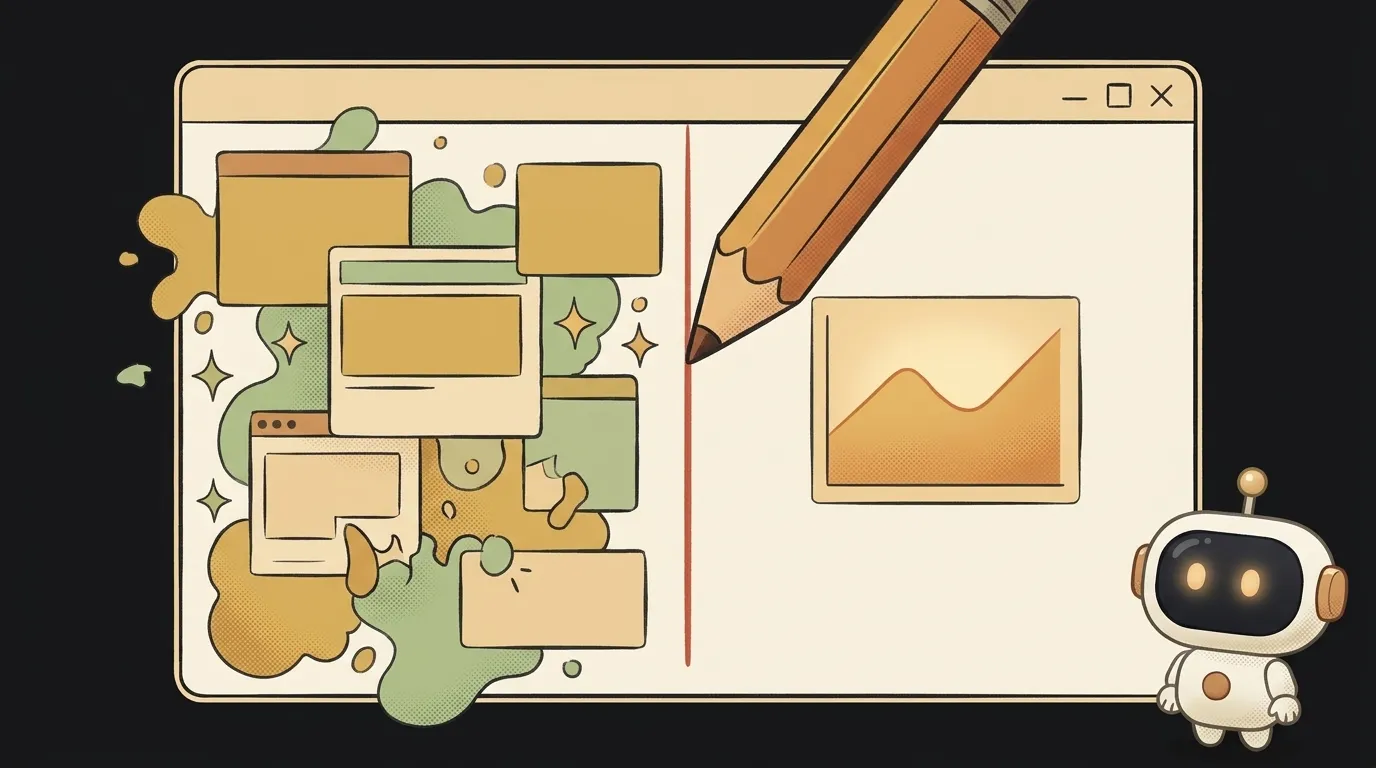
You built an app with AI. It works! But you open it and it's obvious who drew it. A purple gradient, everything glows, every label has an emoji, a "New ✨" badge, spacing all over the place. A friend looks and says: "oh, AI made this."
Here's the surprising part: that "AI look" isn't random. Models get it wrong the same way. And if it's the same way, you can find it with a checklist and fix it in order.
On October 29 a Claude skill called unslop came out. In two days it passed 2,400 stars on GitHub — clearly you're not the only one it bugs. It works like a designer with a red pen: first it finds the "slop", then it fixes the screen layer by layer.
How it works
- Audit. A list of every "AI-look" tell: where the gradient is, the glow, emoji instead of an icon, shouty copy.
- Direction. The screen's character comes from your product. One or two bright moments, everything else quiet.
- Passes, in order. Spacing → color → icons → copy → type → layout → details → visuals → motion.
- A before/after clip. A square video under 10 seconds of your screen unslopping itself. Ready to post.
It works with Next.js, React, Vue, Svelte, Tailwind and plain HTML. It shows you the plan first — edits only start once you agree. And if the screen is already good, it'll tell you so.
What you'll learn
- Spotting the "AI look". After one run you'll notice these tells yourself — and stop asking for them.
- Order in design. Why spacing gets fixed before color, and color before visuals. That's exactly what a designer does.
- One bright moment. The skill's core idea: you don't smear richness over the buttons, you put it in one place.
A ready starter prompt
Install the skill:
git clone https://github.com/heydamir/unslop && mkdir -p ~/.claude/skills && cp -r unslop/skills/unslop ~/.claude/skills/
Now — not "make it pretty", but with context:
Make my design prettier.What you end up with
The same screen with the same features — but calm, with tidy spacing and one detail people remember. Plus a list of "what was wrong" and a clip of the old screen turning into the new one. You won't be embarrassed to post it with "here's what I built."
Honest limits: the clip needs Playwright and ffmpeg. If the skill wants to generate a hero image, it needs a paid image service — and it asks before spending. License is CC BY 4.0: use it freely, but credit the author.
"Make it not look like AI" used to be a request for a designer. Now it's one command.
Short story-lessons, an agent simulator and daily practice — in our mobile app. Free.
Read next
Saw a gorgeous animation on someone's site? Bring it home
Film a clip of a game that doesn't exist — then play it
You built an app with AI. Now draw its map — and ask it what will break
Fly down your own route in pixel art — with the buildings standing where they really stand
Cut a jet engine in half — and it works out what just happened to it