Snap your fridge — get dinner from what's already there
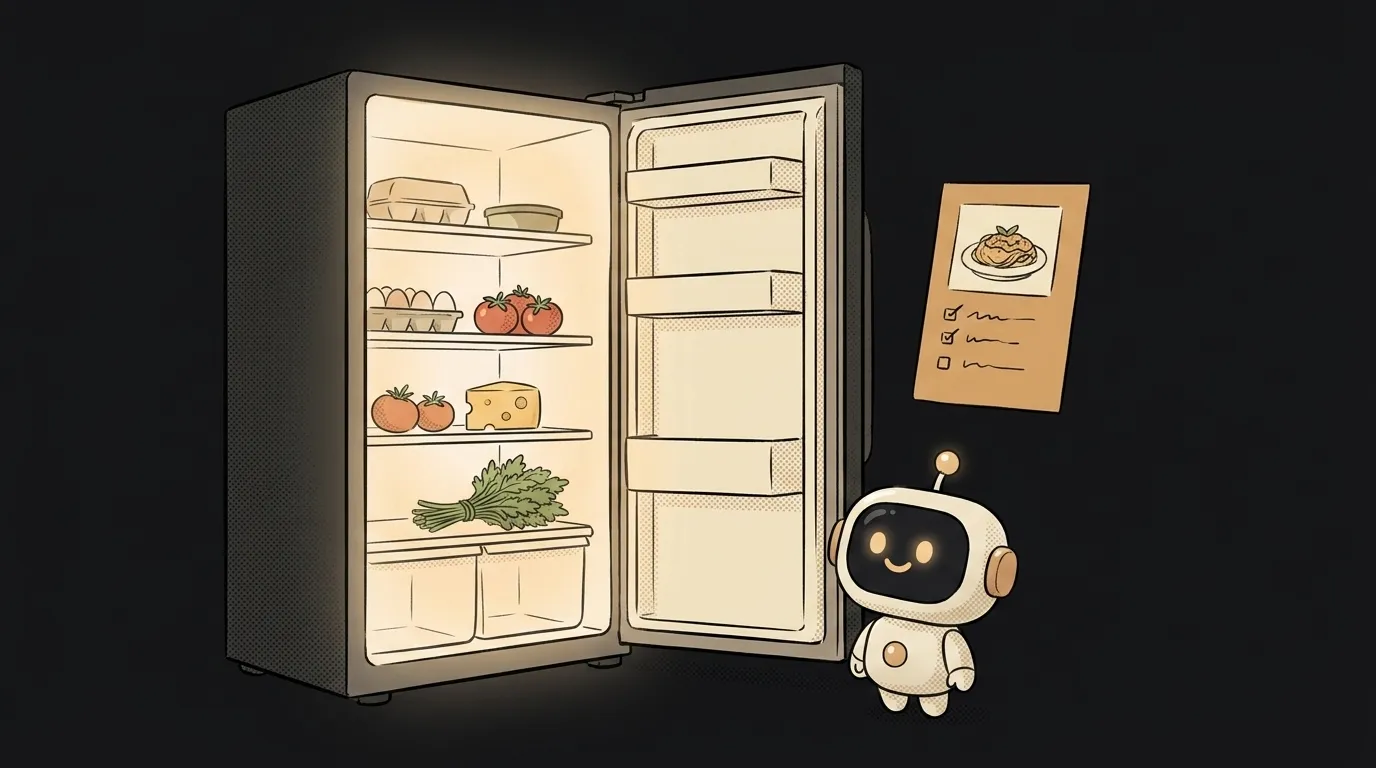
Here's the idea in one line: you photograph a fridge shelf — and the app hands back a recipe made from what's on it. And separately, a short list: «buy eggs and herbs».
Here's what's new. Models used to look at a photo of food in broad strokes: «some vegetables, cheese». Turning that into a recipe was its own hassle. Gemini 3.5 Flash added something blunt and direct: from a photo of ingredients it comes up with a recipe and builds a shopping list itself. So the whole project is one shot and one request.
Why this one
The evening «what do I cook» question is familiar to everyone. The food's kind of there, but your head is empty. Going to the store is a drag, and online recipes need things you don't have. You want the opposite: here's what I've got — tell me what it makes.
There's less magic here than it looks. The app is one pipe: the photo goes to the model, a finished recipe and a buy-list come back. All the work is in one clean request.
What you'll learn
- Sending the model a photo. A camera shot goes into the request as input — a picture, not text.
- Asking for a structured answer. Not «come up with something», but «return a name, steps, and a buy-list» — as separate fields.
- Putting rails on the model. «Cook only from what's in the photo; assume salt, oil and spices are on hand» — otherwise it writes in a pineapple you don't own.
A ready starter prompt
Don't ask «come up with a recipe from this photo» — you'll get a dish full of food you don't have. Say what to cook from, what to treat as given, and what shape to return:
Come up with a recipe from this photo of food.The strong prompt leaves no room to improvise: it's clear what to cook from, what's already on hand, and exactly the format you need. First try, you get a real recipe — not «you'll need veal».
What you end up with
You open the fridge, take one shot. A couple of seconds later: «Omelet with tomatoes and cheese», three steps, and below — «buy herbs». You cook by the steps. No scrolling recipes, no «nothing to eat again». The same trick works on a veg drawer or a shelf before the weekend — so the shopping list builds itself.
Start with one recipe on screen, build up to a shopping list — and «what do I cook» gets answered with a photo.
Short story-lessons, an agent simulator and daily practice — in our mobile app. Free.
Источник: Gemini 3.5 Flash builds a recipe and shopping list from a photo of ingredients
Read next

A web page that watches your camera live — 30 frames a second, offline, no server

Describe a place in words — and hear it. AI now mixes sound as a scene, not clips

Drag a folder — your site is live. No signup needed

One image — and your character talks back, live
One selfie — and you're in any era, with the same face