An agent that finishes the job while you sleep — close the laptop, it keeps working
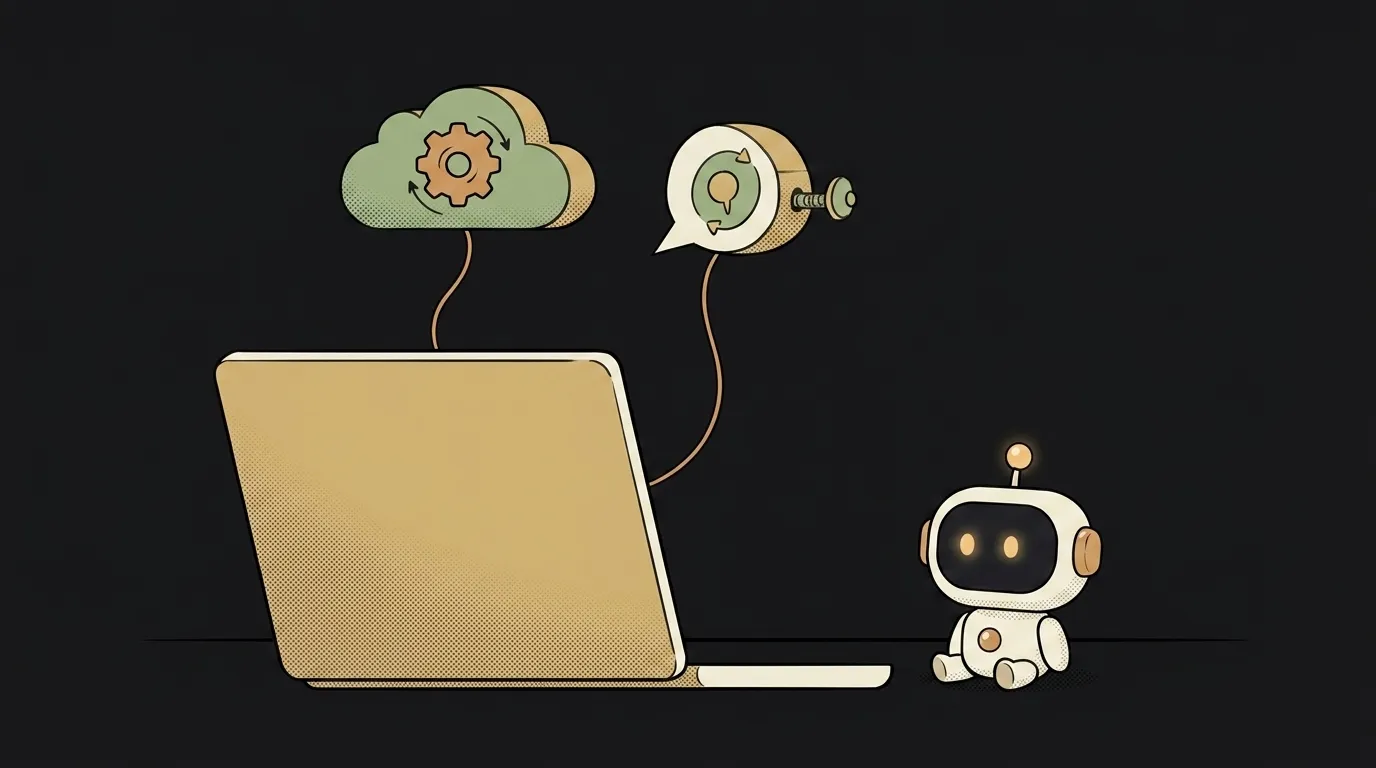
The idea in one line: you hand an agent a big, boring task — "read these 200 emails and pull out three takeaways" — close the laptop, and pick up the finished result an hour later. It worked the whole time on its own.
Why this just became possible
A normal agent lives only while the window is open. Long task — reads a dump, counts, builds a report — and you sit there holding the tab. Close the laptop on the train, lose the Wi-Fi, and the agent dies halfway. Start over.
On July 7, Google added background tasks to the Gemini API. You set one parameter — background: true — and the request goes off to run on Google's server. You get an ID back immediately. No need to hold the connection: close the tab, come back an hour later, fetch the result by that ID. And they opened it on the free tier — so you can try it for zero.
Now the agent survives a shut lid and a dropped connection. You're not waiting on it — it's waiting on you.
What you'll learn
- Async. The task lives not in your window but on the server — and survives your window closing.
- Polling by ID. How to fetch the result when it's ready, instead of staring at a spinner.
- A long agent task. Read a lot, count, boil it down to a short takeaway.
- Zero server of your own. It all runs at Google's — you just send the task and grab the answer.
A ready starter prompt
Don't ask for "an agent that reads my email" — you'll get a chatty bot that hangs on a long task. Describe the background launch and the polling by ID:
Make an agent that reads my email and draws conclusions.The strong prompt sets up not a "smart bot" but the right mechanics: fire into the background, get an ID, fetch it later. That's exactly what lets the task survive a closed laptop.
What the result looks like
You hand the agent "read my order export for the month and tell me what sells worst." You hit "run" — and get back a line: "working, ID: …". You close the laptop, go to lunch. You come back, hit "check" — and there's a finished breakdown: three worst sellers and why nobody buys them. You didn't stare at a spinner the whole time. It did it itself.
Start with a tiny task — "sum up this list" — just to see the answer arrive after you've already closed the tab. Then you'll want to feed it something long and genuinely tedious.
Short story-lessons, an agent simulator and daily practice — in our mobile app. Free.
Source: Google — Expanding Managed Agents in Gemini API: background tasks, remote MCP and more
Read next

Fly down your own route in pixel art — with the buildings standing where they really stand
Cut a jet engine in half — and it works out what just happened to it
A $7 board — and AI taps around your iPhone on its own. No Mac, no jailbreak
47 vacation clips — and an agent cuts them into a video on the beat

Build a “send as-is” button — a model that hands you the email, not advice about it