How to cache AI responses — so you don't pay twice for one question
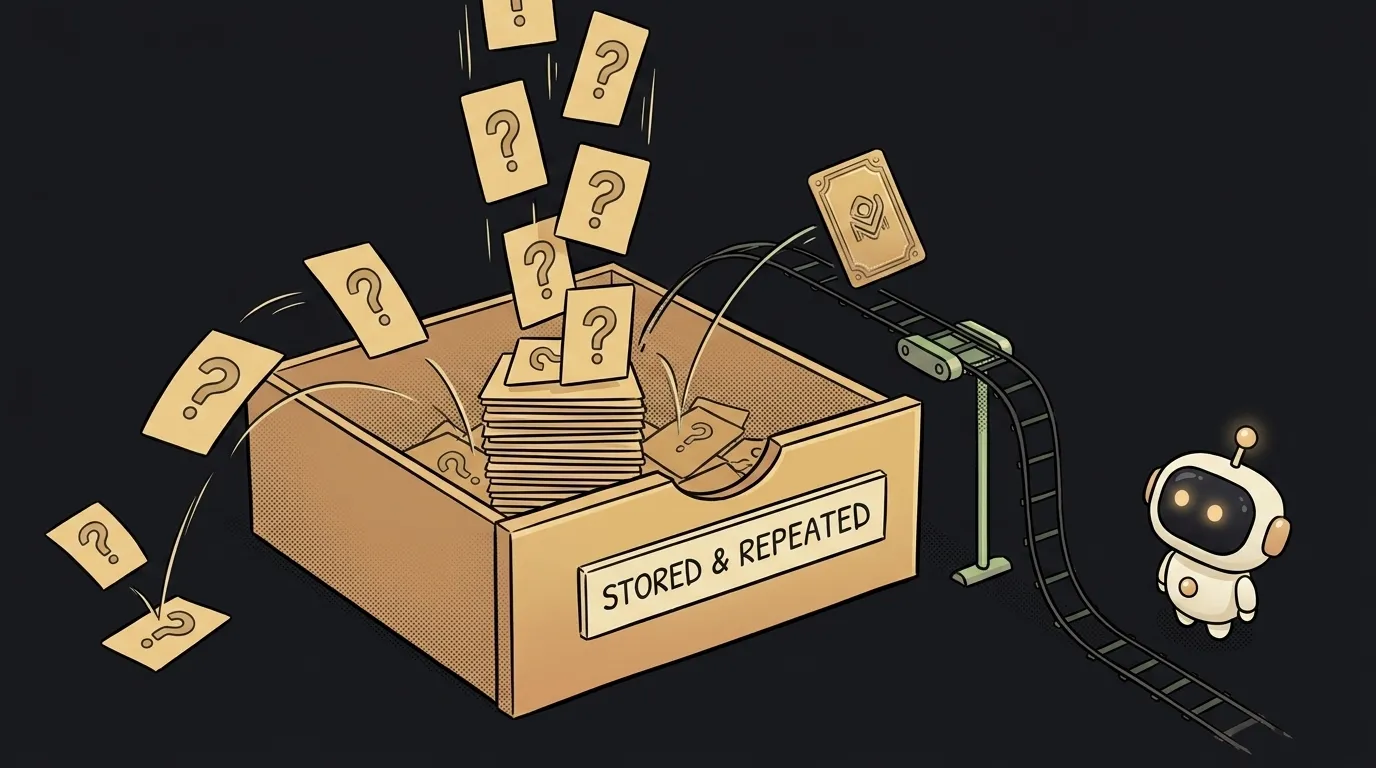
Here's where money leaks: your app asks the AI the same thing a hundred times — "translate this menu", "explain this term" — and pays again and waits seconds each time. But the answer doesn't change. Caching breaks that loop: ask once, remember the answer, then serve it instantly and for free. Let's do it step by step.
Step 1. Find what's worth caching
It's worth caching requests that repeat often and give the same answer. Not everything.
- Cache: translating a fixed text, explaining a term, answering a common FAQ question, describing the same image. The question repeats — the answer can be reused.
- Don't cache: personal answers ("make a plan for my day"), anything time-dependent, and requests where you deliberately want different answers. There's a separate breakdown on why AI gives different answers — if the answer should stay live, skip the cache.
Rule: same input → same output. Only that goes in the cache.
Step 2. Turn the request into a key
A cache is basically a table of "key → answer". You build the key from the request so that requests that mean the same thing produce the same key.
Two things:
- Normalise the text. Strip extra spaces, lowercase it. Otherwise "Hello" and "hello " become different keys and the cache misses.
- Squeeze it into a hash. A long text (let alone an image) is awkward as a key. Run it through a hash function — you get a short fingerprint string, always identical for identical input.
key = hash( lowercase(trim(request)) )
If the request includes more than text — the model or settings — add those to the key. Model A and model B give different answers, so their keys must differ too.
Step 3. Check the cache BEFORE calling the model
This is the heart of it. The order: look in the cache first, and only if it's empty go to the model.
answer = cache.get(key)
if answer exists:
    return answer        # instant, free
else:
    answer = ask_model(request)
    cache.set(key, answer)
    return answer
That's it. On the first request you pay once. On the second, third, hundredth — you take it from the cache for nothing.
Step 4. Pick where to store the cache
Where this "key → answer" table lives depends on scale:
- In app memory — simplest, but the cache vanishes on restart. Fine for trying it out.
- In a database — survives restarts, shared across users. A good default.
- In a dedicated cache store (like Redis) — fast, and it can delete old entries itself. That's when you have a lot of requests.
Start simple. The database you already have covers 90% of cases — don't drag Redis into a weekend project.
Step 5. Set a time to live (TTL)
Final touch. Sometimes an answer is right today but stale tomorrow — say you're caching weather or an exchange rate. So the cache doesn't serve stale data forever, give it a time to live (TTL): "keep for an hour", "keep for a day".
cache.set(key, answer, ttl = 1 hour)
After an hour the entry disappears on its own, and the next request fetches something fresh from the model. For eternal answers (a translation, a term explained) you can skip the TTL entirely — they don't go stale.
What you get
Put the five steps together and here's the result. The first unique request goes to the model as usual. Every repeat comes back from the cache: instant and free. On a typical app where questions repeat often, that cuts the AI bill several times over and removes the waiting seconds. A cache is the cheapest upgrade to speed and wallet you can make.
Want to squeeze costs harder — see the full breakdown on how to cut your AI costs: the cache is the first lever there, but not the only one.
Is a cache the same as AI "memory"?
No. A cache just hands back a ready answer to an identical request — it doesn't understand meaning, it doesn't care what the question is about. AI memory is when the model takes the past conversation into account and adapts. A cache saves on repeats; memory makes the dialogue coherent. Different jobs.
Cache by exact match or by meaning?
Start with exact — it's simpler and safer. There's an advanced variant: caching by meaning, where similar requests ("what's 2+2" and "two plus two") hit one answer. It catches more repeats but sometimes returns the answer to a slightly different question — a risk. For a start, exact match is plenty.
Short story-lessons, an agent simulator and daily practice — in our mobile app. Free.
Read next
Why you get NaN in JavaScript — 3 causes and how to find where it came from

How to convert a string to a number in JavaScript — without tripping on a comma

Why my loop never stops — and the tab freezes solid

Why my array is empty — and why there's no error

Why your AI agent edits the wrong file — three causes and how to check each