Mobile app or Telegram bot — what to build first
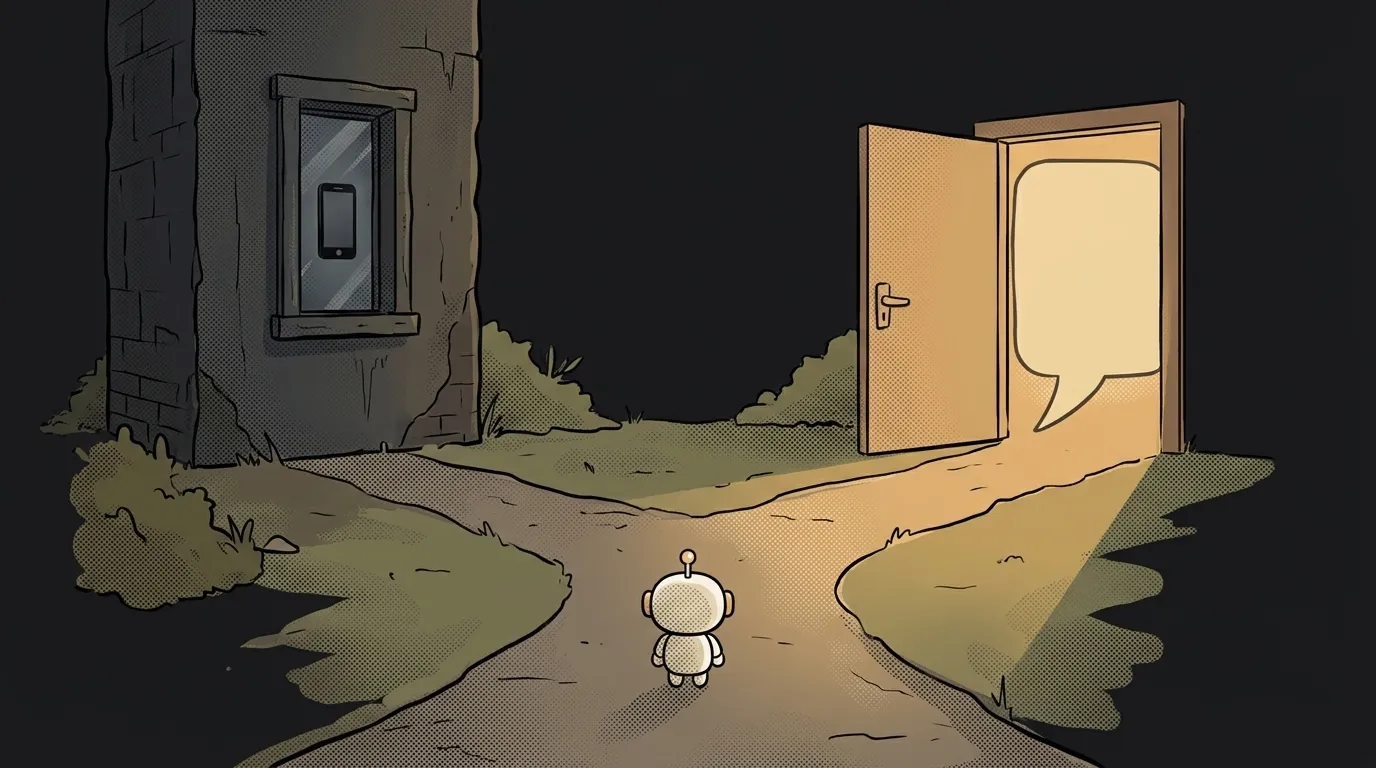
Ideas have an annoying property: they always show up in your head as an app. An icon on the home screen, swipes, the whole thing.
Now the annoying truth about timelines. For an app, "the code is done" and "the first real user" are two weeks apart: developer account, build, store review — and then a human has to actually want to install your program. For a bot that gap is a minute: you send a link, they tap Start.
Let's compare honestly, criterion by criterion.
How a user gets in
- Bot: a
t.me/your_botlink → tap Start → they're inside. Nothing to install, the account already exists. - App: find it in the store → download a hundred megabytes → open → sign up. Every step sheds people.
For validating an idea this is the decisive one. Your MVP has to reach a person before they lose interest.
What it costs to start
- Bot: nothing. The token from @BotFather is free; hosting starts on a free tier or the cheapest VPS.
- App: an Apple Developer account is $99 a year, a Google Play account is $25 once. Plus iOS needs a Mac.
Which means you pay for the app before finding out whether anyone wants the idea at all.
What shipping an update looks like
- Bot: deploy and you're done. A second later everyone is on the new version, and rolling back is just as quick.
- App: new build → upload → review (usually a day or more) → and then users still have to update. A typo on a button lives on people's screens for days.
For a project that changes every evening, that's a huge difference.
Notifications
- Bot: a Telegram message is the notification. Permission is already granted — they started the conversation themselves.
- App: push notifications need setting up (Apple and Google services, keys, a server), and then you still have to convince the user to tap "Allow". Plenty don't.
If the whole point of your project is to remind or to deliver something, the bot wins outright.
Interface
This is the app's one big advantage:
- Bot: messages, buttons under them, a command menu. Forms, sliders, complex screens — not really. Partly solved by Mini Apps: a normal web page that opens inside Telegram and can do nearly anything a site can.
- App: any interface you like, gestures, animations, camera and sensors, offline.
How people find you
Here's the one point where the app genuinely wins over the long run.
- App: the store has search, categories and editorial lists. It's a thin stream, but people do arrive on their own, without any effort from you.
- Bot: it doesn't promote itself. Telegram has no bot storefront, and in-app search matches on the name — meaning only someone who already knows what you're called can find you. Every user arrives through your link: a post, a chat, an article, a video.
At the start that's not a downside: you'll bring your first twenty people in by hand whatever you're building. But if your plan relies on "found it in search and installed it", factor this in early.
Taking money
- Bot: digital goods inside Telegram are paid for with Stars, and the platform takes its cut. Physical goods and services go through a regular payment provider.
- App: stores charge commission on digital purchases and require their own payment system; physical goods can use yours.
Commissions exist everywhere. The difference is that a bot requires you to configure nothing until you actually sell something.
The verdict: start with a bot
Straight, no "it depends": for a first project, build a Telegram bot. You'll assemble it in an evening, hand it to friends the same day, and within a week you'll know for certain whether anyone uses it. An app at that same stage is still waiting for review.
Go straight to an app only if you hit one of three cases:
- You need the phone's hardware: live camera, step counting, background location, working offline.
- Your audience isn't on Telegram. Check that before, not after — in some countries the messenger is barely used.
- The bot has outgrown its interface. That's a good problem: it means real people already validated the idea.
And the reassuring part: moving over doesn't start from zero. All the logic lives on the server, and the bot and the app are just two windows onto it. If what's actually bugging you is site versus app, that's the neighbouring question — covered separately.
Can I move from a bot to an app later?
Yes, and it's a normal path. Keep logic and data on the server and treat the bot as your first client. Then the app becomes a second client of the same API rather than a rewrite.
What is a Telegram Mini App?
A web page that opens right inside Telegram from a bot button. It gives you a proper interface with forms and lists, without a store install — a compromise between a bot and an app.
Does a bot need its own server?
Yes — a bot is a program that has to run around the clock somewhere. On a laptop it dies with the lid; we covered why separately. A free cloud tier is enough to start, and a first bot takes an evening to build.
The AI Architect 2027 course: step by step from computer basics to your own app and first customers. 543 short lessons on your phone.
Read next

Why SSH still asks for a password when your key is set up — 3 causes

How to set up ~/.ssh/config — short server names instead of long commands

Why does SSH disconnect on its own (Broken pipe) — three causes and how to fix them

How to read command help (--help and man) — and find your version's flags in a minute

Why Ctrl+C doesn't stop a program — and how one except line causes it
