How to build an AI Telegram bot — 6 steps, and where people get stuck
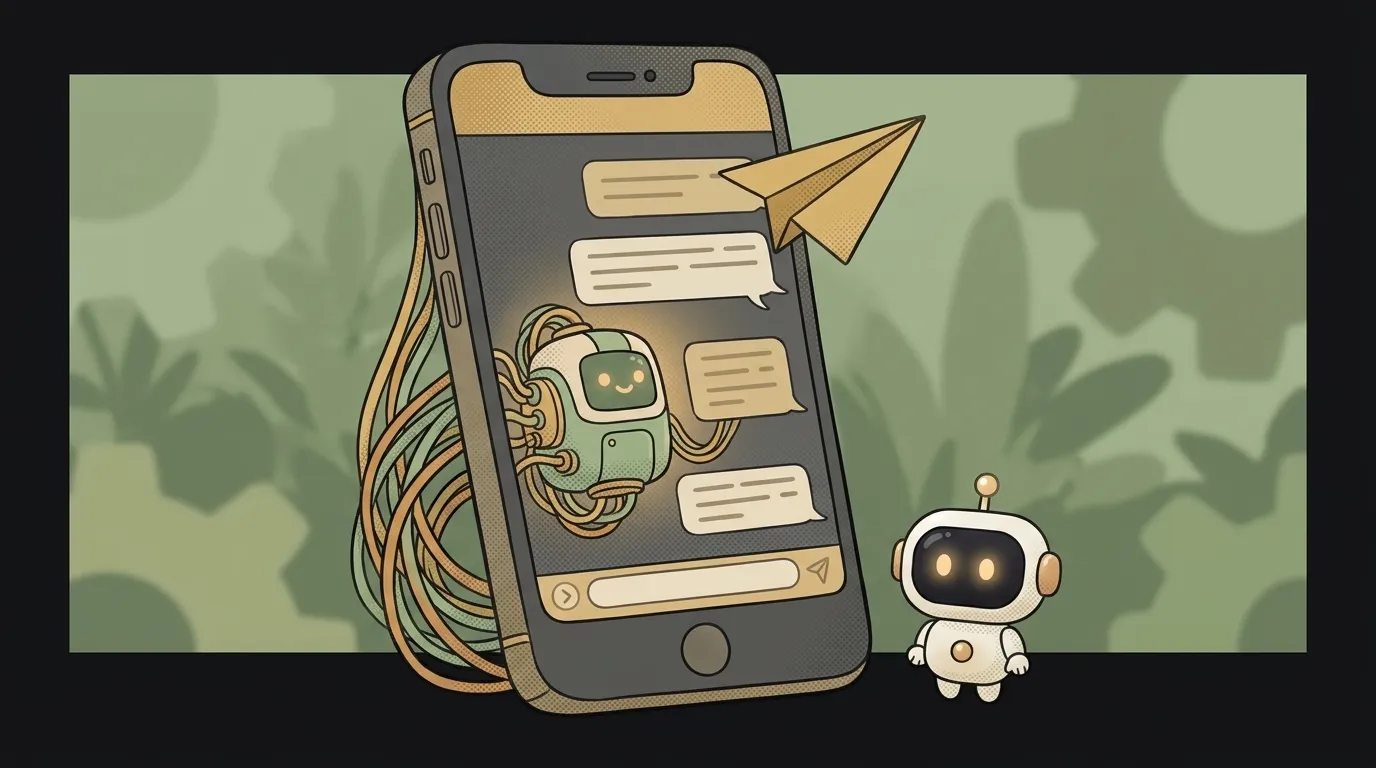
Want to give your AI real users today, not "someday"? A Telegram bot is the fastest route. No website, no app store, no review. One token — and your code is already in people's pockets, inside an app they keep open all day anyway.
Let's go step by step — with real commands and the spot where beginners usually get stuck.
Step 1. Get a token from BotFather
Open @BotFather in Telegram (the official bot for creating bots). Send /newbot, pick a name and a username (must end in bot). Back comes a string like 123456:ABC-DEF... — that's the token, the key to your bot.
Copy it, but don't paste it into your code yet. We'll come back to it in step 5 — it's a secret.
Step 2. Choose how the bot receives messages
Two roads here, and a beginner should pick the right one:
- Polling. Your program asks Telegram once a second: "any new messages?" No public address needed; it runs right from your laptop. Use this to start.
- Webhook. Telegram knocks on your server itself when a message arrives. Faster and leaner, but it needs a public HTTPS URL. That's for production.
Start with polling. Switching to a webhook later is a couple of lines.
Step 3. Stand up a minimal bot
Let's use Python and the python-telegram-bot library. Install it:
pip install python-telegram-bot
And the smallest working echo bot:
from telegram.ext import Application, MessageHandler, filters

async def reply(update, context):
    text = update.message.text
    await update.message.reply_text(f"You said: {text}")

app = Application.builder().token(TOKEN).build()
app.add_handler(MessageHandler(filters.TEXT, reply))
app.run_polling()
Run it, message the bot in Telegram — it echoes you back. The skeleton is done. Next: swap the echo for brains.
Step 4. Connect the model
Instead of echoing, we call a language model in the handler and return its answer. Pseudocode, so you see the shape:
async def reply(update, context):
    answer = call_model(update.message.text)   # request to the model's API
    await update.message.reply_text(answer)
Inside call_model is an ordinary request to any model's API: you send the user's text, you get an answer. If you want the bot to remember the conversation, stack previous messages in a list and pass them along with the new one — the model on its own remembers nothing between requests.
If you want the bot to not just chat but act (search, calculate, call another service), that's an agent, and the next level here is giving it tools.
Step 5. Hide the token and key — not in the code
Here's where people get stuck and where access leaks: the bot token and the model key must not be written straight into your code and pushed to a repo. Leak them, and strangers will send spam in your name and burn through your balance.
Put both in environment variables and read them from there:
import os
TOKEN = os.environ["TELEGRAM_TOKEN"]
For how to do this properly, see the guide on how to store secrets safely. This isn't a "later," it's a "right now."
Step 6. Deploy so the bot lives without your laptop
While the program runs on your computer, the bot is alive; close the lid and it dies. To keep it always on, push the code to a host that keeps the process running (Railway, Render, any VPS). Set the environment variables from step 5 there too. In production it's worth switching to the webhook from step 2.
What you get: a live Telegram bot that answers anyone via AI, keeps secrets outside the code, and runs around the clock. From here: add commands, memory, and tools.
Where do I start — polling or webhook?
With polling. It runs straight from your laptop with no public address — perfect for trying it out. You'll move to a webhook when you deploy: that's about speed and economy, not "correctness."
Do I need my own server?
For development, no — a laptop with polling is enough. To keep the bot always alive, yes, you need a host that keeps the process running. A free Railway/Render tier works to start.
How do I make the bot remember the conversation?
On its own it doesn't. Store each user's message history in a list (or a database) and pass it to the model along with the new question. The longer the history, the pricier each answer.
Short story-lessons, an agent simulator and daily practice — in our mobile app. Free.
Read next

AI agent vs workflow — when the AI decides, and when to keep it on rails
What is an agent loop — how an AI finishes a task on its own
What is a sandbox — and why it's safe to let an AI agent run code
API or webhook — what's the difference and when to use which

RAG or long context — paste your documents in or search through them