What is a feature flag — and why code in production doesn't mean 'on'
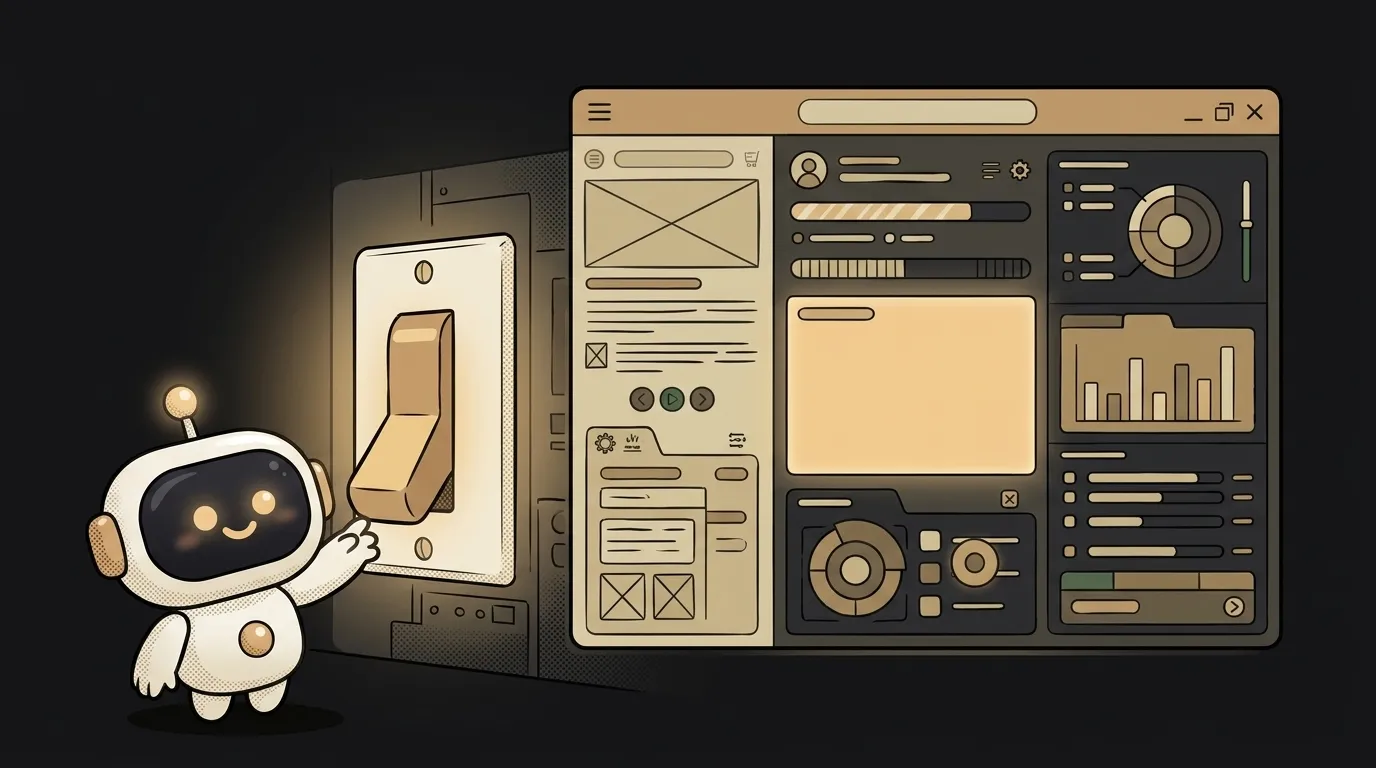
Shipping code to production and showing a feature to users are two different events. A beginner thinks they're one: uploaded means turned on. In reality there can be a week between them.
The trick is a small switch in the code — a feature flag. The code is already in production, sitting and waiting. Whether users see it or not is decided not by a new release, but by a flick of that switch.
What a feature flag is
A feature flag (also "feature toggle") is a condition in the code: "show the new thing or not." It's basically one if check.
if (flag "new-feed" is on) {
  show the new feed
} else {
  show the old one
}
The flag's value lives not in the code but outside it — in a config, a database, or a dedicated service. So you can flip it without touching code and without shipping a new version.
Why separate "ship" and "show"
While they're one event, every release is a blindfolded jump. You upload code — and it's on everyone at once. A bug appears — roll back the whole release.
A flag breaks the coupling. You calmly ship the code to production turned off. It's there, deployed, passed the checks — but users see the old thing. You flip it on when you're ready: not at 2 a.m. after a merge, but in the morning with a clear head.
How it works: one check
The mechanics are primitive, and that's the strength.
- You wrap the new feature in
if (flag is on). - You keep the flag's value outside the code — in a config file or a database.
- You change the value — the app reads it and behaves differently. You never touched the code.
This isn't a separate technology. A flag can be made from a plain environment variable at first, and later from a row in a database you change on the fly.
What it buys you in practice
Three moves flags were invented for.
- Gradual rollout (canary). Turn the feature on for yourself first, then 5% of users, then everyone. Something's off — roll back on the switch, not the release.
- Kill switch. The feature starts breaking production — you snuff it out with one flick, in seconds, no rebuild and no deploy.
- A/B test. Half see version A, half see B — you watch what lands. One codebase, two behaviors.
Bonus for the solo dev: you can merge an unfinished feature into the main branch — turned off. It doesn't get in the way because it's hidden behind the flag. That saves you from long-lived branches that hurt to merge later.
One trap: flags pile up
Flags have a dark side. Each is an if/else fork, two roads in the code. Three flags — eight possible states. Forget to remove a dozen old ones and you no longer know which branch you're living in.
The rule is simple: a flag is temporary. The feature is rolled out to everyone and stuck — delete the flag and the dead branch. A flag is scaffolding, not part of the building.
Are a feature flag and an environment variable the same?
Not quite. An environment variable is a way to store a value outside the code. A feature flag is the idea of turning a feature on and off without a release. A simple flag is often made from an environment variable, but a flag can also live in a database and change on the fly — while a variable is usually set once at startup.
Do I need a feature flag if I work alone?
One good flag — yes, worth it. Even solo it's useful to ship an MVP with the raw part turned off and flip it on when you get to it. Just don't build a system of twenty flags on a side project — that's complexity for nothing. One or two switches on the genuinely risky bits.
Short story-lessons, an agent simulator and daily practice — in our mobile app. Free.
Read next
Why your download link opens the file instead of downloading it — 3 causes
How to make font size responsive — and why font-size in vw breaks zoom
Why fetch returns stale data — 3 caching causes and how to fix them
How to calculate the number of days between two dates in JavaScript — and why you get one day too few
Why changing one item changes all of them — three causes and fixes