Why my webhook isn't firing — the three causes that catch everyone
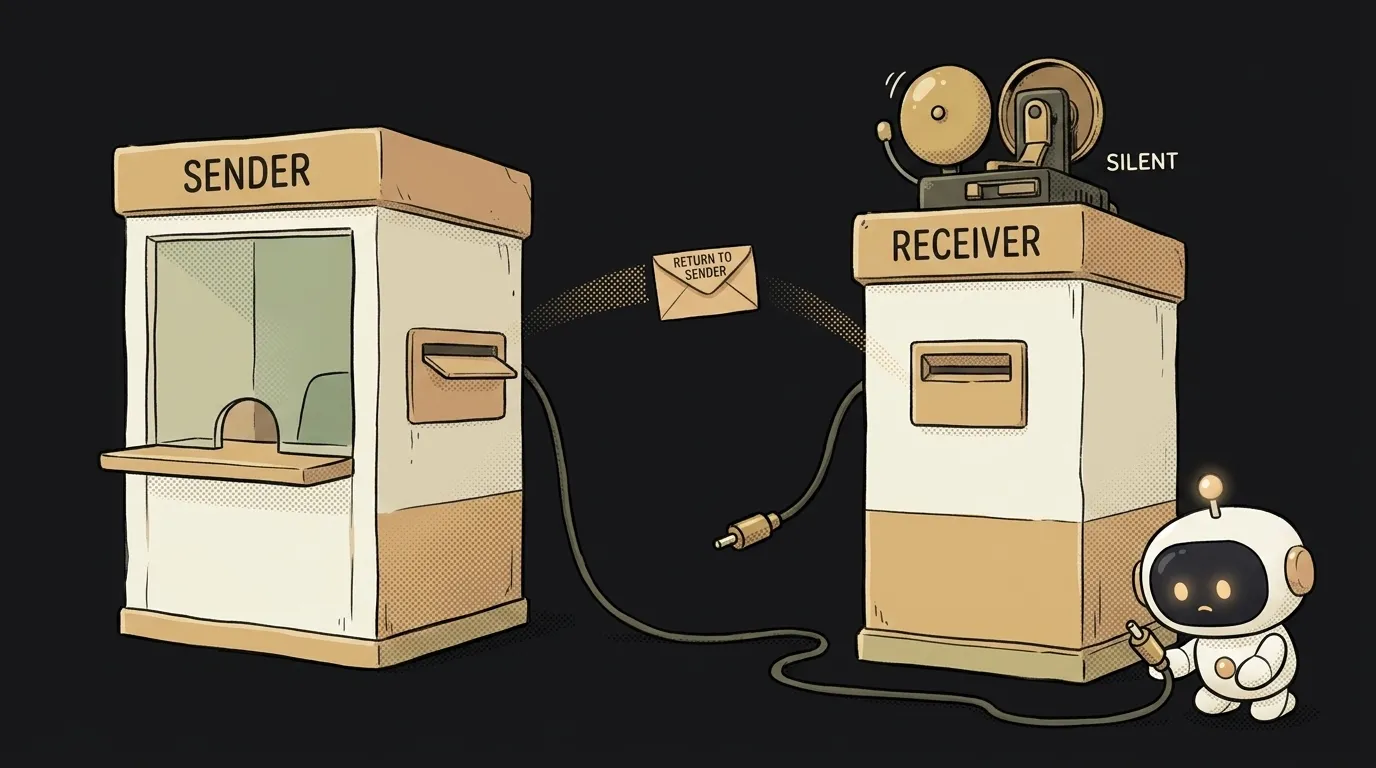
You set up a webhook, trigger the event — and silence. It looks like it isn't firing.
Almost always that's false: the webhook fired. It just didn't reach your code — or it reached it and you rejected it by accident. Good news: there are essentially three causes, and all fix fast. Let's go from the most common.
The symptom: the event happens, the webhook is silent
First, let's line up what's actually going on. A webhook is when someone else's service knocks on your URL the moment an event happens: a payment came in, someone messaged the bot. You gave the service an address — it sends a request there.
"Isn't firing" can mean three different things: the request didn't go out, it went out but didn't arrive, it arrived but you didn't accept it. Let's sort by frequency.
Cause 1 (the most common): your URL is unreachable from outside
Nine out of ten — this one. You're testing on localhost:3000. For you it opens. But the webhook is sent not by your browser, but by someone else's server on the internet — and from the internet, localhost means its own machine, not yours.
How to check: open your webhook URL from your phone on mobile data (not home Wi-Fi). Didn't open — then the sender can't reach it either.
How to fix: give your local server a public address via a tunnel. ngrok http 3000 or cloudflared will raise a temporary public URL that leads to your localhost. Paste that address into the webhook settings. In production — just the normal domain of your deployed app.
Cause 2: you didn't return 200 — and the sender gave up
The webhook arrived, your code ran — but you didn't tell the sender "got it." Services expect an HTTP 200 in reply. They don't get it — they consider delivery failed, and after a few retries they turn the webhook off entirely.
How to check: look at the sender's delivery history in their dashboard. Red attempts with 500, 404, or "timeout" — there's your answer.
How to fix: always return 200 in the handler — and do it fast. If there's heavy work inside (generation, an email), don't hold up the reply: answer 200 first, then do the slow thing in the background. The sender needs the fact "it arrived," not the result of your work. It helps to understand how an API request works and what a response code is.
Cause 3: the signature doesn't match — you rejected it yourself
It arrived, you replied — but your own code decided the request was fake and threw it out. Many services sign the webhook with a secret, and you verify the signature on your side. It doesn't match — your code answers 401 and ignores it. The webhook "didn't fire," even though a real one came in.
How to check: temporarily log the incoming request before the signature check. The body arrives — so it's the verification, not the delivery.
How to fix: confirm the secret in your code matches the one in the service's dashboard (a common one — a secret from the test environment, but the webhook is from production). And verify the signature against the raw request body: if the framework already parsed the JSON and rebuilt it, the bytes change and the signature won't match.
The universal move: read the sender's logs
Don't guess on your side. Any decent webhook service has a delivery log: when it sent, what code it got back, what was in the body. It's the fastest way to see which of the three steps everything stalled at. A green 200 in the log but nothing on your end — hunt for the bug in your code. A red code or nothing — the problem is delivery.
How do I test a webhook locally?
Raise a tunnel (ngrok http 3000) and paste its URL into the webhook settings — then someone else's service can reach your localhost. Many dashboards give a "send a test event" button: hit it and watch whether it arrives. That's faster than waiting for a real event like a payment. It's just as handy for debugging a Telegram bot.
The webhook came in twice — is that a bug?
No, it's normal. If the sender didn't get a clean 200 (or got it late), it will retry delivery — and one event lands twice. So the handler must be idempotent: a repeat of the same event shouldn't create a second payment or a second email. Check the event's unique id and skip it if you've seen it already.
Short story-lessons, an agent simulator and daily practice — in our mobile app. Free.
Read next
Why your download link opens the file instead of downloading it — 3 causes
How to make font size responsive — and why font-size in vw breaks zoom
Why fetch returns stale data — 3 caching causes and how to fix them
How to calculate the number of days between two dates in JavaScript — and why you get one day too few
Why changing one item changes all of them — three causes and fixes