Git vs GitHub — why they're not the same thing at all
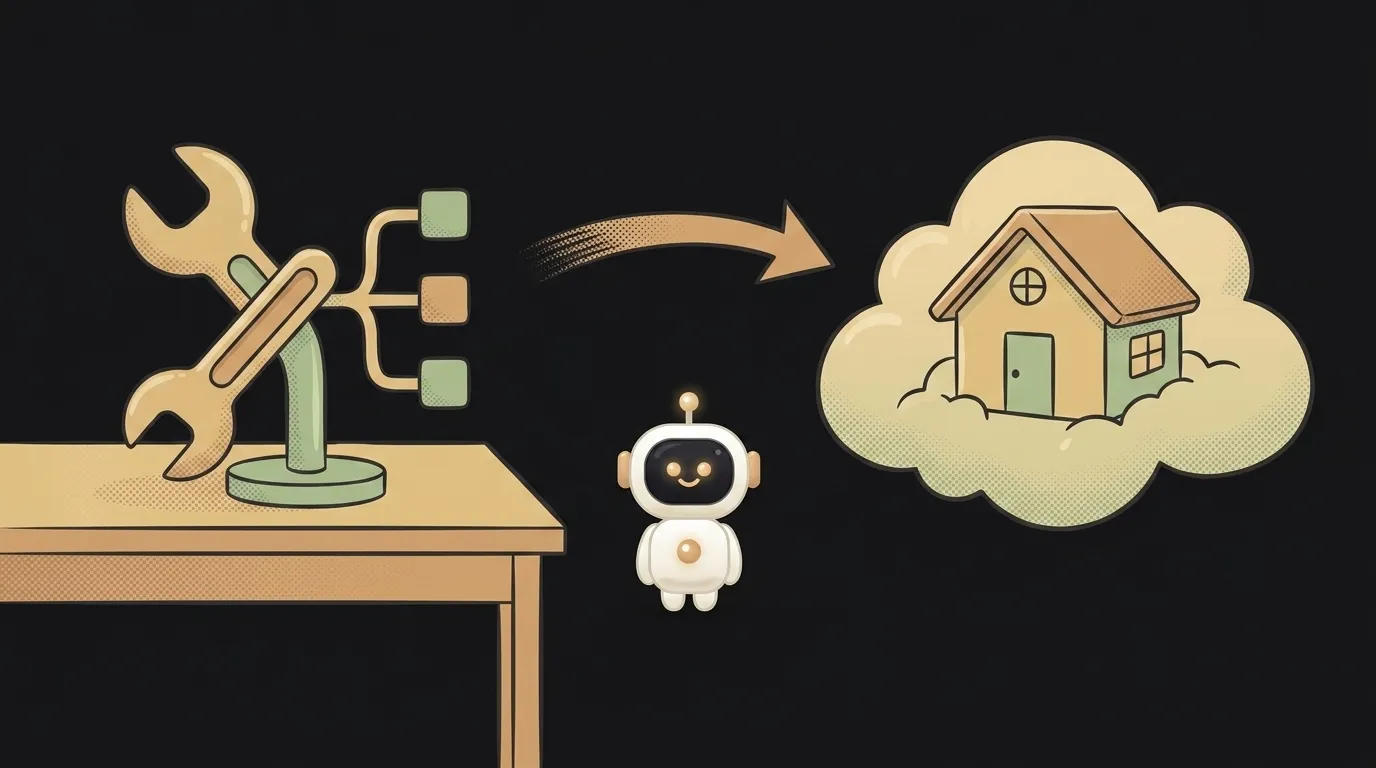
Here's where the confusion comes from: people say "push it to git," "send me your git," "check out my git" — and they almost always mean GitHub. The words fused, and a beginner honestly thinks they're the same thing. But they're two different animals, and the difference is simple once you see it.
The short answer: Git is a program on your computer. GitHub is a website on the internet. Below is what each one actually does and why, in a real project, you use both at once.
Git — a tool on your laptop
Git is a program that lives right on your computer and tracks the history of your project's files. Make a change — Git records it as a snapshot (a commit). Break something — you roll back to any earlier snapshot.
The key part: Git works fully offline. It needs no internet. On a plane with no signal you can commit a hundred times, spin up ten branches, merge them back — the whole history lives in a hidden .git folder inside your project, on disk. GitHub has nothing to do with it.
GitHub — a home for your Git in the cloud
GitHub is a website that takes your local repository and stores a copy of it on the internet. Why?
- Backup. Laptop dies — the history is alive in the cloud.
- Collaboration. Another person downloads your project, makes edits, sends them back.
- A showcase. You drop a GitHub link in a résumé and in chat — it's your code's public face.
On top of storage, GitHub adds its own layers that Git itself doesn't have: pull requests (propose changes for discussion), issues (a task and bug list), automatic checks on every commit. That's a service around Git, not Git itself.
An important corollary: GitHub is not the only such home. There's GitLab, Bitbucket, Codeberg — all of them store the same Git repositories. One Git, many "cloud homes" for it.
Table: who does what
| Criterion | Git | GitHub | |-----------|-----|--------| | What it is | a program | a website (service) | | Where it lives | on your computer | on the internet | | Needs internet | no | yes | | What it does | tracks code history locally | stores a copy, enables collaboration | | Can you skip it | no, it's the foundation | yes, but it's inconvenient | | Replacement | none | GitLab, Bitbucket, Codeberg |
How they work together
In a real project it looks like this: you commit locally (Git) and now and then push to the cloud (to GitHub). A push sends your accumulated commits to the site.
A rough analogy: Git is you writing and editing a draft in a notebook. GitHub is when you photograph the pages and file them in a shared cloud album others can look into. The notebook works without the album. The album without the notebook is pointless.
Who needs what — a verdict, no fence-sitting
This isn't an "either/or." You need both, in different measure.
- Git — mandatory, always. The moment you write code bigger than one file, a change history saves you from "oops, I broke everything and don't remember how it was." Install and learn it right away — that's where using Git as a beginner starts.
- GitHub — almost always, but second. As soon as the code is worth keeping off a single laptop or showing someone, you make an account and push. Swap it for GitLab, same idea.
To simplify hard: learn Git first, then get GitHub. The reverse doesn't work — GitHub with no Git has nothing to store.
Can I use Git without GitHub?
Yes, entirely. Git is a standalone program; the whole history lives on your disk. You only need GitHub when you want a cloud backup, collaboration, or a public link.
Why does everyone say "git" when they mean GitHub?
Historical habit: GitHub became the most popular place for Git repositories, and the service's name turned into slang. But technically "push to git" always means a push to GitHub (or GitLab), not to Git itself.
Split the tool and the site in your head, and half of the Git tutorials stop confusing you. Git tracks the history, GitHub stores and shows it. And picking up both step by step is easier alongside someone who explains things like a friend.
Short story-lessons, an agent simulator and daily practice — in our mobile app. Free.
Read next
Why your download link opens the file instead of downloading it — 3 causes
How to make font size responsive — and why font-size in vw breaks zoom
Why fetch returns stale data — 3 caching causes and how to fix them
How to calculate the number of days between two dates in JavaScript — and why you get one day too few
Why changing one item changes all of them — three causes and fixes