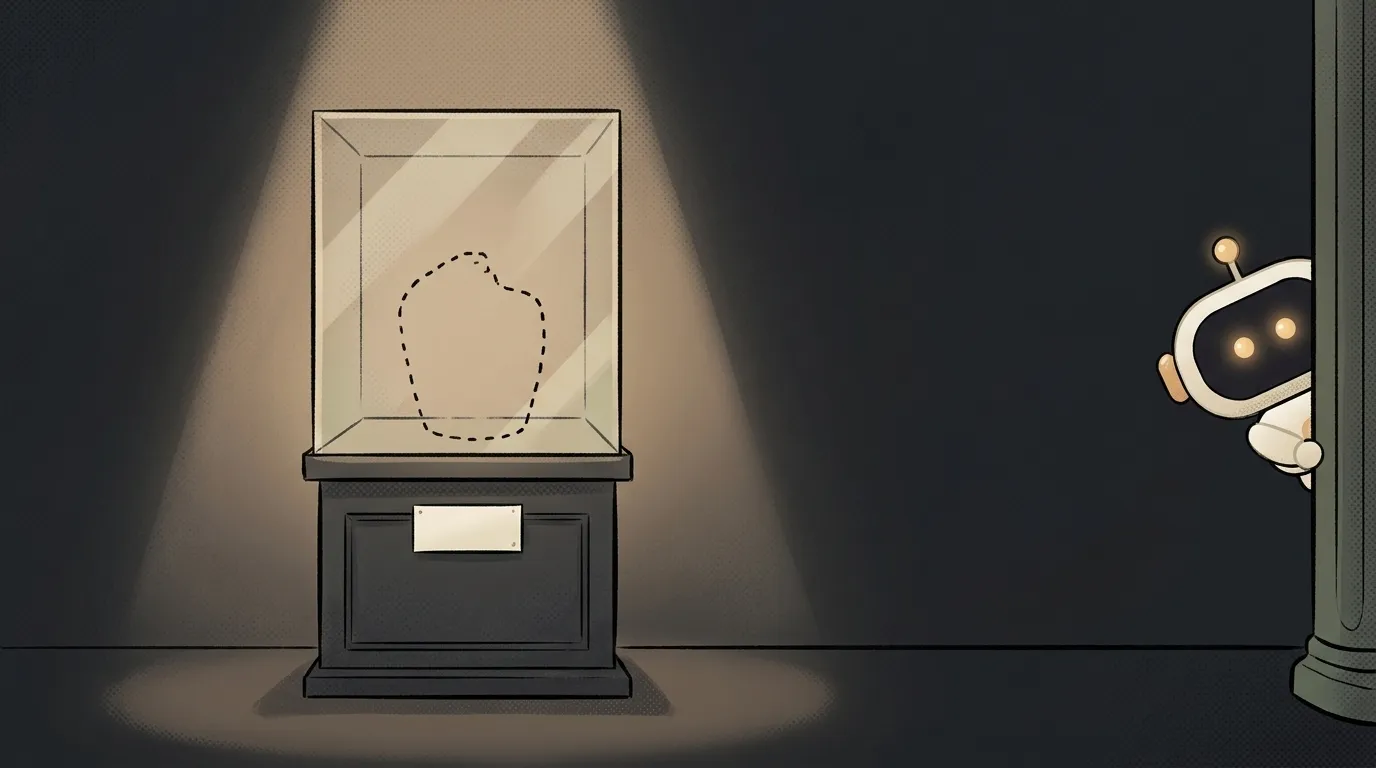
What is a repository — and why it's not a GitHub folder, but a time machine

Here's where almost every beginner gets confused. They hear "repository" and picture a folder of code somewhere on GitHub, in the cloud. Reasonable — but off.
A repository actually lives on your own laptop, in a hidden folder next to your code. And it's not just a folder — it's a time machine. It stores every version of your project: you can jump back to yesterday, to last week, or to before you broke everything with one line. GitHub is just one of the places you can keep a copy. Let's take it in order.
What it is — a project plus its whole history
A repository (a "repo") is your project folder, watched over by a version control system — usually Git.
An ordinary folder remembers only the current state of the files. A repository remembers every state: each save, who changed what, when, and why. It's like edit history in Google Docs, but for any project — code, text, configs.
The key idea: a repository = your files + all their history. Strip the history away and you're left with an ordinary folder.
Repository ≠ GitHub — an important difference
This is the main confusion, so let's say it plainly.
- Git — the program that keeps the history. Runs on your computer.
- Repository — a specific project under Git's watch (folder + history).
- GitHub — a website where you can store a copy of a repository in the cloud and share it.
An analogy: Git is the camera, the repository is your album of project snapshots, and GitHub is the cloud storage where you upload the album so you don't lose it and can show friends. You don't have to use GitHub at all: a repository lives happily on your machine. It's just handier with one — you get a backup and teamwork.
There are GitHub alternatives too — GitLab, Bitbucket, Gitea. They all store the very same Git repositories.
What's inside
When you run git init in a project folder, Git creates a hidden .git folder inside. That's what turns an ordinary folder into a repository. Delete .git and the history is gone, leaving just a set of files.
Inside the history live commits. A commit is a saved snapshot of the project at a specific moment, with a caption: what changed and why.
a3f9c  "added a login button"       ← today
7b2e1  "fixed the header color"      ← yesterday
1c8d4  "first commit"                ← the beginning
Each commit is a point you can return to. Broke the project? Roll back one commit and it's as it was. That's the time machine.
Local and remote — why two copies
A repository usually has two copies, and that's normal:
- Local — on your computer. This is where you work: change files, make commits.
- Remote — on GitHub or another service. A copy in the cloud.
You sync them with two moves: push — send your commits up to the cloud, pull — grab others' changes down to you. That's exactly how teams work: everyone local on their own machine, the shared center on GitHub. And when you want to propose your changes to someone else's project, you open a pull request — "please merge my branch." If that sounds like mush, don't worry — in practice you pick it up in an evening: how to use Git as a beginner.
While we're here — branches
Since we're on repositories: they also have branches. A branch is a separate line of changes — you make a copy of the project "off to the side," experiment freely in it, and if you break something the main version stays safe and sound. Came out well? You merge the branch back into the main one. Done, the idea is in. It's branches that turn a repository from "a history" into a safe sandbox where trying things isn't scary.
Do I need a repository for a tiny project?
Yes — the sooner the better. Even for a one-file project. A single git init at the start gives you an "undo" for the whole project, not just for your last action in the editor. The first time an AI assistant rewrites half the project in the wrong direction, you'll thank this habit.
Are a repository and a project folder the same thing?
Almost. A project folder becomes a repository the moment a .git appears inside (after git init or git clone). Before that — just a folder with files. After — a folder with files and a memory of every change.
Short story-lessons, an agent simulator and daily practice — in our mobile app. Free.
Read next
What is a string in programming — and why "5" and 5 aren't the same
What is return and a return value — and why console.log returns nothing
What is a boolean — and why the string "false" is actually true
for loop or map — which to use, and why await inside map doesn't wait
What is scope in programming — and why a variable is "not defined" when it's right there