What is a service worker — and why people still see the old version after you deploy
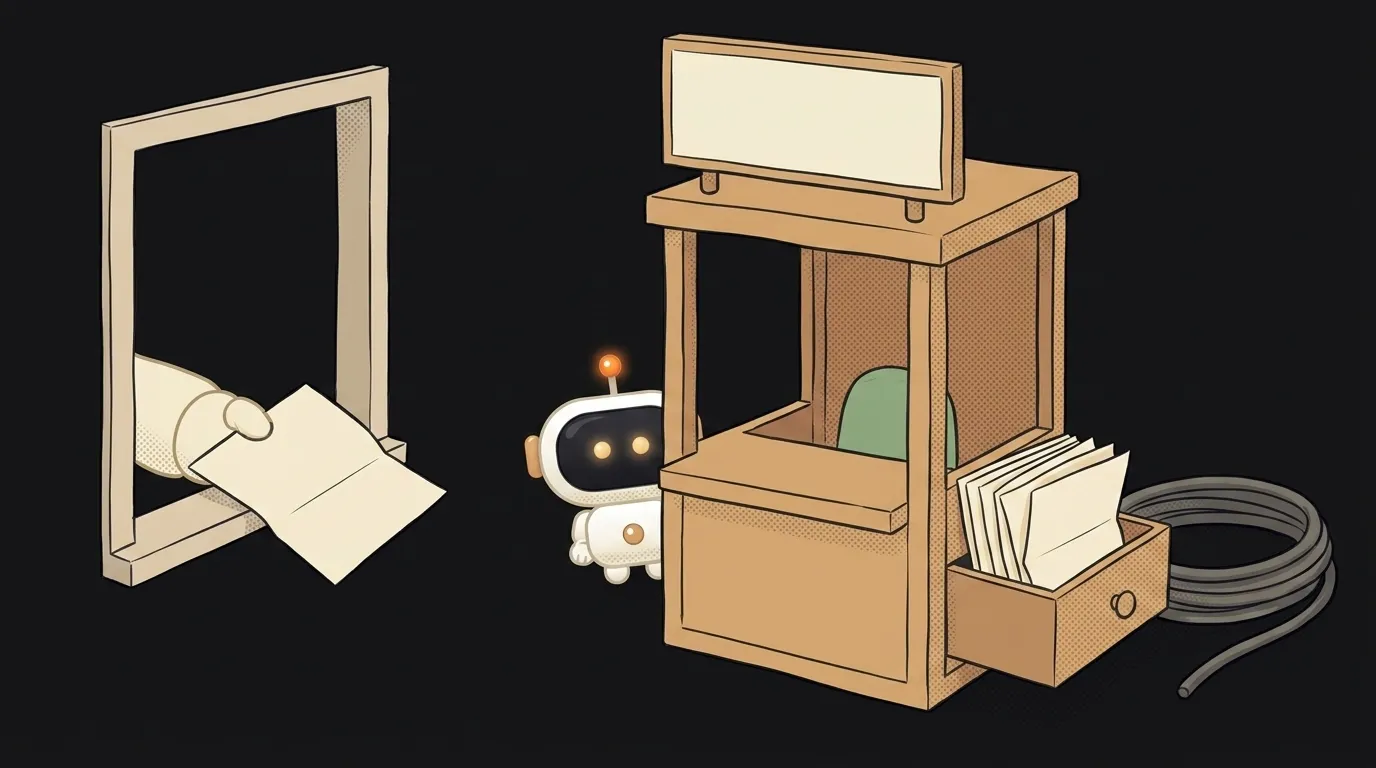
Here's the scenario that breaks everyone's brain once: you ship a new version, open the site — all good. Then someone writes: "I still see the old one." They hit F5 — still old. They clear the cache — sometimes it helps, sometimes not.
The surprising part: the culprit may not be the browser cache but your own script, the one you (or the template you built from) parked between the page and the internet. It's called a service worker, and it's deliberately built not to change on the fly.
What it is, in one line
A service worker is a script the browser keeps separate from the page, routing the site's network requests through it.
Picture a concierge in your building. Mail used to come straight to you. Now everything goes through them: they look at the envelope and decide — run to the post office, or hand you a copy from their own drawer. Fast, works even when the post office is closed. But while old newspapers sit in that drawer, that's exactly what you'll be reading.
The key difference from regular JavaScript: normal code lives inside a tab and dies with it. A service worker lives beside the site, can wake up with no tab open, and stays installed after you close the browser.
What it can do
- Work offline. It keeps copies of files and serves them when there's no network. That's why some sites open in the subway.
- Speed things up. Handing over an image from its own drawer beats fetching it over the network.
- Show push notifications. It's the thing that receives them — no tab required.
- Send data later. Submitted a form with no signal? It holds it and sends it when you're back online.
That combination is what turns an ordinary site into an "app": an icon on the home screen, launching without an address bar, working without a connection.
Why users see the old version
Now the important bit — the lifecycle. It explains that exact pain.
- Install. The browser downloads the new worker file and installs it. This is usually where it stores fresh files in the cache.
- Waiting. Then the non-obvious part: the new worker does not take over right away. It waits.
- Activate. It takes control only once all tabs controlled by the old one are closed.
And here's the trap: a plain page refresh (F5) doesn't count. On reload the tab doesn't disappear — the old page is still alive while the new one loads, so the old worker never lets go. Someone can hit F5 twenty times and see the same thing. What helps is literally closing every tab with your site and opening it again.
This is deliberate: two versions of a worker must never run at once, or caches and logic start fighting. If you need instant updates, the worker has skipWaiting() — "take over, don't wait" — plus clients.claim() to grab already-open tabs. It's one line that templates routinely forget.
So "it updated for me but not for them" isn't witchcraft or a deploy problem. Most likely they just never closed the tab.
Where it lives and what it needs
Three things worth knowing up front:
- HTTPS only. A script intercepting every request on your site is far too powerful to hand over an insecure connection. The exception is localhost, which browsers treat as secure so you can develop locally.
- Its scope depends on where the file sits. A worker in the root controls the whole site; one in
/blog/controls only that folder. Which is why it almost always goes in the root. - Inspect it in DevTools. Application → Service Workers shows which one is installed, which is waiting, and gives you Update on reload and Unregister. That's the first place to go with a "stale version" complaint.
How is a service worker different from the normal browser cache?
The normal cache is the browser's own rules, driven by server headers. A service worker is your code: you decide what comes from a copy, what goes to the network, and what to show when there's no network at all. More power — and more ways to shoot yourself in the foot.
Does my site need one?
A plain brochure site — no, it's just an extra source of weird bugs. It pays off when you need one of three things: offline use, push notifications, or launching from an icon like an app. None of those? Don't add it.
How do I get rid of one that's already in the way?
In DevTools → Application → Service Workers hit Unregister and clear Cache Storage — that fixes your machine. To fix it for users, ship a new worker that deletes old caches in activate, rather than just deleting the file from the server: a deleted file doesn't uninstall a worker that's already out there.
The AI Architect 2027 course: step by step from computer basics to your own app and first customers. 543 short lessons on your phone.
Read next

Ed25519 vs RSA — which SSH key to choose in 2026

What is sudo — and why it asks for your password, not the admin's

What is a tar.gz file — and why a tar archive can be bigger than the files

What is a command-line flag — and why git commit -ma breaks but -am works

scp or rsync — and why rsync sent 141 bytes instead of two megabytes the second time
