What is code splitting — and why your home page ships code nobody opens
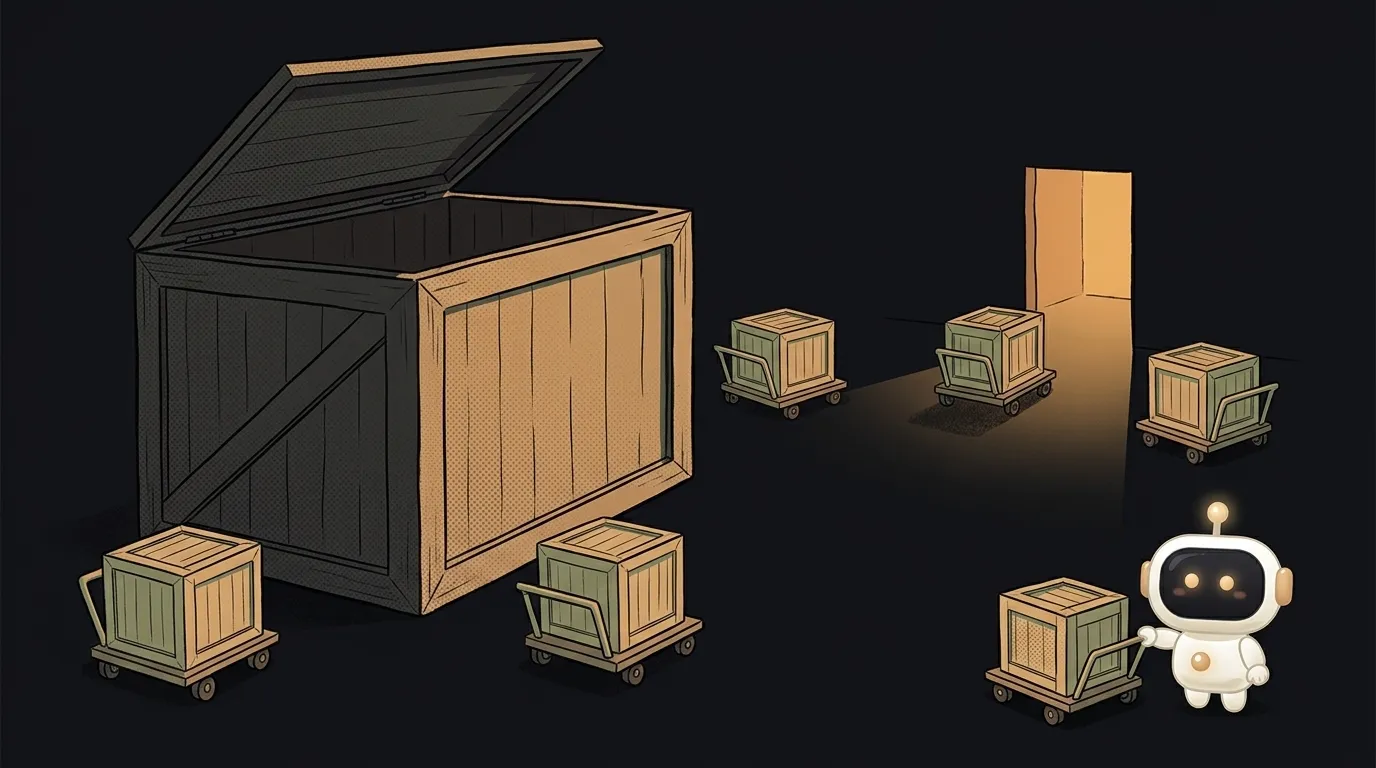
Open any app you've built: home page, a login form, two buttons. And the browser downloads a couple of megabytes.
Because everything is inside: the text editor from the "Create" page, the charting library from the "Stats" page, the admin panel, the calendar. Someone dropped by to read the home page — and downloaded code they will never open. Code splitting fixes exactly that.
Why everything lands in one file by default
When you write an ordinary import:
import Chart from "chart.js";
the bundler takes it literally: "this module is needed for the program to start". It walks the import chain from the entry point, collects everything it can reach, and packs it into one file. Even if Chart is called once, on a page one visitor in a hundred ever opens.
That's a sensible default: one request instead of a hundred, everything present, nothing breaks. It only turns bad once the app grows.
One piece of syntax that changes everything
A dynamic import is a normal import with parentheses:
const { default: Chart } = await import("chart.js");
The difference is fundamental. The bundler sees the parentheses and understands: this module isn't needed right away. It cuts the module and all its dependencies into a separate file — a chunk — and leaves only a small stub in the main bundle. The file travels over the network at the moment the await line runs.
The syntax returns a promise, not a value, so that code has to be async. It works in every browser since January 2020; no library needed.
One gotcha people hit: dynamic import is forbidden inside a service worker and throws there. Everything has to be loaded up front in that context.
Where to cut so it pays off
Not per component. Per moment where a person makes a choice.
By route. Biggest win for the simplest edit. The "Stats" page is its own chunk, "Settings" is another. Someone on the home page pays for neither. Frameworks with file-based routing often do this already — check before you rebuild it.
By heavy widget. A map, a code editor, PDF export, speech recognition. These are usually the fattest libraries in the project, and a minority of people open them. Load them on the button click.
By condition. The admin panel matters to one account in a thousand. The debug panel only exists in development. That's one if around a dynamic import.
Why "split everything" is a bad idea
Here's the non-obvious part. It might seem the smaller the pieces the better. The opposite is true.
The MDN docs say it outright: use dynamic import only where you need it, and the static form is preferable — because it benefits more readily from static analysis and tree shaking. By cutting a module into a chunk you hide it from the analyzer: the bundler can no longer prove which parts inside go unused and strip them. More on that mechanism in the walkthrough of what tree shaking is.
The second problem is the waterfall. A chunk can't start downloading until the code that requests it has run. Three levels of nested dynamic imports means three sequential network round trips instead of one. On mobile data that's more noticeable than the 40 KB you saved.
What people see while the chunk is in flight
It isn't free: there's a pause between the click and the screen. Three things that hide it:
- A placeholder where the block will be — a skeleton or a spinner. It has to occupy the same space, or the layout jumps.
- Preloading on hover: the mouse touches the menu item, the chunk starts downloading before the click.
- Error handling. A dynamic import's promise rejects if the network is gone or the file is missing. Without a
catch, someone gets a frozen screen and no explanation.
How to find what's worth cutting in your own project, step by step, is in the guide on how to shrink your JavaScript bundle.
Are code splitting and tree shaking the same thing?
No, they solve different problems. Tree shaking throws out code nobody needs. Code splitting defers code that is needed, but not right now. They work together and can't replace each other.
Will a library used on two pages download twice?
No. The bundler sees that a module is required by two chunks and pulls it out into a third, shared one. It arrives once — on the first visit to either page — and comes from the browser cache after that. This is exactly why you shouldn't hand-assemble a "vendor" chunk: a package list written by a person almost always splits worse than what the bundler works out itself.
Does a small site need splitting?
Usually not. If all your JavaScript is under a hundred kilobytes, cutting it up only adds requests. Start when the bundle crosses a couple hundred kilobytes, or when one obviously heavy library shows up in the project.
Do I have to configure the bundler by hand?
No. Vite, webpack and Rollup all create a separate chunk per dynamic import on their own — all they need from you is the parentheses in the right place.
The AI Architect 2027 course: step by step from computer basics to your own app and first customers. 543 short lessons on your phone.
Read next

Ed25519 vs RSA — which SSH key to choose in 2026

What is sudo — and why it asks for your password, not the admin's

What is a tar.gz file — and why a tar archive can be bigger than the files

What is a command-line flag — and why git commit -ma breaks but -am works

scp or rsync — and why rsync sent 141 bytes instead of two megabytes the second time
