What is TestFlight — and why your beta disappears after exactly 90 days
Here's where almost everyone trips. You build an app, push a beta to TestFlight, hand the link to friends — done. Three months later someone writes: "it won't open anymore." You broke nothing. A TestFlight build simply lives exactly 90 days, and Apple warns you about it in small print. Let's unpack what TestFlight is, and what else about it works differently than you'd assume.
What it is
TestFlight is Apple's service for letting people try your iOS app before it shows up in the App Store. A tester installs the free TestFlight app, accepts your invite — and your beta lands on their phone, right next to their regular apps.
Why bother, if you can just run the build on your own phone? Because on your own phone everything works. Bugs live on other people's devices: an older iPhone, a bad connection, a larger system font, someone who taps buttons in the wrong order. TestFlight is the cheapest way to learn about that before App Review does.
Two tester groups — and this is the fork in the road
Understand this before you start: there are two kinds of groups, and they behave differently.
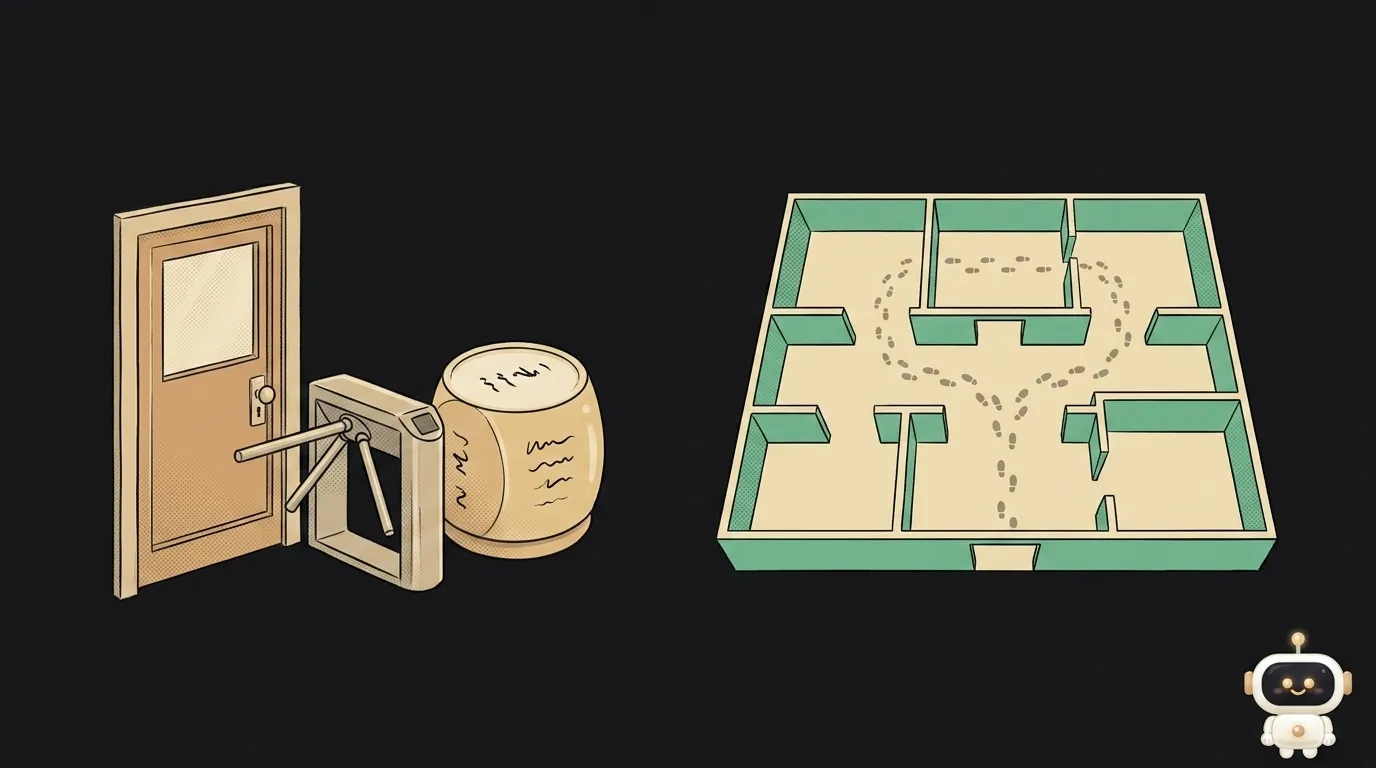
Internal testers. Up to 100 people, and they must be users on your App Store Connect account — your team, not "my friend with a Gmail address." In exchange, they get the build immediately after processing, with no Apple review at all. That's your fast loop: build, upload, look at it on a real device minutes later.
External testers. Up to 10,000 people — anyone: friends, early users, followers. You invite them by email or with a public link you can drop in a chat. But there's a condition people rarely expect: the first build added to a group goes to Beta App Review. Apple checks the beta against the same guidelines as a release. Later builds usually skip the full review.
So "I'll send it to friends tonight" may not happen with an external group — you'll hit review. Budget a day.
Why a build lives exactly 90 days
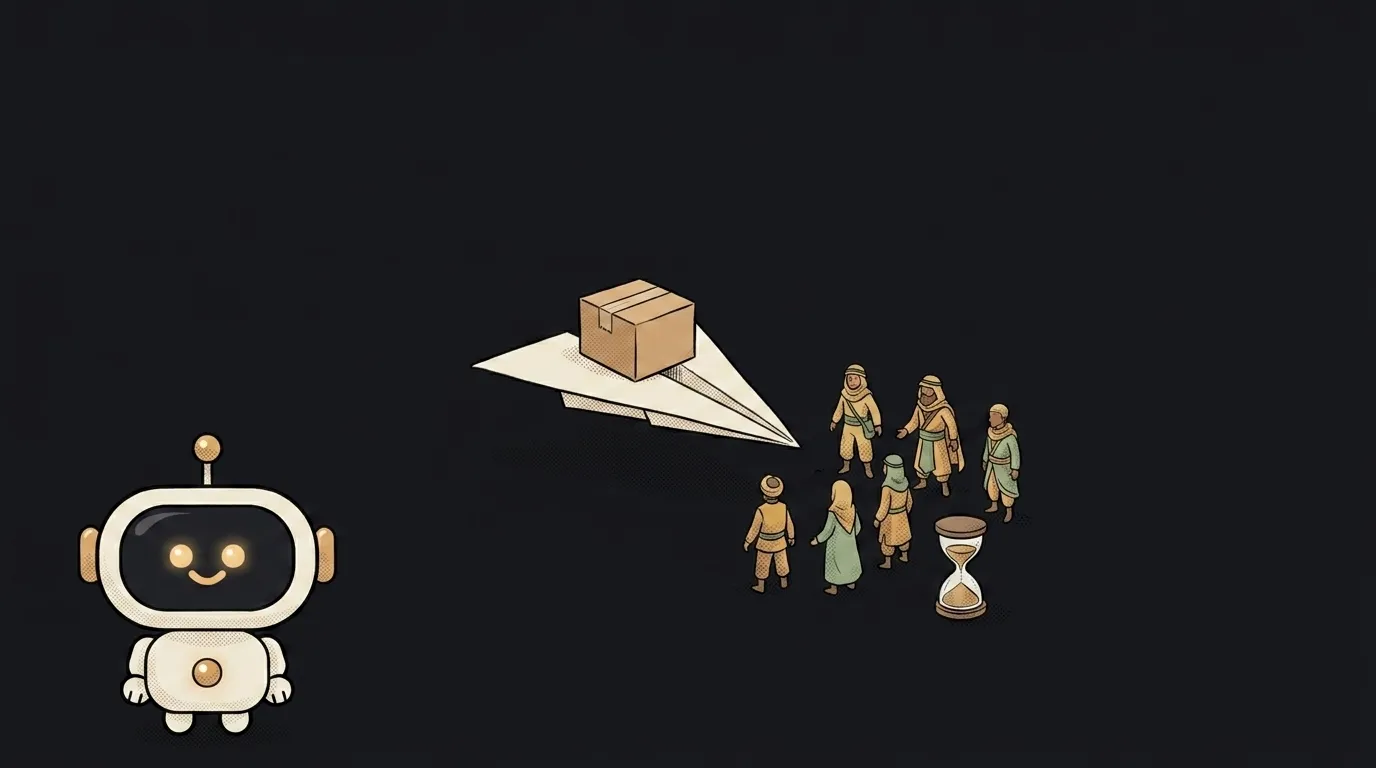
It isn't a bug or an expired certificate. Apple states it plainly: after 90 days the build becomes unavailable to testers. The logic is simple — a beta shouldn't become a way to distribute an app around the App Store for years.
What to do about it in practice:
- If you're actively working on the project, you're shipping new builds more often than every three months anyway — you'll never notice.
- If the project is paused, warn your testers that access will expire. Otherwise they'll assume you broke everything.
- The expiry date sits right there on the build in App Store Connect. Don't track it in your head — look there.
What it looks like step by step
- Build a release archive and send it to App Store Connect (from Xcode or from CI).
- Wait for processing — usually minutes, sometimes longer.
- Create a tester group: internal for the team, external for everyone else.
- Add the build to the group. For an external group, wait for Beta App Review.
- Send invites: by email or with a public link.
What you get: your beta on real phones with an orange dot next to the icon — and, on your side, feedback and crash reports from live users. TestFlight collects both: a tester can take a screenshot and send you a note straight from the app.
Where to start if you're solo
Make an internal group of exactly one person: you. Seriously. You'll get precisely what users get — the same built and signed package, the same install, the same first screen without Xcode at hand. Half of "but why doesn't it work for them" gets caught right here, before the real release.
Add external testers once the app stops crashing on the first screen. Early testers are a consumable resource: someone who saw a raw version may never open the second one.
Is TestFlight free?
TestFlight itself is. But to use it you need the paid Apple Developer Program ($99/year) — without it there's no App Store Connect access at all. For free you can only run builds on your own devices.
Is there something like this for Android?
Yes — closed and open tests on Google Play, plus an internal track for your team. The shape is similar, but the entry rules differ more than you'd think: we compare the two stores separately.
If the app is already live, do I still need TestFlight?
More than ever. Updates go through review too, and you can't pull one back quickly. Running a new version through beta is the cheapest way to avoid shipping a break to everyone at once.
The AI Architect 2027 course: step by step from computer basics to your own app and first customers. 543 short lessons on your phone.
Read next
Claude Code or Codex — and why price is the worst way to choose
Minification or compression — the difference, and why you need both

Word blocklist vs AI moderation — what to filter user content with

WebAssembly vs JavaScript — what's actually faster, and when

Accessibility overlay or real fixes — what to choose for your site