App Store or Google Play — where to launch first when you're solo
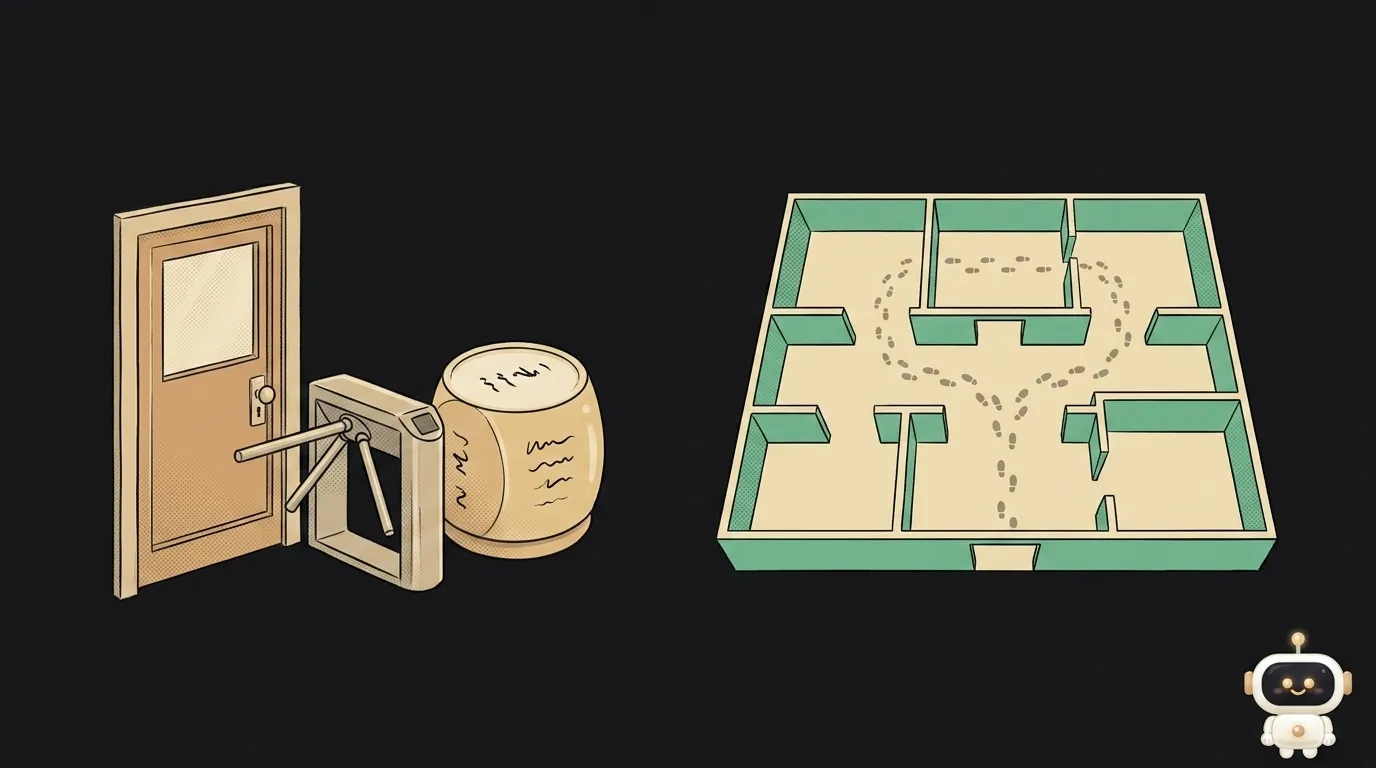
The folk wisdom goes: "Apple rejects everything, Google Play takes whatever you throw at it." It's out of date. Today a new personal Google Play account cannot ship to production at all until it gathers 12 testers who stay in a closed test continuously for 14 days. Two weeks of waiting, against Apple's "90% of submissions reviewed in under 24 hours." Let's work out where the bar is actually higher — and which to pick first if you're on your own.
What's worth comparing
Comparing stores "in general" is useless. For someone shipping a first app, four things matter: what entry costs, how long until real users, what happens after a mistake, and where your audience is.
Money at the door
Apple: $99 per year. A subscription — stop paying and the app leaves the store.
Google: $25 once, forever. Plus mandatory identity verification: a government ID and a card in the same name, and you must be 18 or older.
Google wins this outright: $25 once versus $99 every year. But money has a sequel — time.
Who waits longer for a first release
Here it flips.
Apple reviews every version by hand, but quickly: the company states that on average 90% of submissions are reviewed in under 24 hours. No guarantees, a brand-new app usually takes longer than an update, and you can be rejected over a small thing — the most common reasons get their own piece. Still, that's hours and days, not weeks.
Google reviews too, and usually more leniently. But personal accounts created after 13 November 2023 face an entry rule: to unlock production, you need at least 12 testers in a closed test, opted in continuously for 14 days. Google spells it out: if a tester leaves and comes back, the 14-day count restarts.
For a solo builder that's an unpleasant surprise: rounding up a dozen humans who'll actually install your beta and not drop out is a social problem, not a technical one.
What happens when you get it wrong
Everyone ships a bad release eventually. The difference is what the rollback costs.
Google Play supports staged rollouts: release to a slice of your users and halt distribution if something breaks. One detail people forget: halting stops new users from getting the update, while everyone who already updated stays on the broken version. You still have to fix them with a new build.
App Store gives you almost no such lever: any fix is a new version and another review. So on iOS a broken release costs more, and a TestFlight beta isn't a luxury — it's insurance.
Where your audience is — and how to know rather than guess
The last axis is the most important and the most often skipped. Global platform-share statistics are useless to you: you're shipping to specific people, not to the planet.
Three ways to check before paying for an account:
- Look at your own site's analytics. If the project already has a page, analytics shows the operating-system split among your actual visitors. That's your audience, not a world average.
- Ask your own community. A chat poll or a story with twenty replies gives a sharper picture than any article full of charts.
- Look at geography. Platform shares diverge hard by country: where you sell, the picture may be the opposite of what you remember from your own circle.
If after those three checks the gap is under about 1.5×, don't pick by audience — pick by what's cheaper for you personally. Then the money and time sections above decide it.
Which one suits whom
Straight answer, no "it depends."
- Solo, testing an idea, zero budget → start with Android. Twenty-five dollars once, and crucially: you can send the built app file to someone in a chat, no store involved at all. Your first ten users appear today, not in two weeks.
- You want subscription revenue → probably iOS. The iPhone audience has historically paid more readily, and $99 pays for itself faster than you'd think. Budget a week for review and fixes.
- You need both stores → still ship them one at a time. Two first releases at once means two unfamiliar processes, two signing systems and two review queues in one week. Guaranteed burnout.
- You're not yet sure the idea is wanted → don't publish anywhere. Build the web version: no review, no developer accounts — why that's almost always the right first step.
If the app is finished — which store is faster?
From "done" to "people are downloading," the App Store is faster if your account already exists and is paid. If you have neither account, Google is faster — but only through a closed test: the 12-tester rule still stands before production.
Do I need to pay for both?
No, and don't start there. Paying for a second account is the easiest item on the list; the hard part is maintaining two releases, two screenshot sets and two review cycles. Open the second store once the first one brings users.
Does the 12-tester rule apply to companies?
No — it's only for personal accounts created after November 2023. Organizations go through a different verification, without that barrier.
The AI Architect 2027 course: step by step from computer basics to your own app and first customers. 543 short lessons on your phone.
Read next
Claude Code or Codex — and why price is the worst way to choose
Minification or compression — the difference, and why you need both
Word blocklist vs AI moderation — what to filter user content with
WebAssembly vs JavaScript — what's actually faster, and when

Accessibility overlay or real fixes — what to choose for your site