Why your app got rejected from the App Store — the three reasons that catch almost everyone
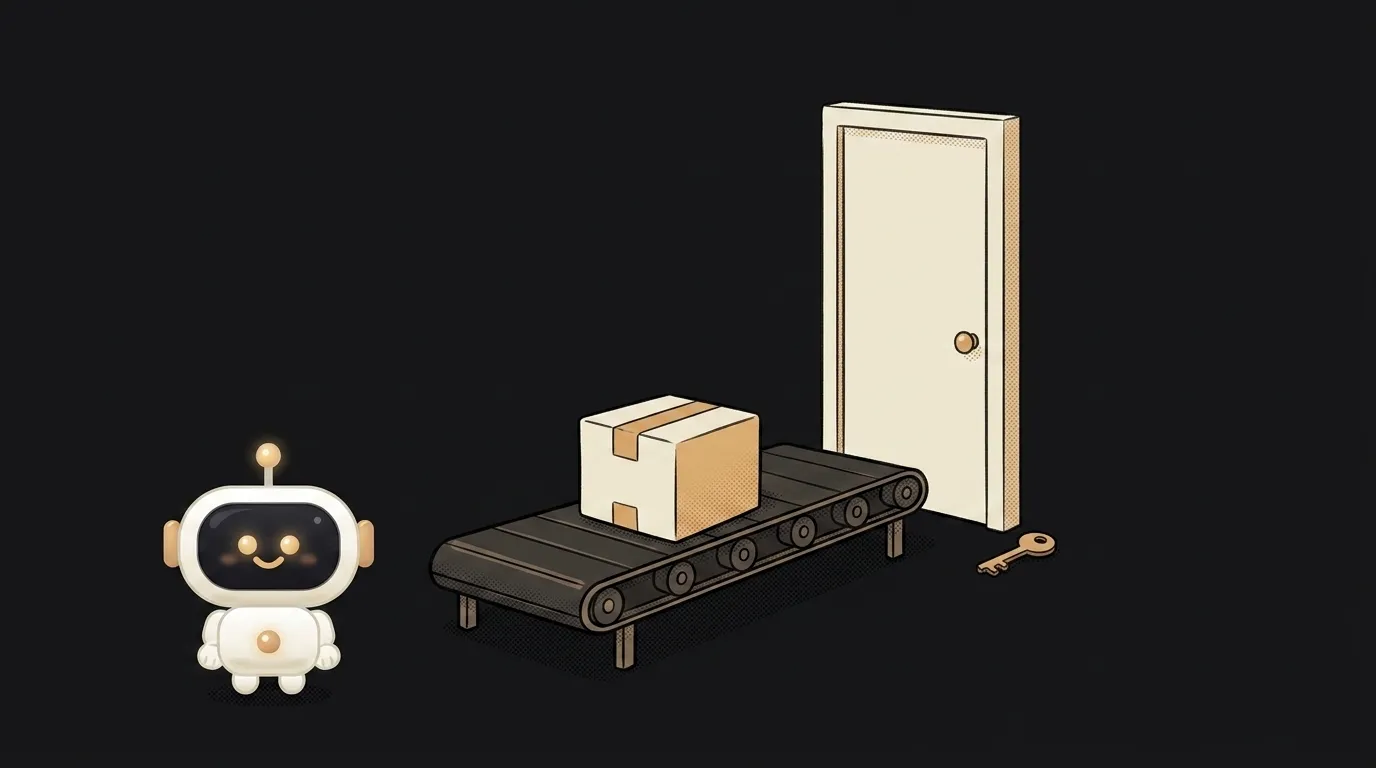
There's one spot in Apple's official guidelines with an exclamation mark in it. Rule 2.1 asks you to include demo account info if your app has a login — and adds: "and turn on your back-end service!" Please switch your server on. Exclamation marks don't wander into legal text by accident; people trip over this constantly. The most common reason for rejection isn't bad code or bad design. The reviewer simply couldn't get inside.
What "rejected" actually means
First: it isn't a ban or a verdict. The app gets a Rejected status, and a message from the reviewer appears in Resolution Center with a guideline number. This is a conversation, not a final ruling — you can reply, explain, attach a video and ask for another look.
Second, and more important: don't start rewriting the app on a hunch. Find the rule number in the message first. The prose can be vague; the number never is. Start there.
Reason 1. The reviewer couldn't log in (guideline 2.1)
Symptom: the message mentions App Completeness, often with screenshots of your sign-in screen or an error. Sometimes it says an account couldn't be created.
Rule 2.1 asks for a final version: no placeholder text, no empty websites, tested on-device — and, if there's a login, demo account details. Plus a back end that's actually running.
How to check. Take exactly the build you're submitting, install it via TestFlight on a device that has never had your app. Sign out of everything. Walk a stranger's path: register, log in, first screen. That's precisely what the reviewer sees — no laptop of yours, no saved session, no "but it works for me."
How to fix. Fill in the App Review Information fields: login, password, plus any SMS code or instructions. Make sure the demo account is alive and won't expire. Check that the server responds — an app can run perfectly locally and fall over in production right at signup, and that's exactly what the reviewer will hit. Then sweep out everything temporary: dead links, lorem ipsum, "coming soon" screens.
Reason 2. "This is just a website in a wrapper" (guideline 4.2)
Symptom: a message about Minimum Functionality. Common for anyone who quickly wrapped an existing site.
Apple's wording: your app should include features, content and UI that elevate it beyond a repackaged website — and if it isn't particularly useful, unique or "app-like," it doesn't belong on the App Store.
How to check. Ask yourself honestly: what does your app do that a browser tab can't? Notifications, offline mode, camera, widgets, quick access to on-device data — is any of that there?
How to fix. Either add real native value, or admit you don't need an app. The second is often more honest and cheaper: when a web version beats a native one is its own conversation, and early on the web wins nearly every time.
Reason 3. Forced sign-in and account deletion (guideline 5.1.1)
Symptom: a message about Data Collection and Storage. Second most common for new apps.
The rule is blunt: if your app has no significant account-based features, let people use it without a login. If it supports account creation, you must also offer account deletion inside the app. And you may not require personal information unless it's directly relevant to the core function.
How to check. Walk the app and ask of every sign-up screen: is this here for the user or for my analytics? A calculator, a converter, a reader, a timer — none of them need a login. Then look for a delete-account button in settings. No button means rejection.
How to fix. Make the core function work without an account, and offer sign-in where it actually buys sync or saving. Then add account deletion — not a "email us" link, but a working action in the UI.
What to do with the message
An order of operations that saves days:
- Read the guideline number and look it up in the App Review Guidelines. The source text, not a summary.
- Reply in Resolution Center, even while you're fixing code. If the reviewer got it wrong or couldn't find a feature, explain politely and attach a short screen recording with the exact route. Sometimes that's enough and no new build is needed.
- Don't argue, don't emote. On the other side is a person with a checklist, not an opponent.
- Upload a fixed build if the problem is in the app. Metadata-only fixes can sometimes ship without one.
And keep the main thing in mind: almost all rejections are procedural. They're an evening's work, not a rewrite.
How many times can I resubmit?
There's no cap on attempts. But every submission is a fresh queue, so it's cheaper to fix everything at once than to send one correction at a time.
Does a rejection hurt my account's standing?
One or two rejections are routine; nobody blinks. Trouble starts with attempts to game the rules — submitting one thing and switching on another after review. That's what actually puts an account at risk.
Is Google Play the same?
Review there is usually gentler, but a new personal account has its own barrier: 12 testers and 14 days before a first release. We compare both stores separately.
The AI Architect 2027 course: step by step from computer basics to your own app and first customers. 543 short lessons on your phone.
Read next

Why SSH still asks for a password when your key is set up — 3 causes

How to set up ~/.ssh/config — short server names instead of long commands

Why does SSH disconnect on its own (Broken pipe) — three causes and how to fix them

How to read command help (--help and man) — and find your version's flags in a minute

Why Ctrl+C doesn't stop a program — and how one except line causes it
