What is try catch — and why it sometimes doesn't catch the error
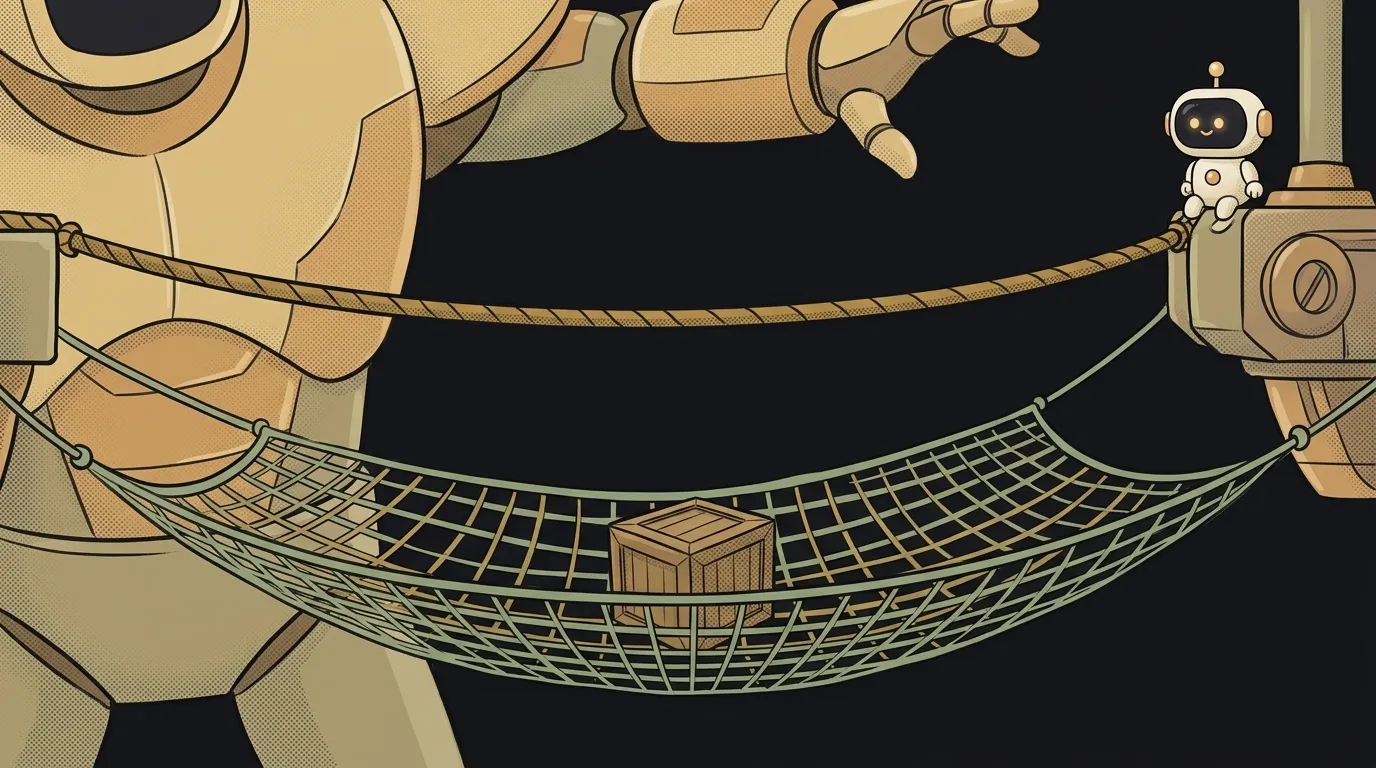
AI wrote you some code. The server request is neatly wrapped in try … catch. Looks solid. Then the server goes down — and the app breaks anyway, while catch stays silent.
How come? The net is up. Here's a trap everyone falls into. But first, let's figure out what this net is.
What try catch is
try catch is a construct that intercepts an error so the whole program doesn't crash.
Picture a tightrope walker. They walk the rope — that's your normal code. Below them hangs a net — that's catch. If they slip, they land in the net, not the pit. The show goes on.
try {
  const user = JSON.parse(text)   // this might break
  showProfile(user)
} catch (error) {
  showMessage("Couldn't load the profile")
}
Try means "attempt". Catch means "grab it". Literally: try doing this, and if it breaks — catch it and do that instead.
How it works
The code inside try runs line by line. While everything's fine, catch is simply skipped.
But if a line throws an error, nothing else inside try runs. The program jumps straight to catch. In the example above: if JSON.parse breaks, showProfile never gets called at all. Why JSON.parse fails in the first place has its own article — why JSON.parse fails.
The parentheses of catch hold the error itself — an object with a description. The key parts:
error.message— what broke, in human words;error.stack— where exactly, along the chain of calls. That's the stack trace.
An error caught by catch is called an exception. Code "throws" an exception, and catch "catches" it. That's where throw comes from — you can throw an error yourself: throw new Error("Empty email").
Why you need finally
There's a third block — finally. It runs always: when everything worked and when there was an error.
showSpinner()
try {
  await saveOrder()
} catch (error) {
  showMessage("Didn't save, try again")
} finally {
  hideSpinner()   // gets removed either way
}
Why? To clean up after yourself. Hide the loading spinner, close a file, re-enable a button. Without finally it's easy to end up with an eternal spinner: the error happened, and nobody turned the spinner off.
The main trap: try without await
Now we're back to the mystery from the start. Look at this code:
try {
  fetch("/api/orders")   // forgot await
} catch (error) {
  console.log("Caught it!")   // never fires
}
fetch is an asynchronous operation. It doesn't wait for the response — it immediately returns a "promise" of one and lets the code move on. The try finishes in a fraction of a second. The error arrives later — after the net has been folded up.
One word fixes it:
try {
  await fetch("/api/orders")   // now try waits for the result
} catch (error) {
  console.log("Caught it!")
}
await makes try wait for the response. If the server doesn't answer, the error happens while still inside try, and catch catches it.
One more nuance while we're here. fetch only treats a dropped connection as an error. A 500 or 404 response is a normal response to it, so catch won't fire. That's why after a request you check response.ok and, if it's false, throw the error yourself with throw.
The worst line AI writes
The second common surprise is an empty catch:
try {
  await saveOrder()
} catch (e) {}
It catches the error and silently throws it away. The program doesn't crash — but it doesn't work either. The user tapped "Save", nothing happened, and nobody knows why. Not even you: the console is empty.
That's worse than no try at all. Without it you'd at least see the error. The rule is simple: something must happen in every catch — a message to the user, a log entry, a state rollback. More on this problem in why users don't see your error message.
When you ask AI to add error handling, say it outright:
Add error handlingWrap the order save in try/catch. In catch, show the user a clear message and log the error with console.error. In finally, hide the spinner. Make sure every async call inside try has await in front of it. Leave no empty catch blocks.Should you wrap all your code in try catch?
No. Wrap only the spots that can break through no fault of yours: network, reading files, parsing someone else's data. Errors in your own logic are better seen right away than hidden.
Does Python have try catch?
Yes, but it's called try … except. It works the same way: except catches the error, finally always runs.
Which is better: try catch or .catch()?
For promises they're the same thing. .catch() is chained directly onto fetch(...), try/catch is used together with await. The second is easier to read.
The AI Architect 2027 course: step by step from computer basics to your own app and first customers. 543 short lessons on your phone.
Read next

Ed25519 vs RSA — which SSH key to choose in 2026

What is sudo — and why it asks for your password, not the admin's

What is a tar.gz file — and why a tar archive can be bigger than the files

What is a command-line flag — and why git commit -ma breaks but -am works

scp or rsync — and why rsync sent 141 bytes instead of two megabytes the second time
