Why AI cuts off its answer mid-sentence — 3 causes and the fix

Familiar: you ask the AI for a long answer, it types along briskly — and suddenly stops mid-word. No period, no ending. First thought: "it broke." But it's almost always not a bug — a limit: the answer hit an invisible wall. Let's go through three causes, from most common to rarest, and how to check and fix each.
Cause 1. It hit the answer-length limit (most common)
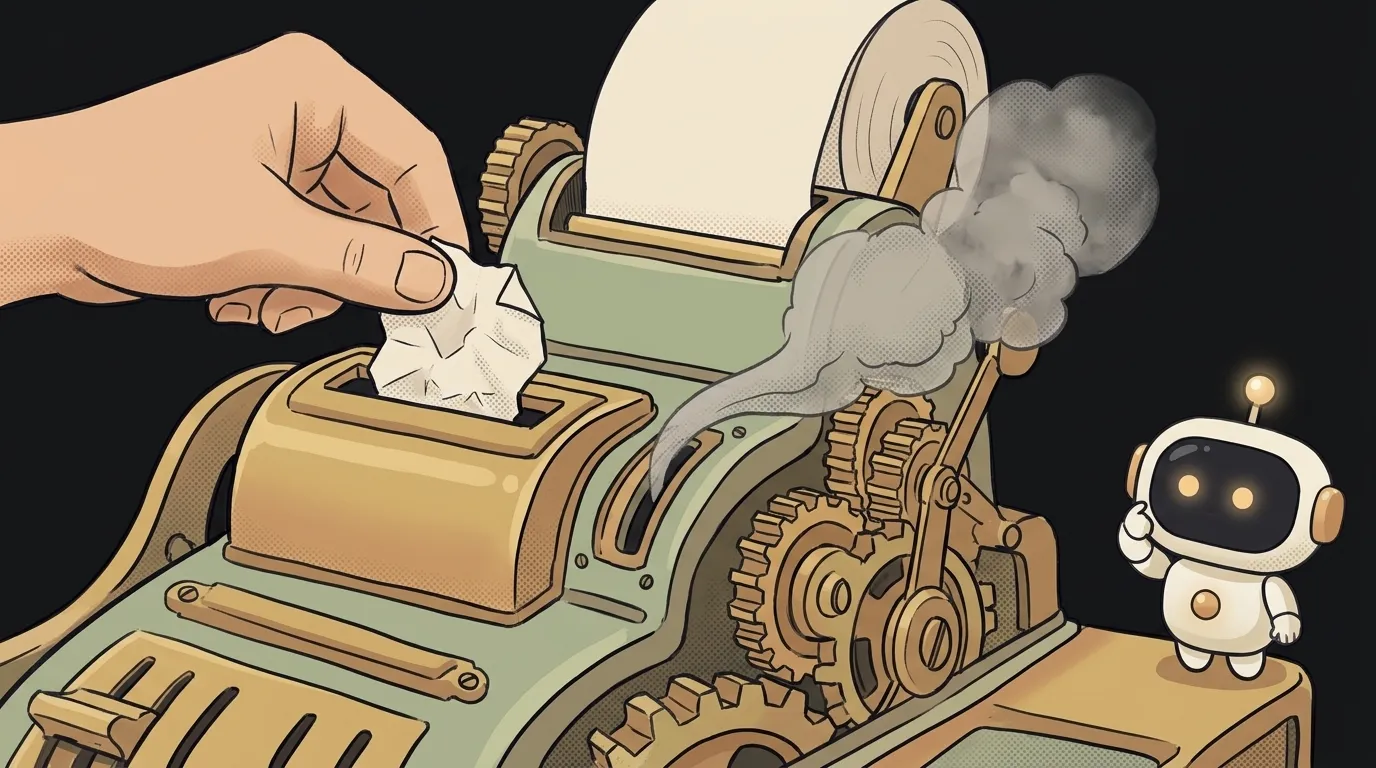
Every request to a model has a ceiling: how many tokens (chunks of text) it can produce in the answer. It's set by the max_tokens parameter. The answer reaches the ceiling — cut off mid-word, even if the model hadn't finished its thought.
How to check. Does the cut-off happen at roughly the same length? Does the answer always "trail off" at one point? If the service returns a finish reason (finish_reason), for this problem it'll be length — "hit the limit" — not stop — "finished on its own". That's a dead giveaway.
How to fix. Raise max_tokens — give the model more room for the answer. Asking for a detailed breakdown — set the ceiling with margin. If AI wrote the code for you, it probably set a small default — find it and bump it up.
Cause 2. The context window overflowed
The model has one shared "desk" — the context window. It must fit everything at once: your request, the whole conversation history, and the answer itself. Space is finite. If the request already took up most of the desk, the answer simply has nowhere to lie — so it's cut off or never starts.
How to check. Did the cut-off appear after the conversation got long? Or are you stuffing a huge text/document into the request? The more you fit on the input, the less is left for the output. If it answered fine before and started chopping "late in the chat" — that's it.
How to fix. Clear the desk. Don't drag the whole conversation into every request — keep only what's needed. Split a long document into chunks or squeeze it into a summary. The technique where the model works not with all the text but only the relevant found chunk is called RAG — it's exactly what saves you from context overflow.
Cause 3. The stream or network dropped
The third isn't about limits — it's about the road. When the answer types out word by word, that's streaming: the model sends chunks over the network. If the connection blinks or a timeout fires, the stream is cut mid-word — even though the model may have finished the answer.
How to check. Is the cut-off random — here one time, elsewhere the next, different each time? No length finish reason, and the length varies? Then it's not a limit but the connection. A network drop is fickle and inconsistent — that's what sets it apart from a hit limit.
How to fix. Treat a stream drop as an error and retry the request. Raise the timeout if answers are long and don't arrive in time. And don't take a broken stream as the end of the answer — check that the model actually finished, not just that the wire went quiet.
Quick triage: where to start
To stop guessing, follow the signs:
- Cut-off at one length, reason
length→ themax_tokenslimit (cause 1). Raise the limit. - Chopping starts late in a long chat or on a huge text → context overflow (cause 2). Clear the desk.
- Cut-off random, in different spots → network or streaming (cause 3). Add retries.
Nine cut-offs out of ten are the first cause. Start there.
Why is a cut-off extra annoying when I ask for JSON?
Because a cut-off JSON isn't "incomplete text" — it's broken text: without the closing bracket it can't be parsed, and the whole app crashes. Here the max_tokens margin matters double. If you're generating data, not prose, see the breakdown on structured output — it's about getting valid JSON from AI reliably.
Can I fix this with a prompt?
Partly. Asking "fit it in 5 points" helps you not hit the limit — a short answer just never grows to the ceiling. But if you need a long answer, the prompt won't help: the limit is set by the max_tokens setting, not by a polite request. Raise the ceiling first, then steer the length with words.
Short story-lessons, an agent simulator and daily practice — in our mobile app. Free.
Read next
Why you get NaN in JavaScript — 3 causes and how to find where it came from
How to convert a string to a number in JavaScript — without tripping on a comma
Why my loop never stops — and the tab freezes solid

Why my array is empty — and why there's no error

Why your AI agent edits the wrong file — three causes and how to check each