Why your CSS isn't working — 3 causes to start with (a hard refresh fixes half)
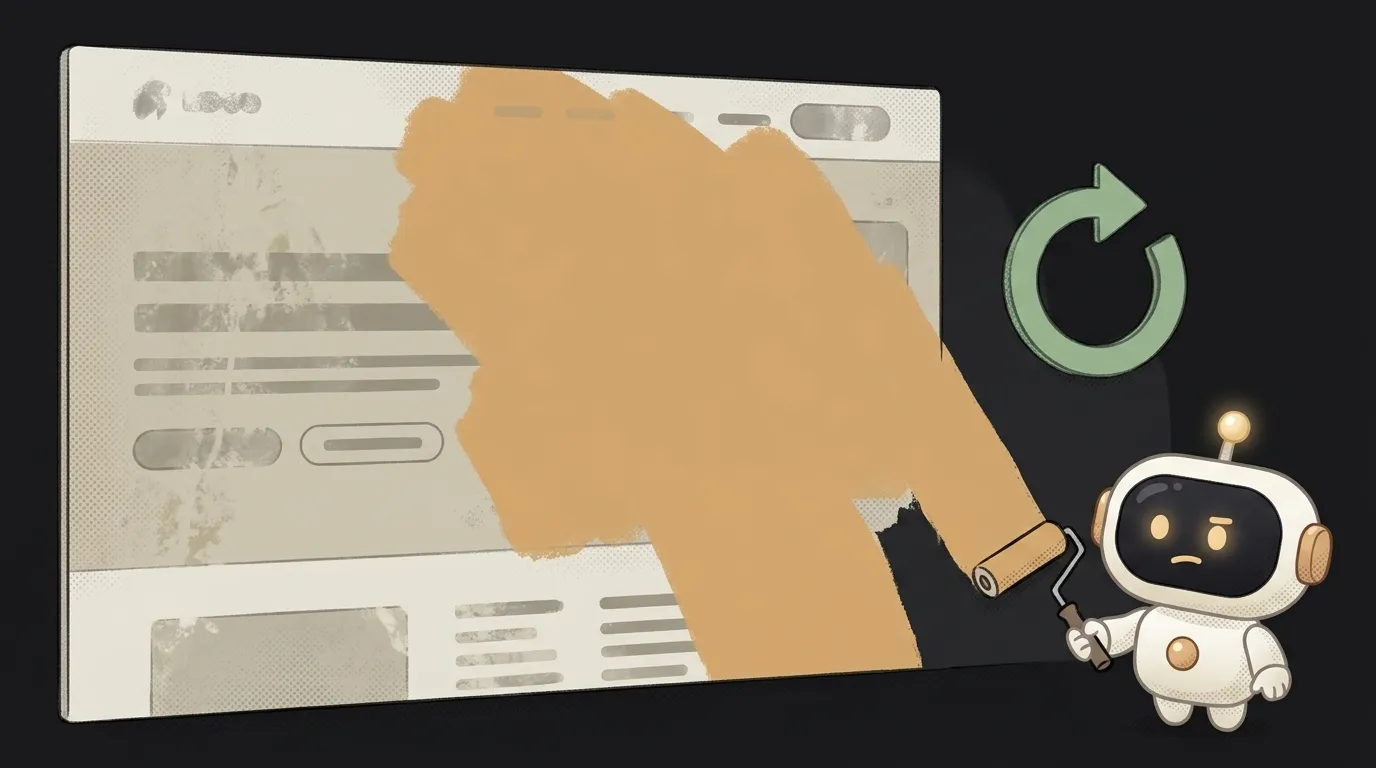
Sound familiar: you change a style, save, refresh the page — and it's all the same. First thought: "CSS is broken." Here's the reassuring part: 9 times out of 10 the CSS is fine. The browser is showing an old version from cache, or your rule is quietly being overridden by another. Let's go through the three causes, most common first — and you'll almost certainly fix it on the first one.
Cause 1: the browser is showing old CSS (cache)
The most common and most annoying. To avoid downloading the same file twice, the browser remembers the old version of your styles — and stubbornly shows it, even though you already fixed the file.
How to check: do a hard refresh — Ctrl+Shift+R (on Mac Cmd+Shift+R). Style applied? Then it was the cache, and your code was right all along.
How to fix: get in the habit of hard-refreshing while you edit styles. More reliable still — open DevTools (F12), the Network tab, tick "Disable cache": while the panel is open, the browser always grabs the latest. Styles "not landing" locally? Check why localhost isn't working — sometimes the server itself serves stale files.
Cause 2: another rule is overriding yours (specificity)
Your CSS works — it just loses. Two rules fight over one element, and the winner isn't the last one but the "stronger" (more specific) one. An id selector beats a class selector, and !important plus an inline style="..." beat almost everything.
How to check: right-click the element → "Inspect." In the styles panel you'll see YOUR rule — but struck through. Struck through = it got overridden. Right next to it you can see who won.
How to fix: make your selector more specific (add a parent or a class) or remove the conflicting rule. !important is a last resort: plaster it everywhere and you won't untangle it later. Aim at the cause, don't muffle the symptom.
Cause 3: the browser doesn't see your style at all
The style isn't overridden — it just never arrived. Common variants:
- File not linked. The HTML has no
<link>to the stylesheet, or the path is wrong. Open DevTools → Network: if there's a red404next tostyle.css, the page didn't find the file — the path is broken. - Typo in a class name. HTML says
class="card", CSS says.crad— no match, the style attached to nothing. Check it letter by letter. - Selector aims at the wrong thing. You write a rule for class
.btn, but the element you mean doesn't have that class — the rule exists, it just latches onto the wrong place.
How to check: in the inspector, select the element. Your rule isn't in the list at all (not struck through, just absent)? Then the browser never linked it — hunt for a typo, a path, or the link.
How to fix: walk the chain — file linked → path correct (no 404?) → class name matches letter for letter → selector aims at the right element.
The order of moves
To stop guessing, always go top to bottom:
Ctrl+Shift+R— clear the cache (cause 1).- Inspector: rule struck through? — specificity (cause 2).
- Rule missing entirely? — linking, path, typo (cause 3).
Three steps catch almost any "CSS not working." And if you're doing responsive layout and the style works everywhere except phones — that's often a separate story about media queries; see how to make your site mobile-friendly.
Q: Why does it work in one browser but not another?
Usually cache again (the "problem" browser is holding something stale — hard-refresh it) or a property the older browser doesn't understand. Test on a fresh version and in a private window — no cache there.
Q: Does !important help when nothing takes?
It often "fixes" it for a minute, then breaks everything around it: there's almost nothing left to override it with. First figure out who's overriding (cause 2) and aim more precisely. Keep !important for the true last resort.
Q: In a private window the style applied — why?
Because a private window has none of your cache — it loads fresh CSS. That's direct evidence: the code is right, and the normal window was showing you an old version. A hard refresh will fix it.
Short story-lessons, an agent simulator and daily practice — in our mobile app. Free.
Read next
Why you get NaN in JavaScript — 3 causes and how to find where it came from

How to convert a string to a number in JavaScript — without tripping on a comma

Why my loop never stops — and the tab freezes solid

Why my array is empty — and why there's no error

Why your AI agent edits the wrong file — three causes and how to check each