Why my event fires twice — three causes and how to fix each one
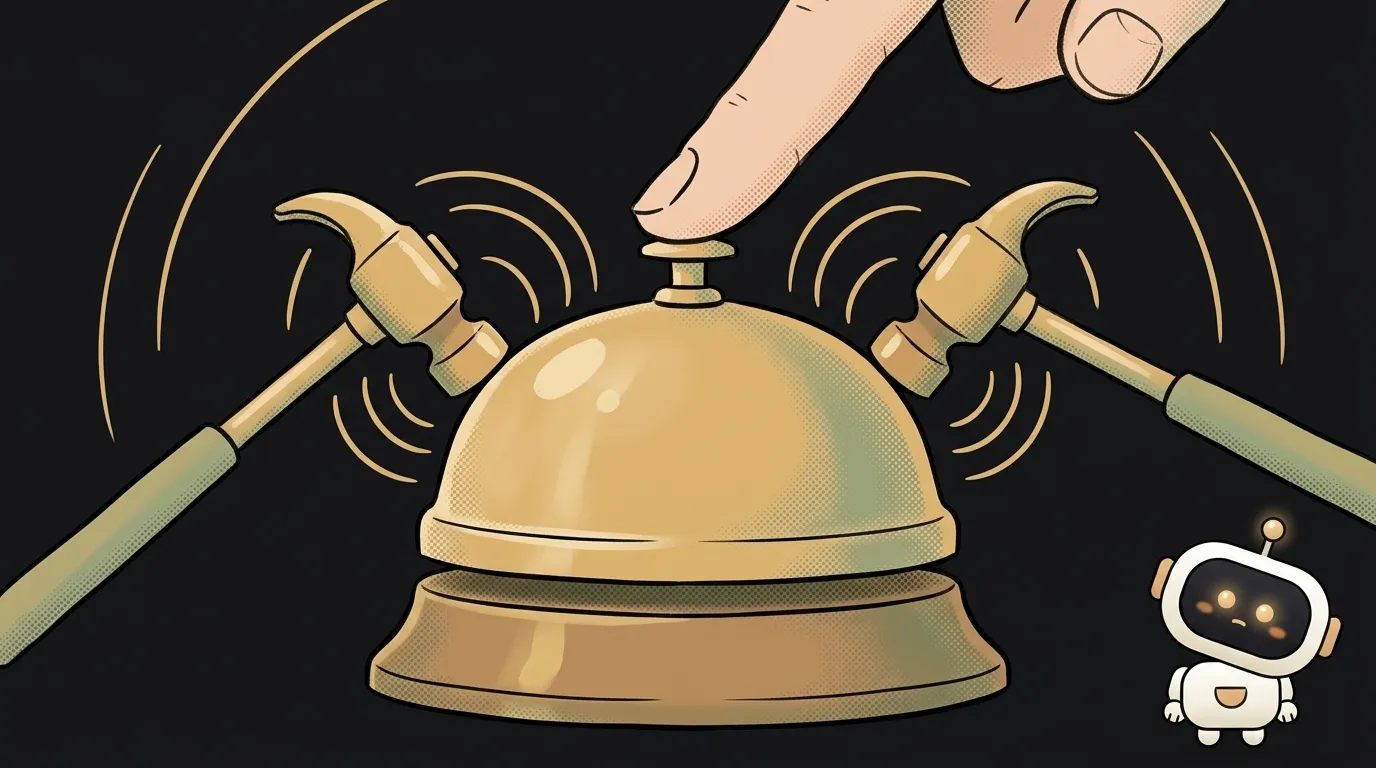
You press Enter — the chat message goes out twice. You click "like" — the counter jumps by two. You open a modal for the third time — and one key now fires three times.
Good news: there are almost always three causes, and each takes a minute to check. Let's start with the most common.
First, two words on how events work. You tell the browser: "when a click happens, call this function." That's called a handler, or an event listener. It's essentially a callback: you don't call it yourself, the browser does. And if the browser calls it twice, then somewhere it was registered twice, or the event reached two recipients.
Cause 1. React in development mode (the most common)
If you use React and the handler is attached in useEffect, start here. In development mode, React deliberately runs effects twice: on, off, and on again. That's how it checks whether you clean up after yourself.
Here's code the AI writes all the time:
useEffect(() => {
  window.addEventListener("keydown", (e) => {
    if (e.key === "Enter") send()
  })
}, [])
The effect ran twice — and each time created a new arrow. To the browser these are two different handlers, and it attached both. And the code has no way to remove them.
How to check. Build and run the production version (npm run build, then npm run preview or npm start). If everything fires once there but twice on npm run dev, this is it.
How to fix. The effect should return a cleanup function that removes the handler:
useEffect(() => {
  const onKey = (e) => {
    if (e.key === "Enter") send()
  }
  window.addEventListener("keydown", onKey)
  return () => window.removeEventListener("keydown", onKey)
}, [])
Don't turn off Strict Mode to "make it go away." It doesn't break your app — it shows you that without cleanup, handlers will pile up in production too, for example when navigating between pages.
Cause 2. The handler gets attached again and again
The telltale sign: the number of firings grows. First time — one, after reopening — two, then three.
Usually it's addEventListener inside a function that runs many times:
function openModal() {
  modal.classList.add("open")
  document.addEventListener("keydown", (e) => {   // on every open
    if (e.key === "Escape") closeModal()
  })
}
Here's the subtlety. If you add the very same function a second time, the browser won't duplicate it. But an arrow written right inside is born anew on every call. To the browser that's a new listener — so it adds one more.
How to check. Put a console.log on the first line of the handler and open the modal a few times. Watch the logs: one line per key press is normal. A growing batch — this is it.
How to fix. Three options, from simple to robust:
- attach the handler once when the page loads, not on every open;
- if it's needed for a single firing, add the
{ once: true }option and the browser removes it for you; - remove it on close with
removeEventListener.
The trap when removing: pass the very same function you added. If you attached an anonymous arrow () => close(), you can't remove it — you have no reference to it. removeEventListener silently does nothing. So put the handler in a variable first, then add and remove it by name.
Cause 3. The event "bubbled up" to a parent
Sometimes the handlers are different, but there's one click. A "delete" button sits inside a card. The button has its own onClick — delete. The card has its own — open. You press "delete" — and the item is deleted, and the card opens.
That's not a browser bug, it's normal behavior. The event starts at the button and travels up the DOM through every parent. Anyone with a handler for that event gets it.
How to check. See whether the surrounding container — the card, the table row, the form — has a handler for the same event.
How to fix. Stop the bubbling in the button's handler:
function onDelete(event) {
  event.stopPropagation()
  deleteItem(id)
}
A special case is forms. A button inside a <form> submits the form by default. If the button has an onClick that submits, and the form has an onSubmit, the submission goes out twice. Keep the logic in one place: the form's onSubmit.
A prompt that fixes it the first time
the button fires twice, fix itThe keydown handler fires twice, in React dev mode. Check: 1) whether the useEffect with addEventListener has a cleanup function with removeEventListener; 2) whether the handler gets attached again every time the modal opens; 3) whether a parent element catches the same event. To remove it, use the same function that was added.Why does the request to the server go out twice only on localhost?
Same as cause 1: React Strict Mode runs effects twice in development. In production the request goes out once, but it's still worth teaching the effect to cancel the extra request.
Does a simple "already clicked" flag help?
As a temporary patch, yes. But the flag hides the symptom while handlers keep piling up. Finding where they get attached one time too many is the reliable fix.
What if it's the user double-clicking?
Then there really are two events. Protect yourself by disabling the button during the request: disabled while you wait for the response. As a bonus, you won't get two orders instead of one.
The AI Architect 2027 course: step by step from computer basics to your own app and first customers. 543 short lessons on your phone.
Read next

Why SSH still asks for a password when your key is set up — 3 causes

How to set up ~/.ssh/config — short server names instead of long commands

Why does SSH disconnect on its own (Broken pipe) — three causes and how to fix them

How to read command help (--help and man) — and find your version's flags in a minute

Why Ctrl+C doesn't stop a program — and how one except line causes it
