Why your object keys are out of order — and the list sorts itself
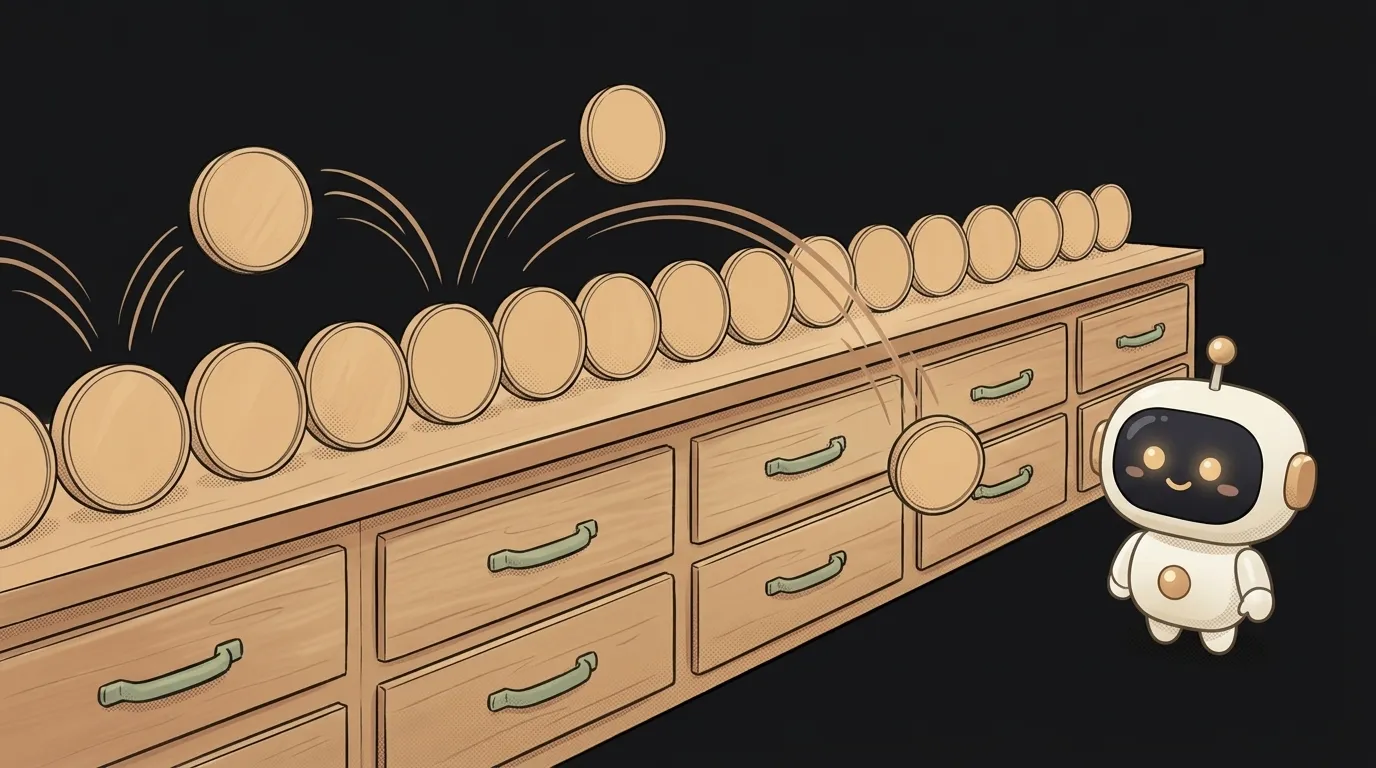
Symptom: you store data in an object in the right order, but when you print it the order is different. The newest orders should be on top — yet the list stubbornly sits in ascending id order. You sort it — and the order "rolls back" again.
You're not losing your mind, and the code isn't broken. A JavaScript object doesn't promise to keep the order you put things in. It has its own rules. Here are the three most common causes — from most to least frequent.
Cause 1: integer keys always jump to the front
This is the main culprit. Look:
const orders = { "300": "Pizza", "100": "Sushi", "200": "Burger" };
Object.values(orders); // ["Sushi", "Burger", "Pizza"]
You put in 300, 100, 200. You got 100, 200, 300. The rule: keys that look like integers are lined up first, in ascending order. Other strings come after them — in the order you added them.
Object.keys({ b: 1, 10: 1, a: 1, 2: 1 }); // ["2", "10", "b", "a"]
The sneaky part is that it only shows up with numbers. While your keys are "pizza" and "sushi", order is preserved and you assume it always is. Then the AI makes database ids the keys — and the list starts "sorting itself".
How to check: print Object.keys(yourObject). If the keys are numbers and they're ascending, that's it.
How to fix: if order matters, store an array, not an object — arrays guarantee order:
const orders = [
  { id: 300, name: "Pizza" },
  { id: 100, name: "Sushi" },
];
Or a Map — it remembers insertion order for any keys, numbers included. When to pick which is covered in array vs object.
Cause 2: you sorted, then rebuilt the object
A common AI chain: turn an object into pairs, sort them, rebuild.
const sorted = Object.fromEntries(
  Object.entries(scores).sort((a, b) => b[1] - a[1])
);
The sort worked. But Object.fromEntries built an object — and if the keys are numeric, cause 1 immediately put them back in ascending order. The whole sort was for nothing.
How to check: print the result right after .sort(...) and after fromEntries. Right before, wrong after — that's it.
How to fix: don't rebuild the object. Keep the sorted array of pairs and render that:
const ranking = Object.entries(scores).sort((a, b) => b[1] - a[1]);
ranking.forEach(([name, score]) => console.log(name, score));
Cause 3: order got lost on the way from the server
Sometimes the browser isn't to blame. Key order can change before the data even reaches you:
- The JSON standard doesn't promise key order in objects. Most libraries keep it, but you can't rely on that.
- Postgres
jsonbdoesn't keep key order. Save{"b": 1, "a": 2}— it may come back in a different order. That's documented behavior, not a bug. - The server sorts keys when sending. Some serialization settings make keys alphabetical — for tidiness or caching.
How to check: open DevTools → Network tab → click the request → Response. That's the server's raw reply. If the order is already "wrong" there, the problem is on the server or in the database, not in your frontend code.
How to fix: if order matters, the server should return an array, not an object with keys. A JSON array guarantees order. Ask the AI to change the response format — it's one edit in the API. If you can't change the format, add a position field to each item and sort by it on the frontend — then order no longer depends on who passed the object along and how.
How not to end up here again
A simple rule for your data:
- Need to find something fast by id — an object or a
Map. - Need to show a list in a specific order — an array.
- Need both — keep an array, and build an object from it alongside for lookups.
And when you ask the AI to "store orders by id", add: "order matters, use an array". One phrase in the prompt saves an hour of debugging.
Is key order a JavaScript bug?
No, it's in the language spec. Integer keys come first in ascending order, other strings in insertion order.
Will the key "007" jump to the front too?
No. The rule only applies to keys that look like a plain integer with no leading zeros. "007", "-1" and "1.5" are just strings — they stay in insertion order.
Is a Map the same as an object?
Similar, but a Map holds keys of any type and always remembers insertion order. For ordered dictionaries it's more reliable than an object.
The AI Architect 2027 course: step by step from computer basics to your own app and first customers. 543 short lessons on your phone.
Read next

Why SSH still asks for a password when your key is set up — 3 causes

How to set up ~/.ssh/config — short server names instead of long commands

Why does SSH disconnect on its own (Broken pipe) — three causes and how to fix them

How to read command help (--help and man) — and find your version's flags in a minute

Why Ctrl+C doesn't stop a program — and how one except line causes it
