Why my scheduled job runs twice — three causes and the fixes
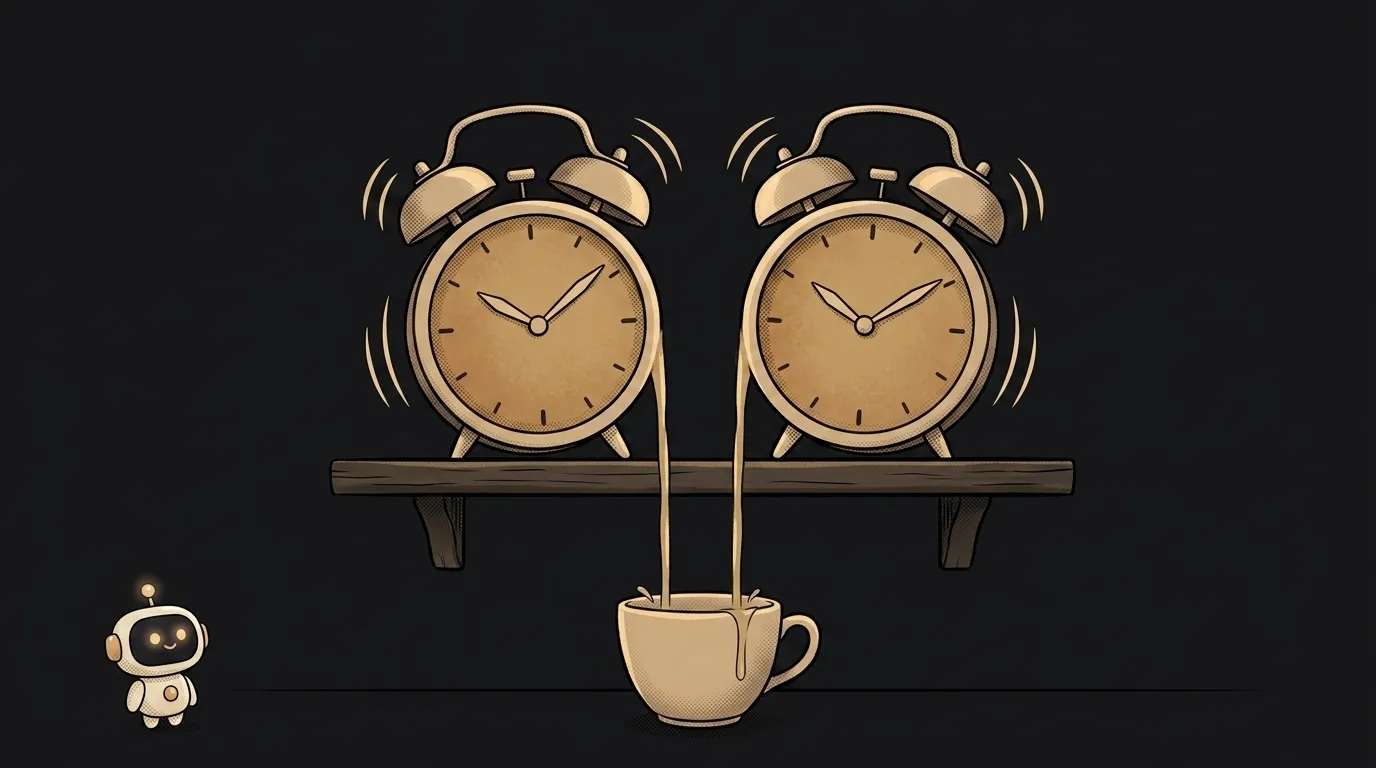
The email went to the user twice. Two identical rows in the database. The bot posted the digest two times. Cron gets suspected first — and almost always wrongly. Cron rarely "breaks". It's not the job that's duplicated. It's the scheduler — you have two of them, you just don't know it yet.
Cause 1: you have two schedulers
The most common cause. The schedule lives inside your app — and the app is running in two places:
- locally on your laptop AND on the server — you forgot to stop the dev copy;
- an old process survived the deploy, and a new one runs beside it;
- your process manager starts several copies (PM2 cluster mode means N workers — and each starts its own cron).
Every copy fires honestly on schedule. Two copies — two emails.
The second bullet is especially sneaky. Zero-downtime deploys work like this: the platform starts the new version, makes sure it's alive, and only then kills the old one. For a few minutes both are running — and if a schedule tick lands in that window, the job executes twice. Duplicates that happen "only sometimes, right after a release" are almost always this.
How to check. Add one log line to the job: machine name and process id.
console.log('digest start', process.pid, os.hostname());
Two different pids or hostnames in the logs — diagnosis done.
How to fix. The scheduler must live in exactly one instance. The most reliable move is to take the schedule out of the app: let an external cron or your host's scheduler hit a single HTTP endpoint. The app can have any number of copies — the call will come once.
Cause 2: the job runs longer than the interval
A tick every 5 minutes, but the job takes 7. A new run starts while the old one is still working. It processes the same data — from the outside it looks like a duplicate.
How to check. Log the start and the end with timestamps. If a "start" arrives before the previous "end" — that's it.
How to fix. A lock: an "already running" flag.
let running = false;
async function tick() {
  if (running) return;
  running = true;
  try { await doWork(); } finally { running = false; }
}
For shell cron, flock does the same. Even simpler — schedule the next run only after the current one finishes: a loop with a pause instead of a hard tick.
Cause 3: a retry finishes the damage
The job crashed halfway: the email already went out, but the "sent" mark never got written. The system retried the job — the email went out a second time.
That's not exotic, it's the norm: queues and webhooks deliberately deliver "at least once" — to them, losing a delivery is worse than duplicating one. Webhooks retry until they get a 200 — same logic.
How to check. Look for an error in the logs between the action and the mark recording it.
How to fix. Idempotency: first check "already done?", then do. The strongest version is a unique key in the database:
CREATE UNIQUE INDEX one_digest_per_day
  ON digests (user_id, digest_date);

INSERT INTO digests (user_id, digest_date)
VALUES (42, '2026-08-16')
ON CONFLICT DO NOTHING;  -- a repeat quietly bounces off
The second insert hits the uniqueness wall — and that's good: the database won't allow a duplicate even when your code slips. Send the email only after the insert succeeds.
How to never catch this again
- One log line per run: hostname, pid, start and end time.
- Side effects guarded by a unique key in the database.
- The scheduler doesn't start without a flag: check an environment variable and enable it only in production — the dev copy on your laptop stops sending emails.
- The schedule lives in one place — and is set up deliberately, not "somewhere in the code".
Why is everything fine on my laptop but duplicated on the server?
On the laptop there's one copy of the process. On the server — replicas, processes that survived a deploy, or your own laptop still running in parallel with production.
Can clock changes cause duplicates?
Yes, a rare one: when clocks shift, the 2:00 AM hour happens twice (or not at all). For critical jobs, schedule in UTC — no surprises live there.
What if the job doesn't fire at all instead?
That's the neighboring diagnosis with its own causes — we cover it separately in why my cron job isn't running.
The AI Architect 2027 course: step by step from computer basics to your own app and first customers. 543 short lessons on your phone.
Read next

Why SSH still asks for a password when your key is set up — 3 causes

How to set up ~/.ssh/config — short server names instead of long commands

Why does SSH disconnect on its own (Broken pipe) — three causes and how to fix them

How to read command help (--help and man) — and find your version's flags in a minute

Why Ctrl+C doesn't stop a program — and how one except line causes it
