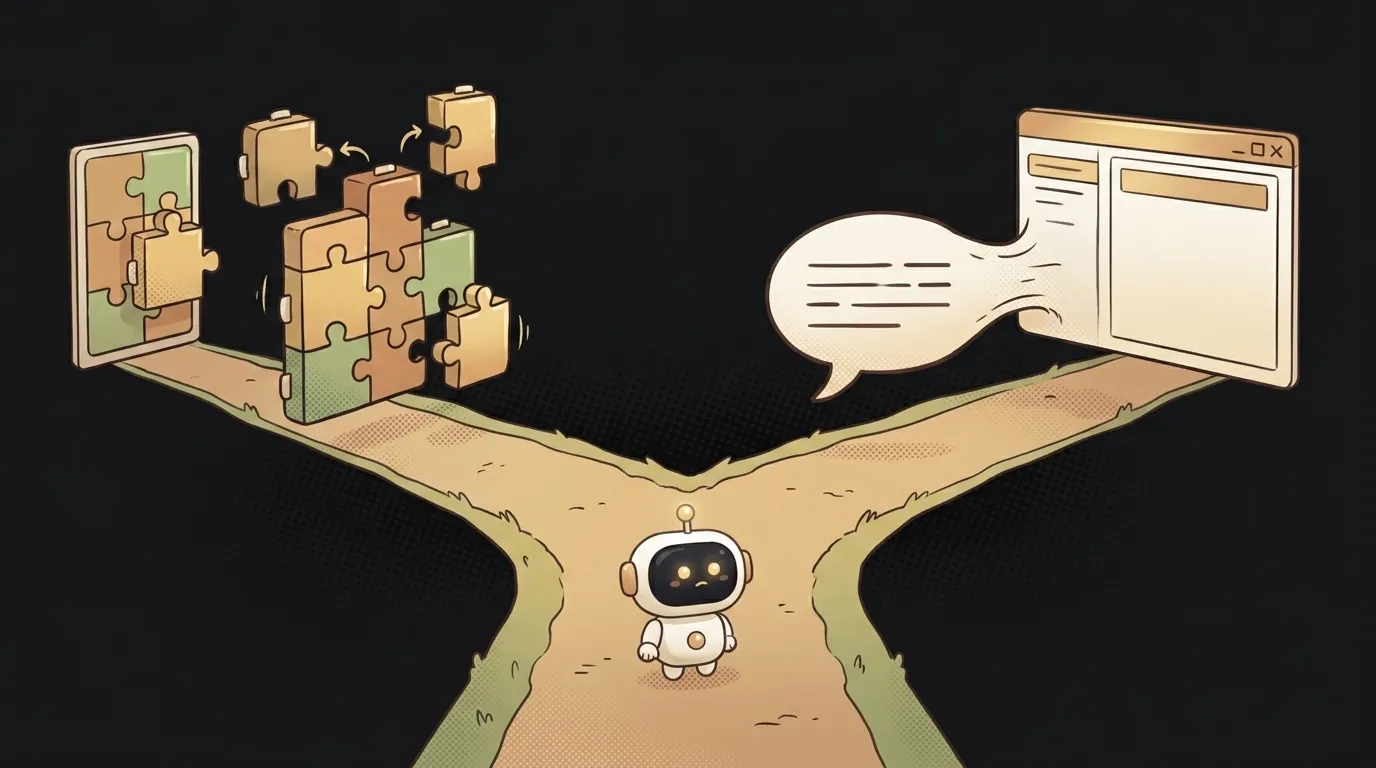
WordPress vs your own site — what to pick when AI writes the code
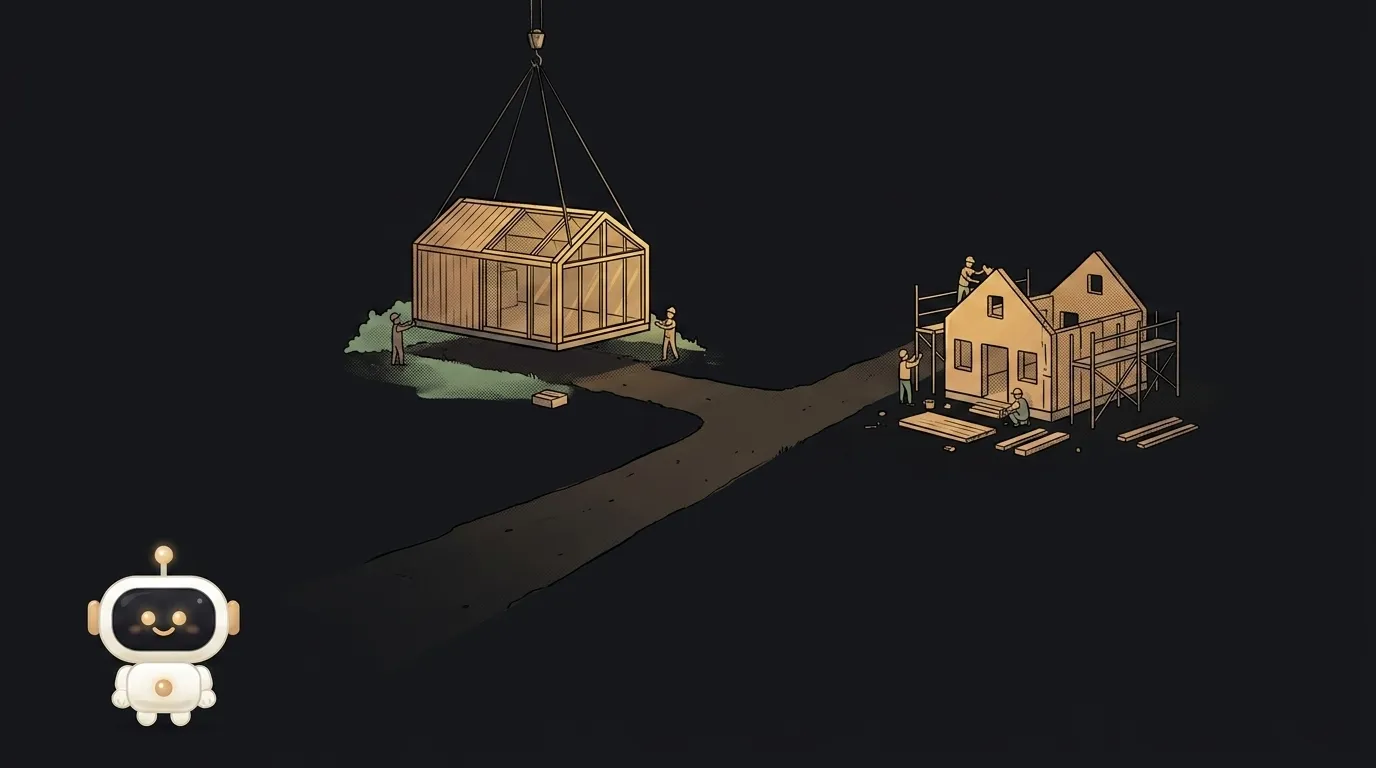
One number makes this conversation honest: WordPress runs 41% of all websites on the internet — a 59% share of the CMS market (W3Techs, August 2026). Every other site you opened today was WordPress.
Meanwhile a model will build you a working site in an hour. Which tempts you to frame this as "old world vs future" — and get it wrong.
The real dividing line isn't fashionable versus dated. It's one question: who is going to change the text on this site six months from now.
What actually differs
WordPress is a ready-made content management system. You install it on hosting (or rent it managed), pick a theme, add plugins. Inside is an admin panel where text is edited in a browser: log in, edit, save.
Your own site is a set of files you assembled yourself, quite possibly with AI. Total control over every pixel, nobody else's admin panel. Changing text means editing code and publishing again.
The key difference isn't technology, it's where the content lives: in a database behind an admin panel, or directly in the source.
Comparing on what matters to a beginner
Time to the first version. Comparable now — and that's news from the last couple of years. WordPress used to win outright; today a landing page comes together with AI in an evening. But WordPress time doesn't grow with the site: the fifth page is as fast as the first. On a custom site, every new kind of thing is new work.
Who runs the content. WordPress wins here by a landslide whenever the site isn't run by you. A client, a colleague, your mum with her cooking blog will not edit code and hit deploy. They need a Publish button.
Cost. A custom site is usually free: static files are served by free hosting, and you only pay for the domain. WordPress needs hosting with a database — call it $3–7 a month — and a paid theme plus a couple of premium plugins easily adds as much again per year.
Security. WordPress's weak spot isn't the engine, it's the plugin ecosystem. Every plugin is somebody else's code running on your site, and it has to be updated on time. A custom site has a smaller attack surface simply because there's less code.
Speed and SEO. Hand-built static output is faster nearly always: no database, no PHP, no ten plugins per page. That helps SEO, but it isn't decisive — WordPress with proper caching serves pages fast too.
Non-standard logic. A calculator, a user account area, an integration with someone's API, AI features — this is where WordPress starts to fight you. You'll hunt for a plugin that does almost what you need, then wrestle its limits. Your own code is simply faster here.
Portability. A custom site moves between hosts in five minutes. WordPress drags a database, an uploads folder and PHP versions along with it.
Who should pick what
Take WordPress if:
- the site is about content: a blog, news, a growing library of articles;
- it will be run by someone who can't and won't write code;
- you need standard things — forms, comments, a store — where a plugin covers 90% of the job;
- you're building it for a client and handing it over for good.
Build your own if:
- it's a landing page, a portfolio or a promo page — edited once a quarter, no admin panel needed;
- the point isn't text but a function: a calculator, a bot, an AI feature, an account area;
- you want to learn — a custom site teaches far more than configuring someone's theme;
- you want maximum speed and a minimum bill.
There's one contested zone: a developer's personal blog. A third option wins there — a static site generator: posts are files in a repository, the site builds itself, and there's nothing to pay for.
The thirty-second check
Still torn? Answer three questions — they settle it faster than any comparison table.
- Five pages a year from now, or fifty? Five — custom. Fifty, in several shapes — WordPress.
- Who edits a sentence on a Saturday night? You — custom. Somebody else — WordPress.
- Is the site mainly text or mainly action? People read it — WordPress. People click, calculate, upload — custom.
Two answers out of three pointing one way is your decision. Don't hunt for the perfect option: moving a landing page to a different stack in six months is an evening of work, not a disaster.
Will AI kill WordPress?
Not yet, and the numbers agree. AI made building a site faster; it didn't solve the problem WordPress exists for — giving a non-technical person a button for everyday edits. A model will write you a blog tonight, and editing it tomorrow still means touching code.
What AI did change is the other flank: no-code and vibe coding took a real bite out of the simple-landing-page niche, where the engine was always overkill.
Can I start on WordPress and move later?
You can, but moving toward a custom site costs more than it looks: content has to be pulled out of the database, and URLs have to be preserved exactly or you lose search positions. Migration is easiest in the first months, while there are few pages.
Do I need a domain either way?
Yes, and it's the one unavoidable shared expense. Buying and connecting a domain is the same 15 minutes regardless of what sits behind it.
The AI Architect 2027 course: step by step from computer basics to your own app and first customers. 543 short lessons on your phone.
Read next

How to rename a variable across your whole project — without breaking things that just look similar
How to find code in a big project — search for what's on screen
Who owns AI-generated code — and why "mine" and "only mine" are different things

Why the AI rewrote code I never asked it to touch

Red flags in AI-generated code — 7 things to check before you ship