Why the AI rewrote code I never asked it to touch
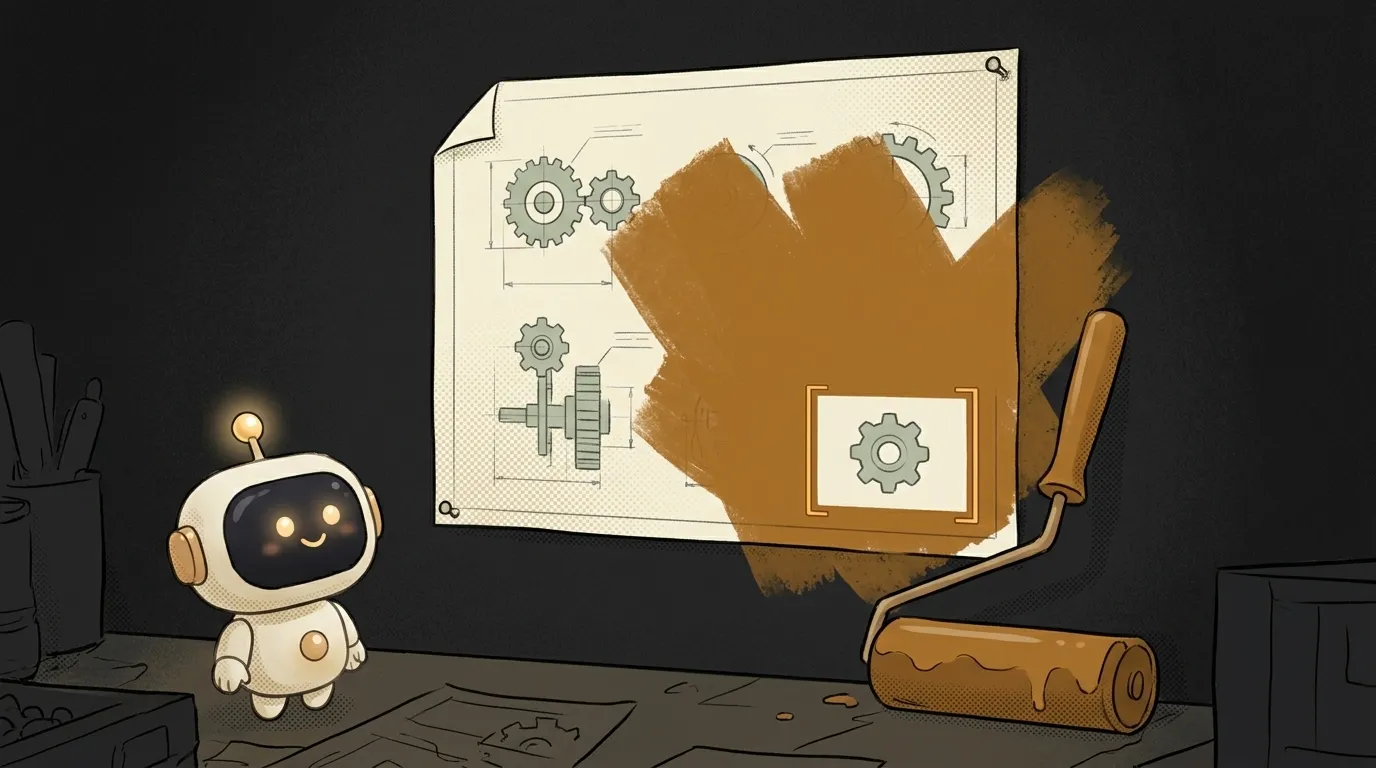
You know the scene. You ask it to fix one function — the discount maths is off. The agent cheerfully says "done," you open the changes, and there are two hundred lines: variables renamed, formatting shifted, something that worked perfectly "helpfully" refactored, and your comment explaining that ugly workaround is gone.
The important part first, because it reframes the whole problem: it's almost never that the model is "dumb" or "wilful." It rewrote exactly what you handed it, inside exactly the boundaries you named. Hand over a whole file, name no boundaries, get a whole file back. Here are the three causes, most common first.
Cause 1. You handed over too wide a chunk
The most frequent one — and the least visible, because the handing over happens by itself.
You type "fix the discount calculation," and your editor ships the entire open file alongside that sentence, sometimes half the project. To the model the task reads as: "here's code, here's a problem, return code." So it returns code. All of the code it saw.
How to check. Look at what actually went into the request: how many files were in context, did you pass a fragment or the whole module. If the agent handed back a complete file, that's your answer.
How to fix it:
- Pass the smallest chunk: one function instead of a file, one file instead of a folder.
- Ask for an edit, not a file: "show only the changed lines" or "return a patch."
- Don't stack tasks in one request. "Fix the discount and tidy up the naming while you're there" is two runs, not one — and on the second you get to decide whether you even want it.
The logic is the same as in how to give AI context about your code: context isn't "more is better," it's "exactly as much as the task needs."
Cause 2. You never said the boundaries out loud
The model has no idea which of your lines are sacred. That odd-looking if that reads like a mistake is actually a workaround for a bug in someone else's library. To the model it's just ugly code it would politely like to improve.
How to check. Re-read your prompt. Does the word "only" appear anywhere? Did you say what must not be touched? If not, the model was fully entitled to touch everything.
How to fix it — say it explicitly. The difference is immediate:
Fix the discount calculation, something's wrong thereThe second prompt isn't "more polite" — it removes the model's licence to guess. Every line in it closes off one specific way of wrecking your file.
If the same rules repeat run after run, move them out of the prompt into a project rules file — CLAUDE.md, .cursorrules and friends. Then "don't reformat files you weren't asked about" applies by default, and you stop retyping it.
Cause 3. The agent runs on its own and you only see the end
The third cause isn't about prompting, it's about mode. A modern agent on autopilot takes a dozen steps in a row: reads files, edits, runs, edits again. Edits pile up, and you arrive at a finish line where it's no longer clear what was the fix and what happened along the way.
How to check. Answer one question: was there a commit before you started the agent? If not, you can neither compare nor roll back — and that part isn't the agent's fault.
How to fix it:
- Commit before the run. Even a throwaway local one saying "before the fix." A clean tree at launch is all the insurance you need; a commit is, in short, a snapshot you can always return to.
- Read the diff, not the agent's summary. "Done, fixed the coupon handling" is its retelling. The truth is in
git diff. How to read unfamiliar (and machine-written) code fast is covered in reading AI-generated code. - Keep runs short. One task, one run, one commit. Then rolling back costs a single command instead of an evening.
What to do right now, if it already happened
As long as nothing is committed, everything is recoverable:
git diff— see exactly what changed;git checkout -- path/to/file— restore a single file;git stash— set it all aside if you'd rather start clean.
Then re-run the task with a narrow scope and explicit "don't touch" rules. A second run with real boundaries almost always produces a ten-line diff instead of a two-hundred-line one.
Why did the formatting drift?
Because the project has no single rule of its own. The model formats out of habit — its habit, not yours. The cure isn't a prompt, it's tooling: set up an auto-formatter and a linter, and every edit gets normalised to your style regardless of who wrote it.
Is this a model bug? Should I switch agents?
No, and almost certainly no. "Rewrote extra stuff" reproduces across every agent and goes away with narrow scope and explicit boundaries. Swapping tools without changing the habit gets you the same two-hundred-line diff.
What if the fix genuinely needs to touch neighbouring code?
That happens — and the right answer isn't "forbid it," it's "ask first." Add to your prompt: "if fixing this requires changing anything outside this function, describe what and why first, then wait for confirmation." That's exactly the discipline that turns vibe coding from a lottery into a workflow.
The AI Architect 2027 course: step by step from computer basics to your own app and first customers. 543 short lessons on your phone.
Read next
How to rename a variable across your whole project — without breaking things that just look similar
How to find code in a big project — search for what's on screen

Who owns AI-generated code — and why "mine" and "only mine" are different things

WordPress vs your own site — what to pick when AI writes the code

Red flags in AI-generated code — 7 things to check before you ship