Circle something in a photo — and only that thing changes
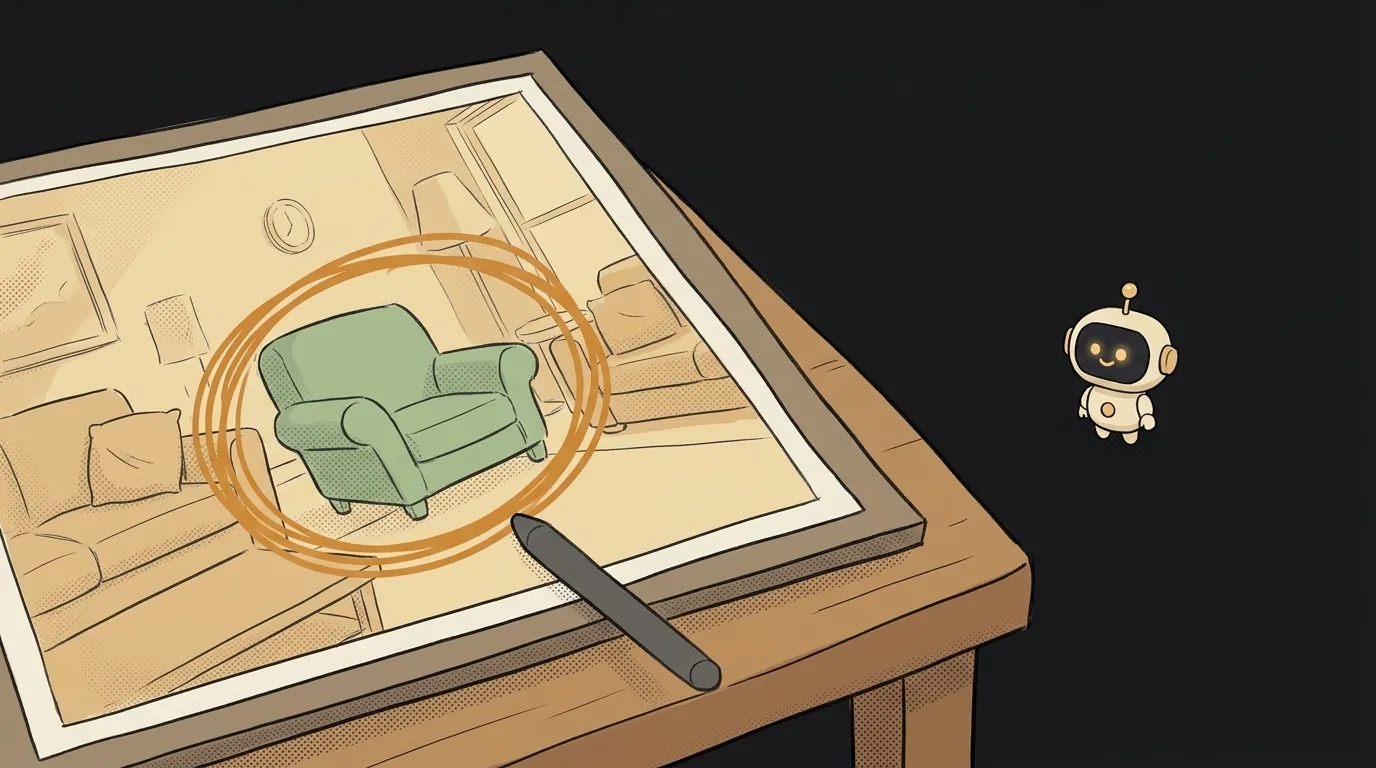
Try explaining in words which object in a photo you want changed. "The vase on the left. No, the other one. The one nearer the window."
Words are bad at pointing. A finger is great at it. Any kid can circle the right thing in a second.
Here's what changed. On November 4 OpenAI added markup-guided edits to its API. You give the model a photo plus a separate transparent layer with your scribbles. The model sees what you circled and changes that.
The idea in one line: a page where you snap your room, circle the armchair with your finger, type "green," and instantly see how it would look.
Until recently you had to describe the location in words or carefully paint a mask. Now a wobbly circle is enough.
The catch
The markup is not a drawing on top of the photo. That's the whole trick. The request carries two files:
image— your clean photo;markup— a transparent PNG with only your lines on it.
Merge them into one picture and it won't work. The docs explicitly tell you not to flatten the layer onto the photo.
The second trap is sneakier. The layer must match the photo's width and height exactly. But on screen, a phone photo is shown small. Draw on the small version and you get a 400×300 layer for a 4032×3024 photo.
One move fixes it. First shrink the photo on a canvas, say to 1536 pixels on the long side. Then make the layer that same size. Send both. As a bonus, sideways phone photos stop being a problem, because the canvas has already rotated the image correctly.
And the third one. OpenAI's own example ends its prompt with: remove the red circle from the finished photo. It also says everything else should stay as it was. You have to ask for both yourself.
What you'll learn
- Drawing on a canvas. Finger or mouse, a line, a "clear" button. That's
<canvas>, useful on its own. - What transparency really is. Why PNG can hold "nothing" and JPEG can't.
- Sending files to a server. Two files and some text in one request.
- Hiding your key. The request goes through your server; the key never reaches the browser.
A ready starter prompt
Make an app that edits photos with AI.Build a small web page with a Node server. The user uploads a photo. The page draws it on a canvas, scaled down to 1536 pixels on the long side. On top sits a second canvas of the same size with a transparent background, where the user draws a red line with a finger or mouse, with a Clear button. Below the photo is a What should change? field and a Change button. The server sends a multipart request to OpenAI POST /v1/images/edits: model gpt-image-2.6-flare, quality medium, image is the scaled photo, markup is the PNG from the second canvas, prompt is the user text followed by: Apply this change only inside the red marks. Keep everything else unchanged. Remove the red marks from the finished photo. Do not merge the canvases. Before sending, check that both have the same width and height. Decode b64_json and show the result next to the original with a before/after slider, fitting both images to the same size on screen. The API key stays on the server. If the request is rejected, show the error text. No accounts and no database.The weak prompt knows nothing about the two files. Your coding assistant will almost certainly merge the drawing into the photo, and you'll spend an hour wondering why it fails. The strong one closes all three traps up front.
What you end up with
You photograph your room and circle the armchair. You type "dark green velvet." You wait half a minute. Next to it appears the same room, same curtains and same light, but a different chair. You drag the slider and compare.
It works on anything. Paint a wall while the paint is still in the store. Remove the bag from the floor in a photo for a listing. Try a shelf above the sofa.
In a test through a third-party gateway, a similar edit on the higher-end model took 35 seconds and cost about 4 cents. It replaced exactly what was circled and didn't paint the red lines into the image. The same test wrote a short note on the layer next to the circle, and that works too. Gateway prices aren't OpenAI's prices, so check your bill after the first run. OpenAI charges no extra fee for markup.
To be honest about the limits. The model sometimes still touches nearby details, so look at the result with your own eyes. The output may come back a different size: in that same test 1360×768 became 1668×943. You need an OpenAI API key with credit on it. And use your own photos: don't rework other people without asking.
The nicest part is this. You no longer describe where the thing is. You just point at it.
Short story-lessons, an agent simulator and daily practice — in our mobile app. Free.
Source: Image generation — Guide an edit with markup (OpenAI)
Read next
A logo you can open in Notepad — and recolor for free
Your cat, waving in the group chat — a GIF from one photo
An AI phones you at 8 a.m. and asks about your day
Describe your project in one sentence — get a diagram with the real logos
A one-minute cartoon with no video AI — every frame is code