A logo you can open in Notepad — and recolor for free
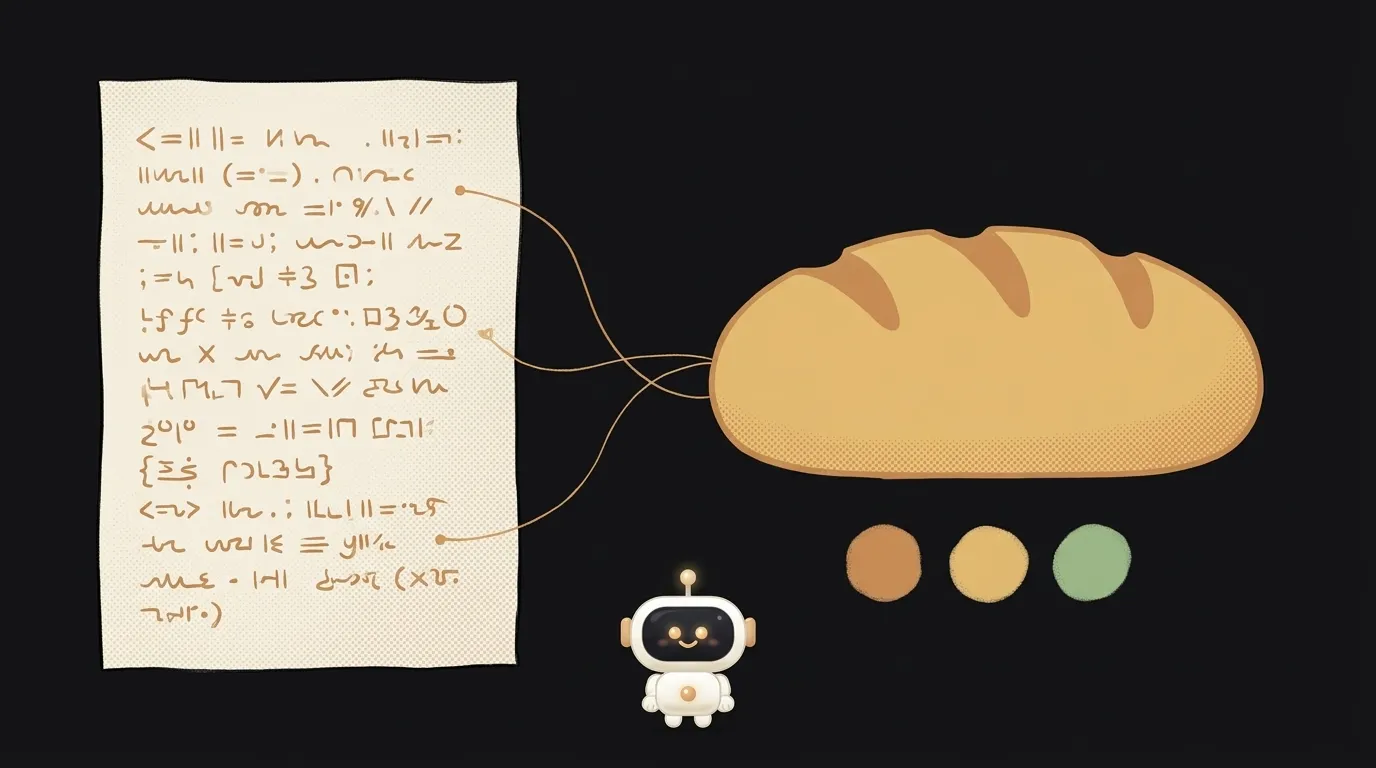
I opened a logo an AI had drawn. In a text editor. And I read it.
It says <g id="loaf" fill="#EAAF6B">. A loaf, in golden. Want a blue loaf? Change six characters. No new generation, no money, no waiting.
That file is from OpenAI's docs. Since November 4, GPT Image 2.6 can return its result as SVG. The whole logo in that example weighs 4,976 bytes. Inside are 12 paths and exactly 2 colors.
The idea in one line: a page where you describe your project, get a logo, and drag its colors around with sliders, with no further AI requests.
Every AI image used to be a mountain of pixels. Don't like the shade? Pay, regenerate, and get a different logo. Now color is separate from the drawing.
The catch
A normal PNG is millions of colored dots. An SVG is text with coordinates. The browser reads it as instructions: "here's a curve, fill it with this color."
That's the main trick of the project. You find every entry like #EAAF6B in the file and turn each into a color button. The user drags a slider, you replace the string, and redraw the file. It's plain text replacement, so it's instant.
Here's what I noticed comparing the two official samples. The same bakery logo came out differently from each model:
- Flare turned the letters into curves. There's no text in the file, so the logo looks the same everywhere.
- Sunburst kept real text in the Georgia font. You can edit the word by hand. But on a device without that font, the lettering will look different.
For a logo you want the first one. Ask for it in the prompt, and check: if the file contains <text, warn the user.
What it can't do
Worth knowing up front so you don't build in the wrong direction.
- You can't upload your own image and get a vector. SVG only comes from a text description. You can't edit an existing SVG through the API either.
- Complex scenes don't belong here. This is for icons, logos, and flat illustrations.
- One image per request.
What you'll learn
- Reading SVG. Open the file and see that
pathis a shape andfillis its color. - Searching text with a regular expression. Find every color in the file with one line of code.
- Separating expensive from cheap. One AI request; everything else lives free in the browser.
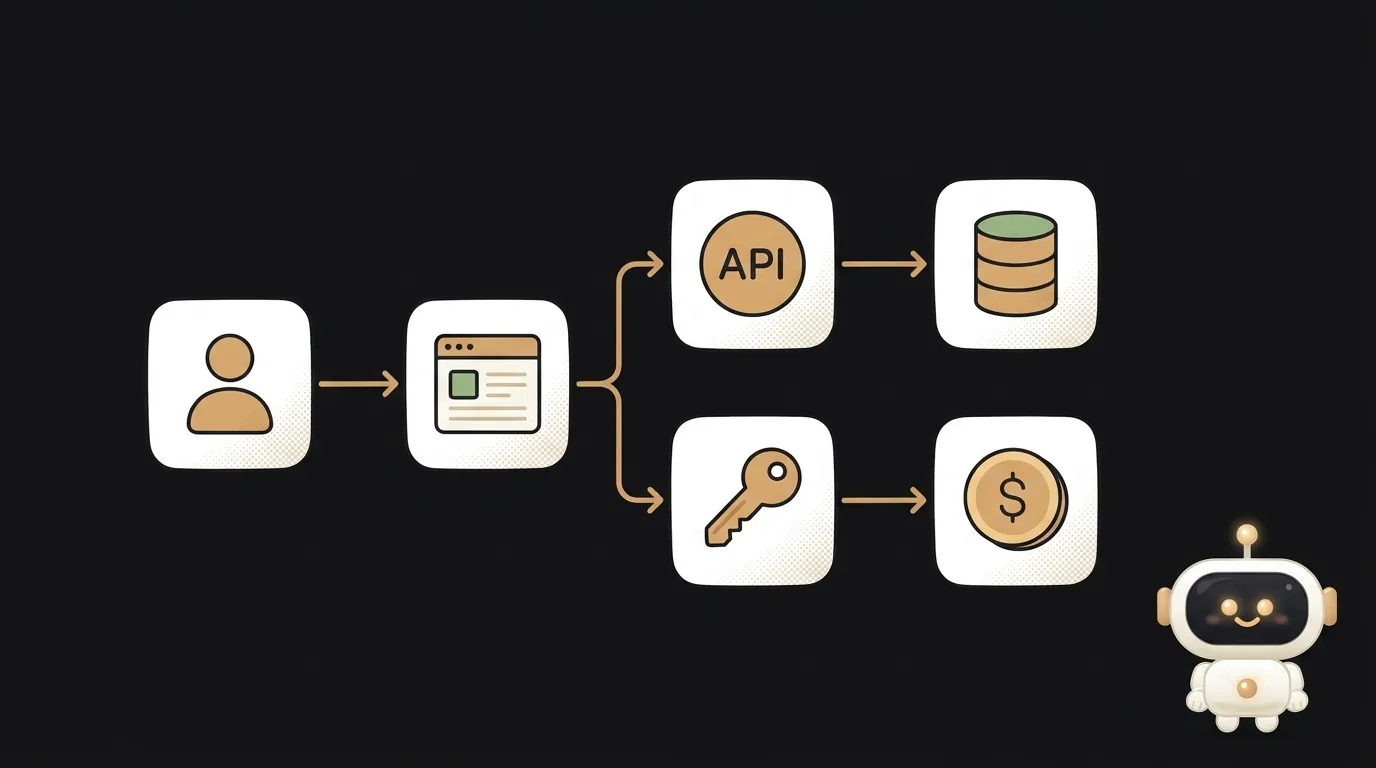
- Hiding your key. Generation goes through your server.
A ready starter prompt
Make an AI logo generator.Build a small web page with a Node server. The user enters a project name and one sentence about it, then clicks Draw. The server calls OpenAI POST /v1/images/generations: model gpt-image-2.6-flare, output_format svg, n 1. Prompt: A simple flat vector logo for [name]: [description]. Use at most 3 solid colors, no gradients, transparent background. Give each part of the logo a meaningful group id. Draw any lettering as paths, do not use text elements. Decode b64_json as UTF-8 and return the SVG string. In the browser, find all hex colors with a regular expression and show an input type=color for each. When a color changes, replace the string in the SVG and redraw the logo through a Blob and an img tag, with no server requests. If the file contains <text, show a warning about fonts. Buttons: Download SVG and Download PNG 512 via a canvas. The API key stays on the server. If the request is rejected, show the error text. No accounts and no database.The weak prompt returns an ordinary picture and the whole idea is gone. The strong one has what matters: SVG format, a three-color limit, letters as curves, and recoloring without the server.
What you end up with
You type: "Bublik, the corner coffee shop." In 15–20 seconds there's a logo on the page with three colored squares under it. Tap the first, spin the color wheel, and the color follows your finger with no loading. Find your combination and download a 5-kilobyte file. You could stretch that logo across a storefront and it wouldn't blur.
Open the file in a text editor. Show a friend. This is the moment people say "wait, how."
In a test through a third-party gateway, SVGs usually arrived in 13–18 seconds and cost 3.5 cents. One request took two minutes. Those are gateway prices: with OpenAI you pay for a reference image plus the tokens the model spends writing the file, so the total can't be known in advance. Check your bill after the first run.
To be honest about the limits. The model doesn't always render lettering cleanly, as OpenAI itself warns. If you need non-Latin letters, test them separately. Colors may not always be written in hex, and then those won't get a button. You need an OpenAI API key with credit on it. And before printing the logo on T-shirts, check that nobody already uses that mark.
A year ago an AI handed you a finished picture. Now it hands you a file you can read and change yourself.
Short story-lessons, an agent simulator and daily practice — in our mobile app. Free.
Read next
Circle something in a photo — and only that thing changes
Your cat, waving in the group chat — a GIF from one photo

An AI phones you at 8 a.m. and asks about your day
Describe your project in one sentence — get a diagram with the real logos
A one-minute cartoon with no video AI — every frame is code