One sentence in, a full eight-page coloring book out — ready to print
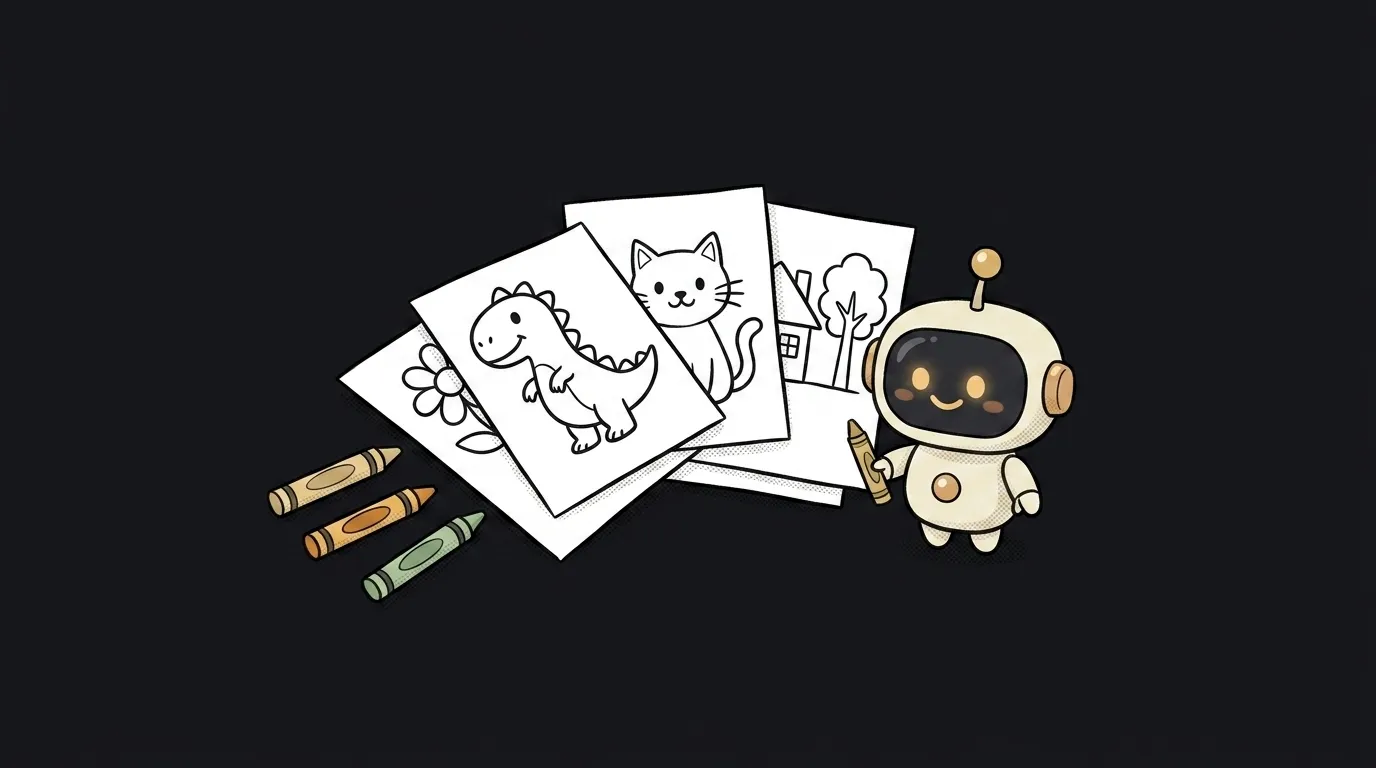
Here's the idea in one line: you type one sentence — "dinosaurs on a picnic," "a space cat firefighter," "a mechanic princess" — and the app hands back a finished coloring book: eight black-and-white pages with thick outlines, ready to print right now and hand to a kid with a box of crayons.
And here's what's fresh — why this wouldn't have been easy a year ago. It's not that the model couldn't draw outlines. It could. Cost got in the way: eight pictures is eight requests, each a few seconds and a real chunk of money. Nobody's going to assemble a whole book for one evening at that price. On June 30 Google made gemini-3.1-flash-lite-image generally available — described as tuned for "cost-effective and fast image generation." Cost-effective is the key: each page now costs a fraction of a cent and renders almost instantly, so building all eight in one run became normal. That's what this project rides.
Why this one
Plenty of people want a coloring book for their kid — but the ones in the shop are about someone else's characters. This one is about what your kid actually loves: their name, their cat, their favorite digger. And it spreads instantly: post "a coloring book about your little astronaut Tom" in the parents' chat and they immediately ask "can you make me one too?"
And there's less "magic" here than it looks. The app is a pipe that runs the same model eight times with slightly different scenes and stitches the pictures into one file for printing.
What you'll learn
- A request loop. Not one call, but eight in a row: the same theme, eight different scenes. You'll feel how to run a model in a loop and collect the results — the move half of all useful projects are built on.
- Asking for a specific style. "Coloring page" means a thick black outline, no color, no shading, lots of white space for the crayon. Half the job is telling the model what not to draw. That's the prompt as your tool.
- Assembling a real artifact. Eight pictures → one A4 PDF you hit "print" on. A pile of files turns into a thing you hold in your hands.
A ready starter prompt
Don't ask for "a coloring-page generator" — you'll get color pictures and nothing about printing. Describe the theme, the line style, the page count, and the format.
Build an app that makes coloring pages from a theme.The strong prompt leaves nothing to guess: you can see "outline only, no fill," the eight pages, the printable PDF. The first result is usable, not "almost."
What you end up with
You enter "dinosaurs on a picnic" — a minute later you have eight pages: a dinosaur with a basket, a dinosaur on a blanket, a dinosaur chasing a ball. Thick outline, everything white inside. You hit "print," hand over the crayons, and the evening's sorted. Tomorrow it's a different theme and a brand-new book.
Start with a single page — get the model drawing a clean outline with no fill. Once one page comes out right, eight is just the same call in a loop.
Short story-lessons, an agent simulator and daily practice — in our mobile app. Free.
Source: Gemini API — Release notes (June 30, 2026, gemini-3.1-flash-lite-image GA)
Read next
Fly down your own route in pixel art — with the buildings standing where they really stand
Cut a jet engine in half — and it works out what just happened to it
A $7 board — and AI taps around your iPhone on its own. No Mac, no jailbreak
47 vacation clips — and an agent cuts them into a video on the beat
Build a “send as-is” button — a model that hands you the email, not advice about it