The QR on an AI poster finally scans — instead of just pretending to be a code
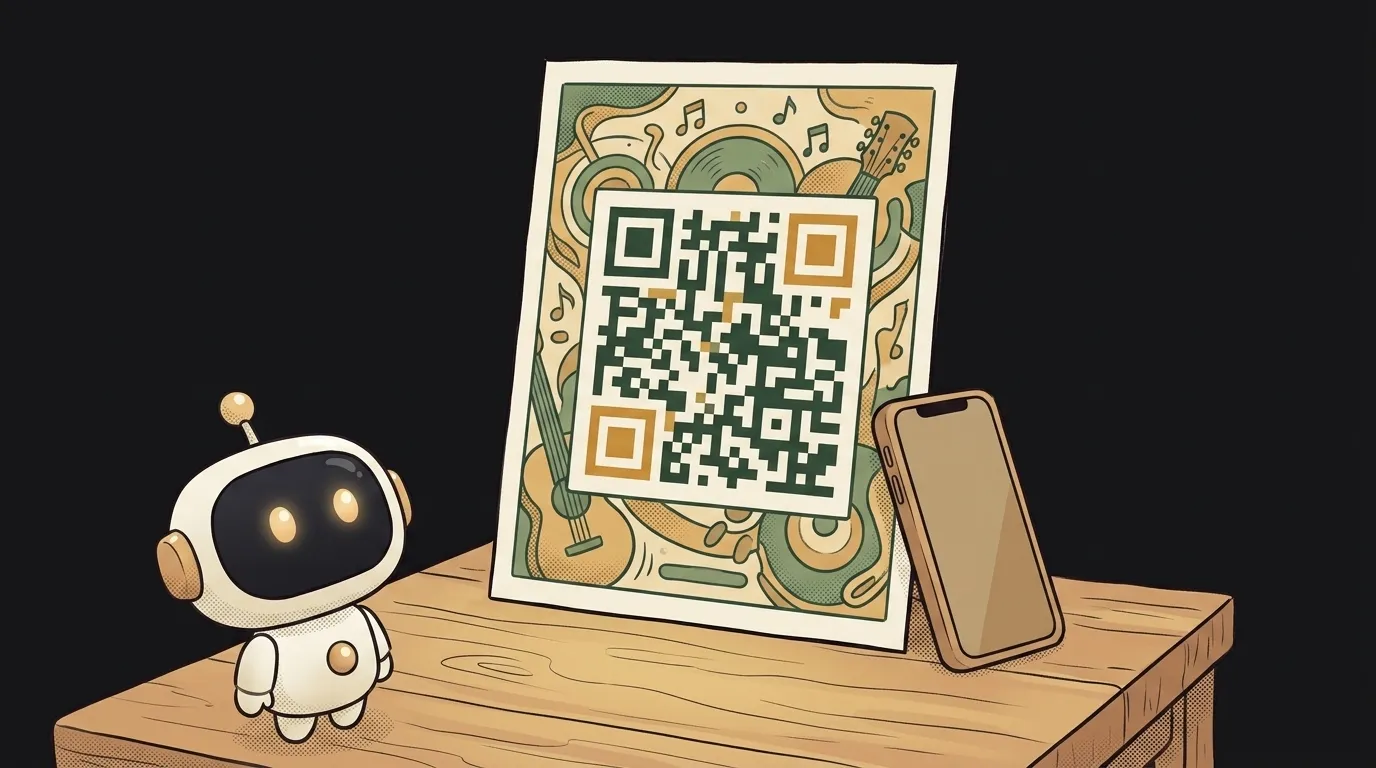
The idea in one line: a generator for posters, stickers and business cards where the QR is woven into the picture — good-looking and actually opening your link.
Why this only became possible now
A normal AI generator draws the QR as a pattern. The little squares look right — you can't tell by eye — but it's just texture. Point your camera and the phone reads nothing: the code leads nowhere.
On July 7 Meta shipped Muse Image. It doesn't "draw something similar" — it writes and runs code: it generates a real QR for your link and weaves it into the art. Same with text: readable letters on the poster, not decorative squiggles. Picture and working code now arrive in one file.
Before, gluing a working QR into a nice image was a job for a human in an editor. Now one prompt does it — and the phone opens your link from it.
What you'll learn
- A QR is data, not a picture. What's hidden inside those squares, and why contrast and the "quiet zone" (the white margin around it) decide whether it scans at all.
- A prompt that asks for real code. Not "draw a QR" but "generate a real QR for this address and embed it in the composition."
- Composition around the code. How to weave the QR into a poster so it's both part of the art and still scannable.
- A tiny tool. A "paste your link" field plus a "make poster" button — that's all it takes.
A ready starter prompt
Don't just ask for "a poster with a QR" — you'll get a pretty pattern that leads nowhere. Ask it to generate the code and check that it scans:
Make a poster with a QR code to my site.The strong prompt sets up not "a picture with a square" but a mechanic: generate real code, embed it, verify. That's exactly why the QR at the end opens the link instead of faking it.
What the result looks like
Point your camera at your own poster — the phone opens your link. Not "looks like a QR" but a working code. And it's not an ugly black square in the corner; it's part of the picture: a flyer, a business card, a laptop sticker — with a code that goes where it should. You can try the prompt itself for free right in the Meta AI app; to build your own tool, generate the code with a normal QR library and let the model make the art around it.
Start with the simplest thing — a QR to your profile woven into a square image for stories. The moment you see the phone read it, you'll want a QR menu, a QR business card and a full poster.
Short story-lessons, an agent simulator and daily practice — in our mobile app. Free.
Source: Meta — Introducing Muse Image
Read next
Fly down your own route in pixel art — with the buildings standing where they really stand
Cut a jet engine in half — and it works out what just happened to it
A $7 board — and AI taps around your iPhone on its own. No Mac, no jailbreak
47 vacation clips — and an agent cuts them into a video on the beat
Build a “send as-is” button — a model that hands you the email, not advice about it