One image — and your character talks back, live
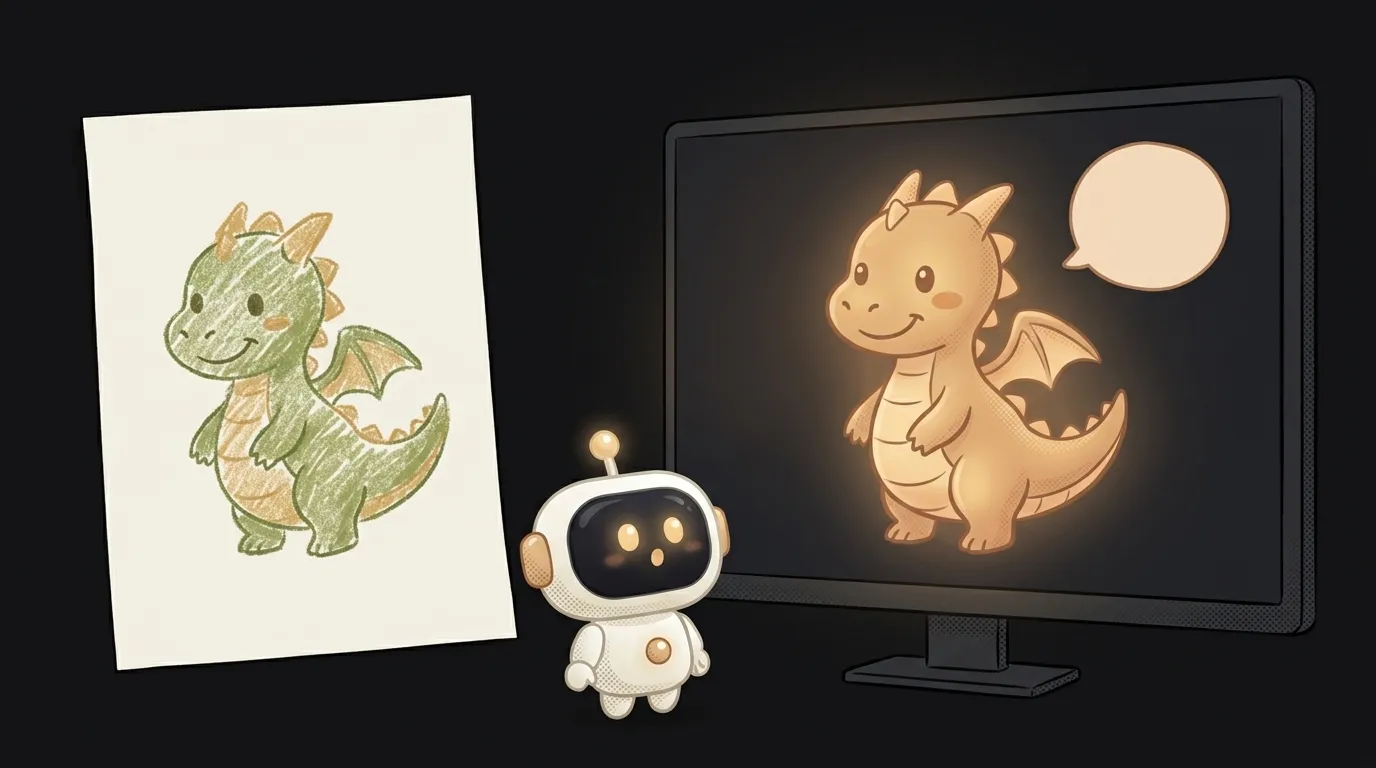
Look, here's the idea in one line: you take a drawing of a little dragon — even a kid's felt-tip one — and it comes alive on screen. It blinks, smiles, moves its lips in sync with the words. A kid asks: "Can you fly?" — and the dragon answers out loud, looking right at them. Not a pre-made cartoon. A live conversation.
And here's the interesting part — this used to be a studio's job. A talking character meant animators, hand-made lip-sync, and a game engine. This spring Runway showed Characters: a real-time video character from a single image — 24 frames per second, facial expressions and lip-sync, replies within a couple of seconds. And on July 8 they opened Runway Dev — a platform where this is available to anyone through an API. One image. No model training. Any style: a photo, a cartoon drawing, a mascot.
Why this one
It's a pure wow moment. A drawing that hung on the fridge starts talking to its author — that's remembered for life. And it begs to be shared: a video of "my dragon answering questions" sends itself to the family chat.
And it's personal. Not a ready-made character from someone else's cartoon — yours: your drawing, your voice for it, your rules. You decide who it is, what it knows, and how it jokes.
What you'll learn
- The image as a parameter. You'll see that the whole character is defined by one image — style, looks, the personality of the face. Change the image — change the hero.
- Character = image + voice + instruction. You'll assemble a hero from three parts and understand how every "live avatar" works — from tutors to support characters.
- A role in text. Who you are, how you talk to a kid, what you stay silent about — all one instruction. The same system prompt, except the result looks at you and blinks.
- Real time. You'll feel why a couple seconds of delay still reads as "a live conversation" and ten seconds doesn't. That's the key constraint of every voice interface.
A ready starter prompt
Don't write "be a cheerful dragon" — the hero will chatter with no personality and no limits. Describe the whole role:
You are a cheerful little dragon, talk to a kid.The strong prompt turns a "talking head" into a character: with an age, a personality, favorite topics, and limits. The line "short answers of 2–3 sentences" matters most — a live hero that lectures stops being alive.
What you end up with
On screen — that very dragon from the drawing. The kid says "hi!" — the dragon perks up, smiles, and greets them back, lips moving in sync. A question about whales — a short cheerful answer and a question back. You film a minute of this conversation on your phone, send it to the family chat — and spend half an hour answering "HOW?!".
Start with one hero and a short role. Once it works, bring the whole fridge gallery to life: each drawing with its own voice and personality.
Short story-lessons, an agent simulator and daily practice — in our mobile app. Free.
Источник: Introducing Runway Dev (Runway)
Read next
Fly down your own route in pixel art — with the buildings standing where they really stand
Cut a jet engine in half — and it works out what just happened to it
A $7 board — and AI taps around your iPhone on its own. No Mac, no jailbreak
47 vacation clips — and an agent cuts them into a video on the beat
Build a “send as-is” button — a model that hands you the email, not advice about it