The picture redraws itself while you type
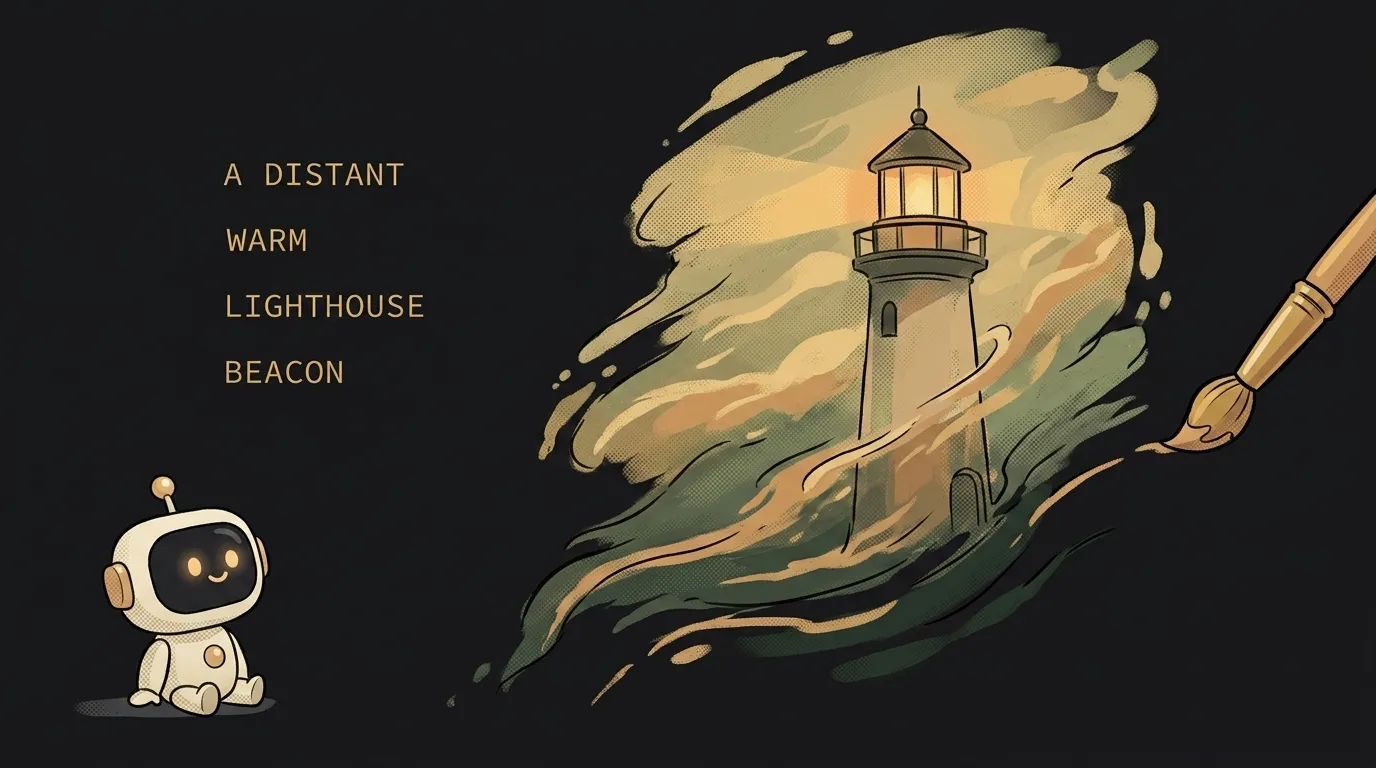
Here's the idea in one line: an input box with a picture next to it. You type "sunset" — a sunset appears. You add "over the sea" — the image redraws. You add "in watercolor" — it changes again. You never press a "generate" button. The picture just keeps chasing every word you type.
And here's what's fresh — why this wouldn't have been easy a year ago. Models could already draw pictures. But one thing got in the way: every request took a few seconds and cost real money. Poking the model on every keystroke was impossible — too slow, and too expensive. On June 30 Google made gemini-3.1-flash-lite-image generally available — described as "optimized for ultra-low latency and cost-effective image generation and editing." Ultra-low latency is the key: the answer comes back so fast and so cheap that hitting the model on every keypress became normal. That's what this project rides.
Why this one
A normal image generator is "write a prompt, wait, judge it, rewrite, wait again." A slow loop: by the time it lands you've forgotten what you wanted. But when the picture changes as you type, you see the link instantly — this word made the sky pink, that one added a boat. It's not just handier — it feels different. And it's the kind of thing you want to show off: you type a phrase, a friend watches the picture assemble itself out of it.
And there's less "magic" here than it looks. The app is a pipe: grab the text from the box, hand it to the model, show the picture. The one thing you add on top is not firing on every single letter — waiting for a tiny pause instead.
What you'll learn
- Debounce — "wait until they stop typing." Fire a request per letter and you'll send a hundred requests for the word "hello." The trick: wait for 300–400 ms of silence, then send. That's latency under control — a basic move you'll reuse everywhere.
- Keep the last good picture. While the new one renders, don't clear the old one — the screen flickers empty otherwise. New one lands, then you swap. Small thing, but the whole "smooth" feeling rides on it.
- Speed and cost as the feature. The point of this project isn't "draw something pretty" — it's that the answer is instant and cheap. Picking the fast model is the main decision.
A ready starter prompt
Don't tell the agent "make an image generator" — it'll build the usual "generate" button and a spinner. Describe the live loop itself: the model, the debounce, the limits.
Build an app that generates images from text.The strong prompt leaves nothing to guess: you can see the fast model, the 400 ms pause, the "don't flicker empty." The first result already lands close to what you had in mind.
What you end up with
You type "lighthouse" — there's a lighthouse. You add "in fog" — fog rolls in. "At dawn" — the sky warms up. You don't assemble a prompt up front and you don't wait: the picture thinks along with you, word by word. Screen-record it — that moment, a phrase turning into a picture in real time, is the thing you'll want to send a friend.
Start with the crudest version — fire a request on every single letter, let it flicker and lag. The moment you see the picture actually follow the text, you'll want to add the pause and the smoothness yourself.
Short story-lessons, an agent simulator and daily practice — in our mobile app. Free.
Source: Gemini API — Release notes (June 30, 2026, gemini-3.1-flash-lite-image GA)
Read next
Fly down your own route in pixel art — with the buildings standing where they really stand
Cut a jet engine in half — and it works out what just happened to it
A $7 board — and AI taps around your iPhone on its own. No Mac, no jailbreak
47 vacation clips — and an agent cuts them into a video on the beat
Build a “send as-is” button — a model that hands you the email, not advice about it