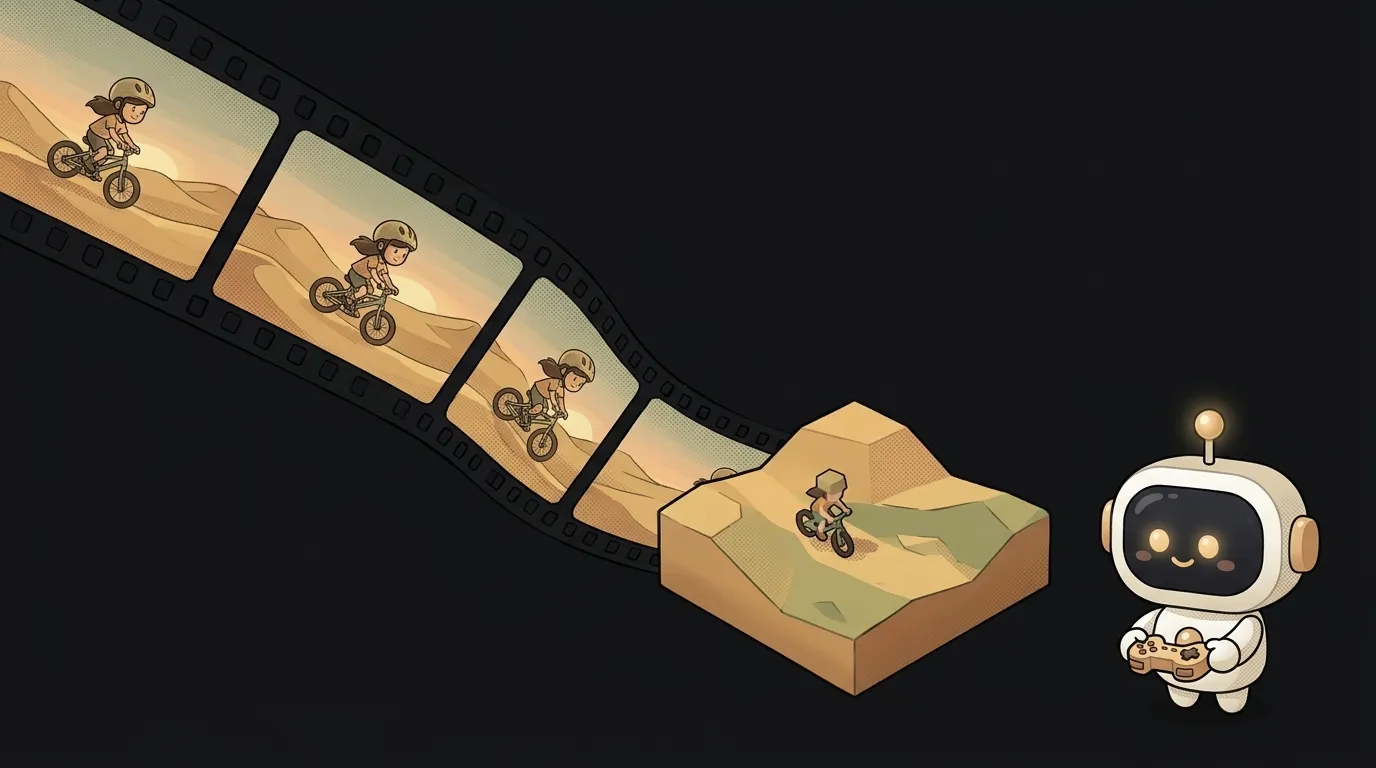
The clip is already rolling — and you call out what happens next

Look, you've learned to treat AI video like a parcel. Send a sentence, go make tea, come back — there's your mp4.
Now picture something else. The clip is already rolling. Right now, on screen. You type into the box on the side: "let it start raining" — and a frame or two later the yard is wet. Same yard, same cat, same jacket on the character. Just soaked now.
Video stopped being a file you wait for. It became a live broadcast you talk into.
Why this just became possible
On September 3, fal opened up H3 Max Director — a variant of the MiniMax H3 video model that "generates continuous real-time video that can be directed while it streams."
The key word is session. Not a request — a session: a WebRTC connection that lives up to 15 minutes by default and keeps producing frames the whole time. You send new commands into it and the picture changes without losing the thread. The model page promises it holds not just how the character looks, but apartment layouts, relationships, jobs, secrets, running jokes and unresolved storylines.
A year ago this didn't work. There was clip generation — send, wait, collect eight seconds. There was editing a finished clip by talking to it — but you're fixing what's already shot. This is a third thing: you step in while it's being shot.
What you'll learn
- Sessions instead of requests. You open a connection and hold it. Your commands go in, chunks of video come out — 5 to 15 seconds each, 24 frames per second. That's a different app skeleton: not "send and wait" but "listen and steer".
- Your command doesn't land instantly. This is the honest detail. A new prompt doesn't rewrite what's already on screen — it queues up and applies to the next chunk that hasn't been dispatched yet. You direct like you're on a walkie-talkie: say it now, see it a beat later.
- Continuity is a dial, not magic. The session has a
memoryparameter: how many past chunks the model keeps in view. Default is 12 — roughly two minutes back. Set it low and your character drifts and "forgets" the sweater. Set it high and it costs more. - The key lives on the server. The browser talks over WebRTC through your small proxy, never straight to the API. Good habit: a key in the browser is a key in someone else's hands.
- The meter runs on seconds, not requests. A session costs $0.02 per second of generated video (promo through September 14, then $0.08), minimum $1.20 per session, 1080p is double. Forget to close the tab and you paid for silence.
Ready starter prompt
The starter prompt here isn't a description of one frame — it's a series setup: who's on screen, where, what the camera does, and what's even allowed to happen next. After that you only nudge.
Make a video with a cat.Then come the commands into that same session — one at a time, short:
- "rain starts outside, the cat turns his head to the window"
- "the neighbour's dog walks in and sits down opposite"
- "the cat pushes his mug over to the dog"
Write the change, not the whole scene again. The model already remembers the patched sweater.
What you end up with
One page in the browser. On the left, a window with the cat's kitchen playing continuously. On the right, an input box and three preset buttons: "rain", "guest", "evening".
Hit "rain" — about ten seconds later it's pouring outside. Same cat, same mug, greyer light. Hit "guest" — the dog walks in, and the cat reacts like someone who was just sitting alone.
At the bottom, a counter: how long the session has run and what it costs. Send a friend the link, they type a command from their phone — and the two of you run a little series nobody filmed.
Weekend plan
Saturday — the stream. Stand up a tiny proxy server holding the key. Open a session, pipe the video to the browser, render a <video>. Goal for the day: a continuous frame on screen that doesn't end by itself.
Sunday — the console. Input box, three presets, a seconds counter. Handle the prompt_rejected message — the model sometimes refuses a command, and your interface should show that instead of swallowing it. Add a hard timer stop so a forgotten tab doesn't burn money.
Start at 480p with short chunks — cheaper to make mistakes. Turn the beauty up once the console works.
Short story-lessons, an agent simulator and daily practice — in our mobile app. Free.
Source: H3 Max Director — fal
Read next
Describe your project in one sentence — get a diagram with the real logos
A one-minute cartoon with no video AI — every frame is code

A spell for your game — from one sentence, in pixels, with real impact

Does your app look like an AI made it? Let AI fix that
Saw a gorgeous animation on someone's site? Bring it home