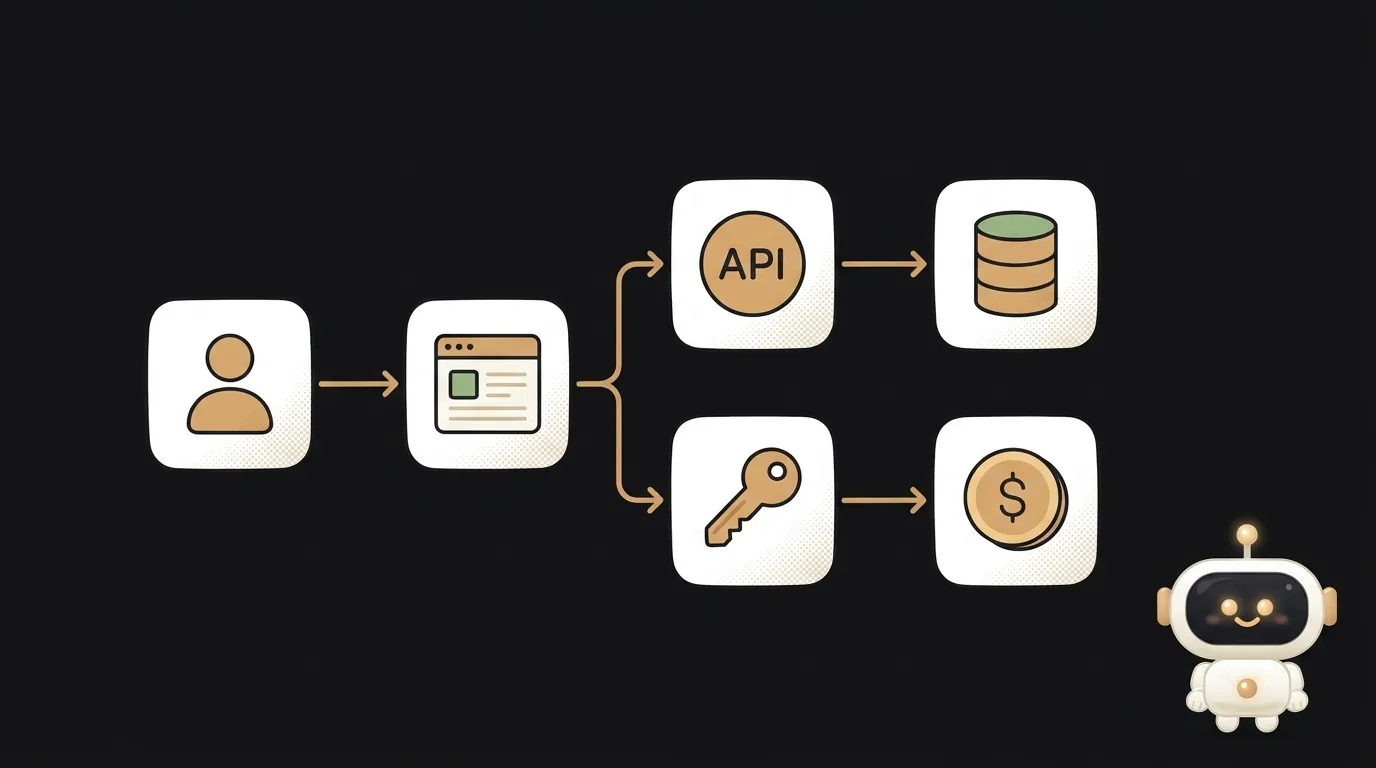
Five contracts, six questions — and every answer opens on the exact quote
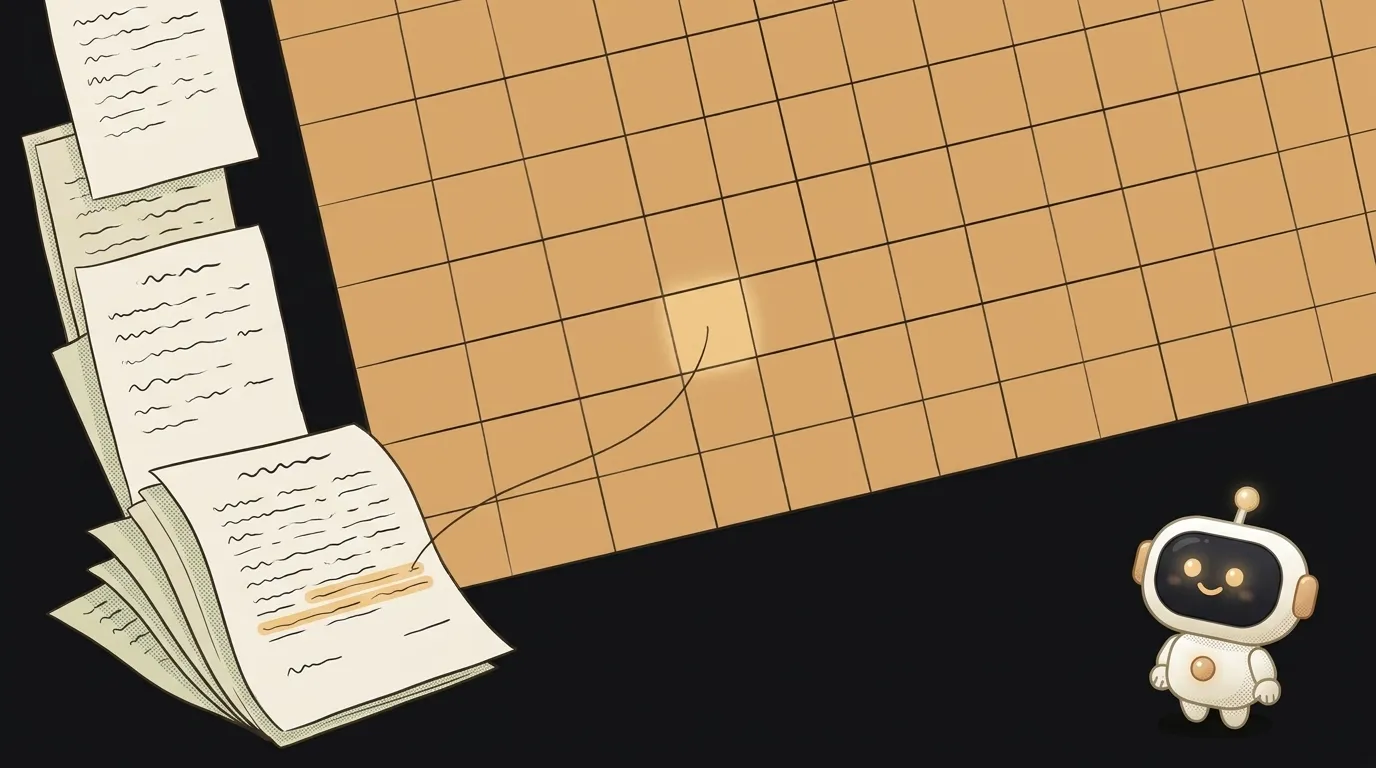
You're choosing an apartment. You have five lease agreements. You drop them into a chat and ask: which one has the smallest deposit?
The chat answers confidently. You ask about moving out, and now it's mixing up lease three with lease five. Where that number came from, nobody knows.
Here's the twist. A chat is simply the wrong shape for this. Your task is a table.
Contracts go down the rows. Questions go across the columns. Where they meet, a separate agent reads one file and answers one question.
The idea in one line: a folder of contracts becomes a grid where any answer opens on the exact line of the document.
A tool for this came out a week ago. It's recalc: free, open source, with a repo created on November 3. In a normal spreadsheet a cell holds a formula. Here it can hold an agent.
Where the magic is
A cell formula looks a lot like Excel:
@claude('Document: {$A2}. Question: {B$1}')
{$A2} is the document from your row. {B$1} is the question from your column. Fill the formula across, like in any spreadsheet, and each cell gets its own pair.
Now the important part. The agent has to show the place in the file its answer came from. And recalc checks by itself that the passage is really in the document. If the quote is made up, the cell gets marked and the agent is told to use the exact words.
Two more things a chat doesn't have:
- Answer types. The "deposit" column expects an amount. If the agent writes a paragraph, the answer goes back to be redone.
- Your sign-off. Checked a cell? Verify it. From then on the agent can't overwrite it: its edit becomes a suggestion, and you decide.
In the authors' demo, twelve contracts and six questions give 72 cited answers. One wrong answer gets caught from its own source and fixed by running it again.
What you'll learn
- Splitting a task. One big question about everything becomes thirty small, checkable ones.
- Setting the shape of an answer. Yes/no, a date, an amount — and ordinary formulas can work with those.
- Checking AI. With a quote in hand, you can see in a minute whether it understood correctly.
- Spreadsheet references. You'll finally get what the
$in a cell address means.
A ready starter prompt
Create a board with File → New Board → Describe it to the Driver. The Driver is the agent in the side panel that can set up the grid. Give it this task:
Compare my lease agreements and tell me which is best.Set up a grid over a folder of lease agreements: one file per row. Add these columns. Deposit — amount. Monthly rent — amount. Can the rent be raised during the term — yes/no. Days of notice before moving out — number. Who pays for appliance repairs — short phrase. What happens if I leave early — verbatim quote. Each answer must cite a passage from the file. If the contract does not say, write "not stated" and do not guess. Add a formula column: the deposit plus two months of rent, meaning how much cash I need up front. Show me the column headers first and run only the first row.The weak prompt asks for an opinion. You'll get a smooth paragraph with nothing to check it against.
The strong one asks for facts in a set shape and allows the answer "not stated". Without that permission, the model happily fills the gap. Running one row first saves your usage limits.
What you get
Five rows, seven columns, thirty agent answers and a formula column. Cells with a citation show a small quote mark.
You sort by cash up front. You see it: the lease with the cheapest rent asks for the most money at the start. You click the cell, and the contract opens beside the grid with the line highlighted.
Now it's your turn. V verifies an answer, F flags it with a note. Run a flagged cell again and the agent takes your note into account.
The result exports to Excel, with citations as cell notes. You can pass the template to a friend who's also looking for a place.
And it isn't only about rent. Five job offers. Insurance policies. Phone plans. The warranties for everything in your home.
Honest limits
This is an early beta. It works properly on a Mac, it's experimental on Linux, and there's no Windows version. You need Claude Code or Codex: the agents use your own subscription's limits.
The files stay on your machine, but the document's text goes to the model provider, same as in a normal chat. Black out passport details. For anything truly private you can run it on a local model.
A citation proves the line exists. It doesn't prove the agent read it correctly. So you still verify cells with your own eyes, and for an important contract you still go to a lawyer.
We spent years learning to talk to AI. Sometimes it's better to give it a cell.
Short story-lessons, an agent simulator and daily practice — in our mobile app. Free.
Source: recalc — a spreadsheet where a cell can be an agent (GitHub)
Read next
Describe a room and walk around it: the AI doesn't draw the furniture, it finds real pieces, in meters
A logo you can open in Notepad — and recolor for free

Circle something in a photo — and only that thing changes

Your cat, waving in the group chat — a GIF from one photo

An AI phones you at 8 a.m. and asks about your day