How to make an AI chatbot — step by step, from zero to working in an evening
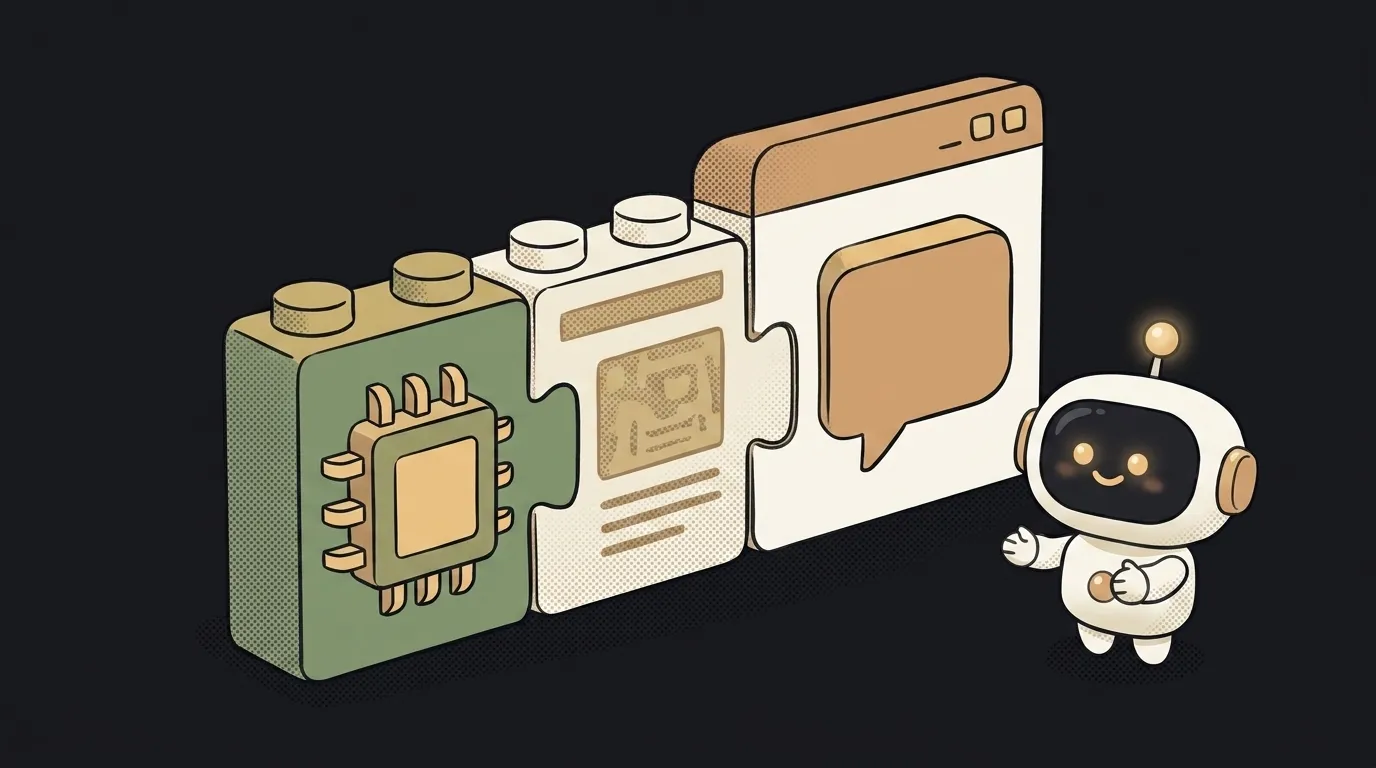
The biggest thing stopping beginners from building a chatbot is the myth that you have to "train a neural net." You don't. The smart part is already trained for you — you just rent it over the network. A bot is built from three blocks: a ready language model you send messages to, a character instruction for it, and a simple chat box. Let's go step by step — you can genuinely finish in an evening.
Step 1. Decide what the bot does (one sentence)
Not "a bot for everything" — one clear role. "A helper for recipes from what's in your fridge." "Explains English words with examples." The narrower it is, the better the bot and the easier it is to tell whether it works.
What you get: a one-line job statement to build everything else around.
Step 2. Get access to the model — an API key
The bot talks to the model not through a website but through an API — a window for programs. Go to any model provider's console, create an API key (a long pass-string), and put a minimum balance on the account — testing costs pennies.
What you get: a key like sk-.... It's your pass to the model, and usage is metered against it.
Step 3. Hide the key right away
This is the step beginners skip and then pay for other people's requests. The key must never go straight into page code — anyone can open the browser source and grab it. Keep the key on the server (or in environment variables), and from the browser call your own mini-server, which then calls the model.
If you're unsure, spend five minutes on how to store keys safely. Cheaper than catching a bill for nothing.
What you get: the key lives on the backend, not exposed in the browser.
Step 4. Make your first model call
The most exciting moment. Ask your AI helper (Cursor, Claude Code — any) to draft minimal code: send a message to the model and show the reply. Prompt it like this:
make a chatbotWhat you get: you type "hi" and the model's reply appears in the box. That's a working skeleton already.
Step 5. Give the bot a character — the system prompt
Right now the bot answers blandly, with no personality. Character comes from the system prompt: a hidden instruction that goes before every user message. Put the role from step 1 into it, plus tone and limits:
You are a recipe helper. The user names products from their fridge,
you suggest 1–2 simple dishes. Write short and friendly.
Don't invent exotic ingredients. If there's too little, just say so.
What you get: same code, but the bot answers in character and doesn't wander off-topic.
Step 6. Add conversation memory
You'll notice the bot forgets what you said a second ago. That's expected — the model doesn't remember past turns on its own. Memory means you send it the whole conversation history each time, not just the latest message. Save the list of turns and send it in full.
What you get: the bot holds the thread — "now make the same but without milk" finally works.
Step 7. Publish it
Push it to any free host and send a friend the link. One live test with a real person shows more than an hour of your own checking.
What you get: a link to a working bot you're not embarrassed to share.
Question: is this a bot or an AI agent?
For now — a bot: it only replies with text. An agent goes further and also acts — searches the web, calls other services, changes things. Start with a bot: once you've got "model + prompt + history" down, an agent is the next logical step, the same skeleton plus tools.
Question: how much does it cost?
While testing — pennies. You don't pay for the bot but for each request to the model, by the number of tokens in the conversation. A couple of evenings playing with a bot costs cents. The bill only grows once real people start using it heavily — and by then there's something worth optimizing.
Short story-lessons, an agent simulator and daily practice — in our mobile app. Free.
Read next
Why you get NaN in JavaScript — 3 causes and how to find where it came from
How to convert a string to a number in JavaScript — without tripping on a comma

Why my loop never stops — and the tab freezes solid

Why my array is empty — and why there's no error

Why your AI agent edits the wrong file — three causes and how to check each