How to truncate text with an ellipsis in CSS — step by step
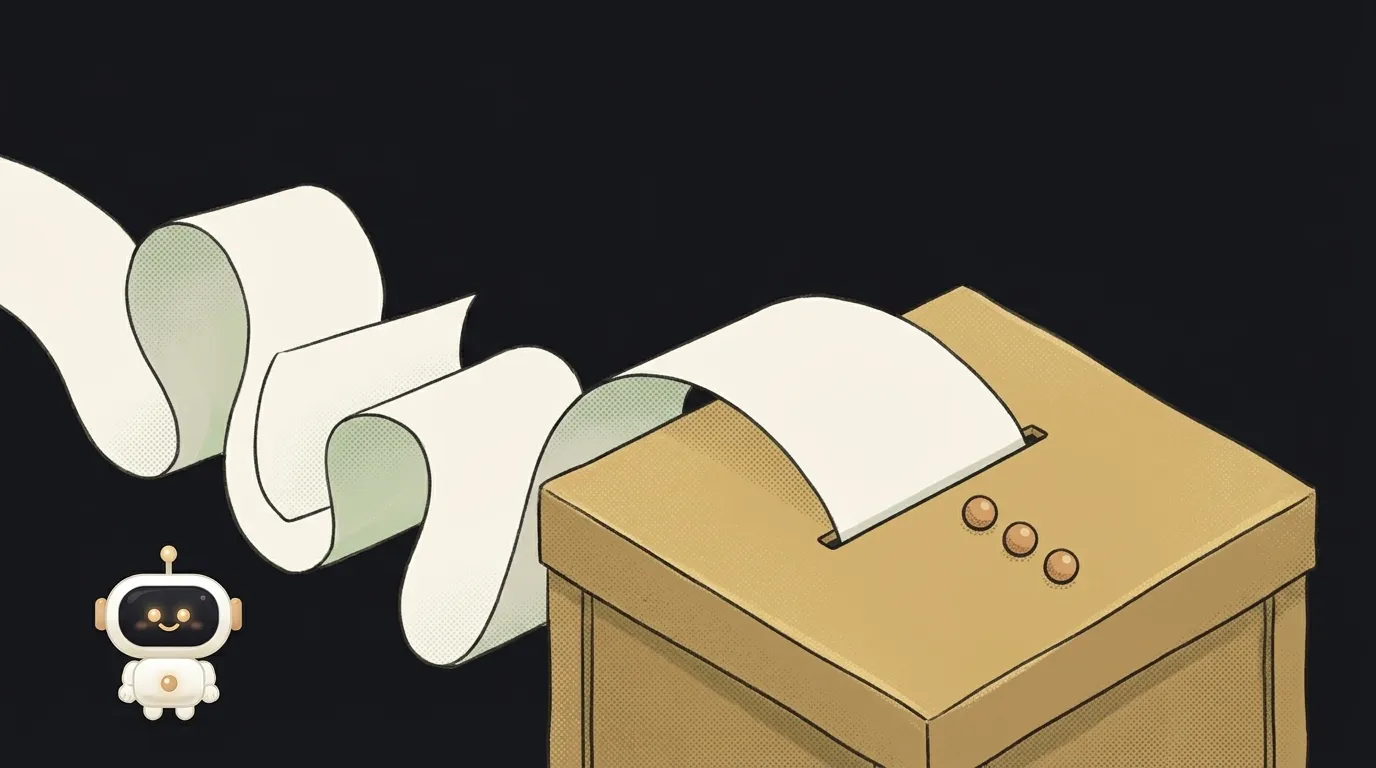
A classic: the card title is longer than the card. You search, find text-overflow: ellipsis, paste it in — and nothing happens. The text still spills out.
It's not a bug. text-overflow does exactly one thing: it decides how already-overflowing text is signalled. Making the text overflow and get clipped is two other properties' job. That's why an ellipsis always comes as a group of three lines, never one.
Below: working recipes for a single line, for several lines, and for when the text lives inside flex.
Step 1. A single line
Three properties, all required:
.title {
  overflow: hidden;        /* allow hiding the excess */
  white-space: nowrap;     /* forbid wrapping — text runs past the edge */
  text-overflow: ellipsis; /* show an ellipsis instead of a hard cut */
}
The logic, step by step: white-space: nowrap stops the text wrapping, so it runs past the box edge. overflow: hidden hides what escaped. Only now does text-overflow: ellipsis replace the cut with an ellipsis.
Drop any of the three and it breaks. Without nowrap the text simply wraps to a new line, so there's nothing to clip. Without overflow: hidden it spills over its neighbours.
The box also needs a reason to hit a boundary: a fixed width, a max-width, or a role as a grid column. A free-floating block just grows to fit the text, and again there's nothing to clip.
Step 2. Several lines
To show three lines and cut the rest, you need a different set:
.excerpt {
  display: -webkit-box;
  -webkit-box-orient: vertical;
  -webkit-line-clamp: 3;
  overflow: hidden;
}
Yes, with a -webkit- prefix, and yes, it looks like a copy-paste from 2013. But it's the working option today: the unprefixed line-clamp still isn't available in major browsers without a flag, while this prefixed trio has worked in Chrome, Firefox and Safari for years.
Important nuance: those three properties only work together. MDN notes their co-dependency is deliberately written into the spec and support won't be removed. So writing -webkit- here is nothing to be ashamed of.
overflow: hidden is mandatory again: without it the ellipsis appears after the third line, but the rest of the text keeps rendering.
Step 3. If the text is inside flex or grid
The most common reason for "I did everything and it still doesn't work". By default, an item inside flex or grid won't shrink below its content: its minimum width equals the longest word, not zero.
One line on the truncated element fixes it:
.title { min-width: 0; }
For grid columns the same idea looks like grid-template-columns: minmax(0, 1fr) instead of 1fr.
Step 4. Keep the full text available
Truncation is a visual device. Text that disappeared no longer exists for the person reading — which stings most in links and headings.
At minimum, put the full string in a title attribute so it surfaces on hover. Better: decide where someone sees the whole thing — on a product page for a product card, in the message itself for a mail list.
And check yourself on mobile: what fitted in 1440 pixels becomes a meaningless "How to choose…" on a phone. The broader checklist is in how to make your site mobile friendly.
Why this beats cutting the string in code
The temptation is real: take the first 60 characters, glue an ellipsis on, move on. The difference matters though.
CSS truncation is purely visual. The full text stays in the markup: page search finds it, users copy it, screen readers read it, crawlers see it. Change the box width and the truncation recalculates itself, with no work from you.
Cutting in code actually throws text away. Then it begins: there's plenty of room on a wide screen but the string is still chopped; a product name breaks mid-word in the card; page search stops matching. And counting characters is useless anyway — "W" and "i" take different widths, so sixty characters fit in one card and overflow the next.
Simple rule: truncate visually in CSS. Truncate for real (say, shortening a long description before sending it to a model) in code.
What you get
The card title holds one line and ends with an ellipsis exactly at the edge. The description cuts off after the third line, so every card in a row is the same height and the grid stops jumping. The full text stays available on hover and on the item's own page.
Why isn't my ellipsis showing?
Check three things in order: are all three properties there, does the box have a width constraint, and is it sitting inside a flex without min-width: 0. If none of that helps, the style may not be arriving at all: why your CSS isn't applying.
Is writing -webkit- in 2026 normal?
For multi-line clamping, yes. Unprefixed line-clamp hasn't reached stable browsers yet, and the three -webkit- properties are pinned in the spec and will keep working.
Can I truncate in the middle of a string?
Not with CSS — the ellipsis lands at the edge of the line. If you need "start…end" (for long file names, say), you'll have to cut the string in JavaScript. Tailwind, incidentally, ships both recipes as classes — truncate and line-clamp-3; on the trade-offs, see Tailwind vs plain CSS. And how many lines fit before the cut depends on line-height.
Short story-lessons, an agent simulator and daily practice — in our mobile app. Free.
Read next

Why hot reload doesn't work — the page won't update after you save
How to detect a touch screen in JavaScript and CSS — and why ontouchstart lies

Why your site works in Chrome but not Safari — and why Chrome on iPhone is Safari too

How to measure how long code takes in JavaScript — and why the first run always lies

Why your CSS transition isn't working — 4 reasons the element jumps instead of animating