Tailwind vs Plain CSS — What Should a Beginner Pick in 2026

You ask AI to lay out a page — and the code fills up with classes like flex items-center gap-4 rounded-lg. It looks like a secret code, and a beginner's question is fair: "what even is this, and do I need to learn plain CSS or go straight to this?"
Here's the turn that removes half the anxiety: Tailwind is CSS, just written differently. Not two different worlds — two notations for the same thing. Once you get that, you stop fearing other people's code. Now, who should pick what.
Short version: what's actually different
CSS is the language that colors and arranges everything on a page: colors, spacing, fonts, layout. The styles apply to the page's elements — to the DOM.
The only difference is where you write those styles:
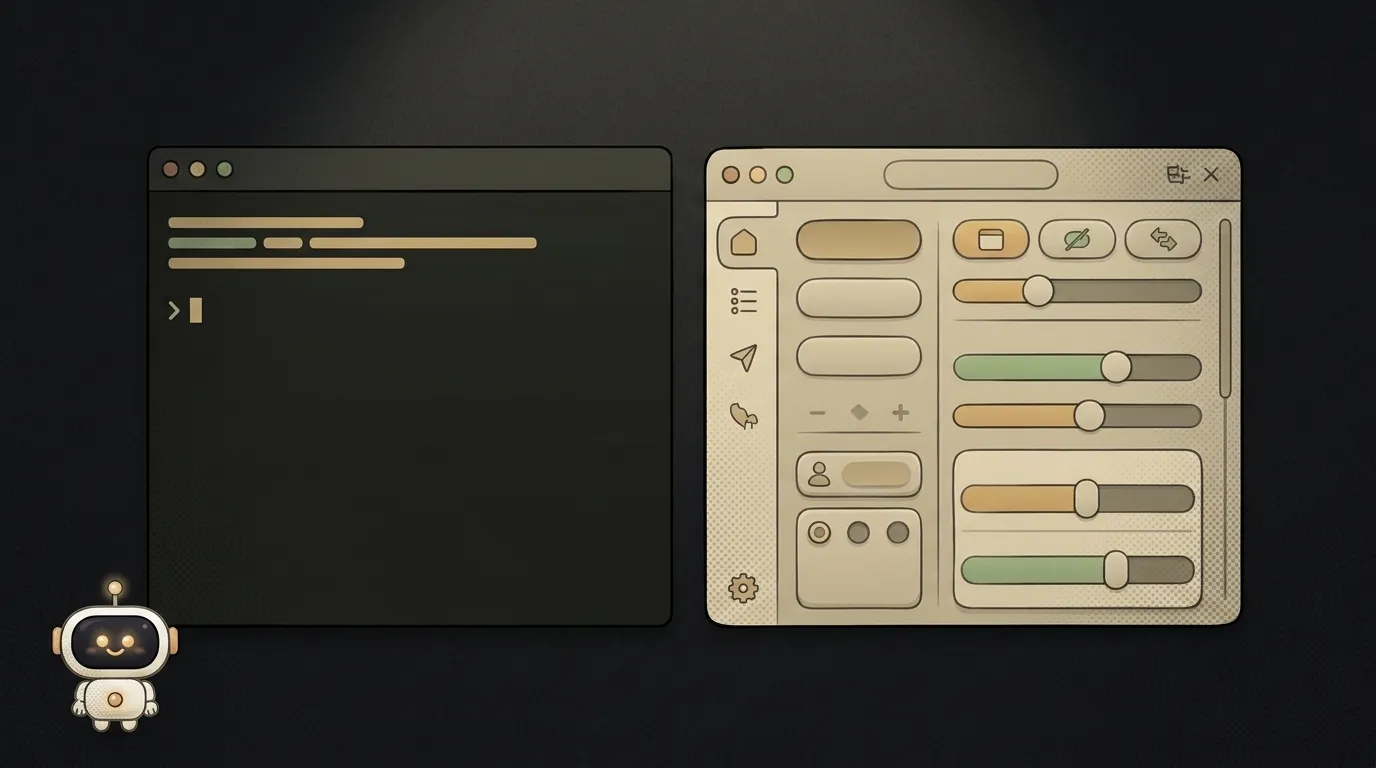
- Plain CSS — you keep a separate file and write rules: "this button has this padding, this color." HTML and styles live apart.
- Tailwind — a set of ready-made building-block classes. You don't write rules; you assemble the look right in the HTML:
p-4is "padding,"text-centeris "center the text,"bg-amber-500is "amber background." Under the hood it's the same CSS, just pre-sliced.
A comparison on what matters to a beginner
| Criterion | Plain CSS | Tailwind | |-----------|-----------|----------| | Learning curve | learn the properties and how to lay them out | memorize class names | | Layout speed | slower: you switch between files | faster: it's all in one place, in the HTML | | HTML readability | clean, styles kept apart | long strings of classes | | Reuse | one class across many spots | you repeat classes (or extract a component) | | When it's better | small site, your own design system | quick prototype, lots of similar blocks |
The key row is "layout speed." That's Tailwind's main draw: no jumping between HTML and a stylesheet, no inventing class names. The trade-off is bloated HTML — a line with ten classes is intimidating at first.
Who should pick what
No hedging:
- Want a quick prototype, or vibe-coding with AI → Tailwind. You see the result immediately, it's all in one file, and AI generates exactly this (more below). The best entry if your goal is to see a working page fast.
- Building a small business-card site, or want to understand how styles work from the inside → plain CSS. Less magic, cleaner HTML, and you genuinely understand what's happening instead of guessing at classes.
- Not sure → start with Tailwind, but peek "under the hood": every class is just a regular CSS property. That way you get both speed and understanding.
It's actually close to the React vs plain HTML fork — same logic there: ready-made blocks versus building by hand.
So what does AI write?
Tailwind, almost always. And there's a reason. To write plain CSS, the model has to hold two places in its head at once — the HTML and a separate stylesheet — without getting the names tangled. With Tailwind the style lives right next to the element: one class, one clear piece of the look. It's easier for models to not slip up, so builders and AI editors output Tailwind by default.
Takeaway: if you build sites with AI, you'll see Tailwind no matter what. So getting comfortable with it isn't "one more technology for later" — it pays off on the very first generated screen. (Want the bigger picture? Here's what vibe coding is.)
Does Tailwind replace CSS?
No, it's built on it. Tailwind doesn't cancel CSS — it gives you a handy wrapper: ready-made classes instead of hand-written rules. So time spent on "understanding how CSS works" isn't wasted — it helps you read and tweak what Tailwind produces.
Can you switch from one to the other?
Yes, either direction, no drama. The properties are the same (padding, color, flex); only the notation changes. Many start with plain CSS for understanding, then move to Tailwind for speed — the skill carries over almost entirely.
Short story-lessons, an agent simulator and daily practice — in our mobile app. Free.
Read next

Claude Code or Codex — and why price is the worst way to choose

Word blocklist vs AI moderation — what to filter user content with

ChatGPT subscription or the API — two different products, and here's which one you need

npm vs pnpm vs yarn — which package manager to pick as a beginner

OpenAI API vs OpenRouter — which one to plug into your project