Password, magic link or email code — which login to pick
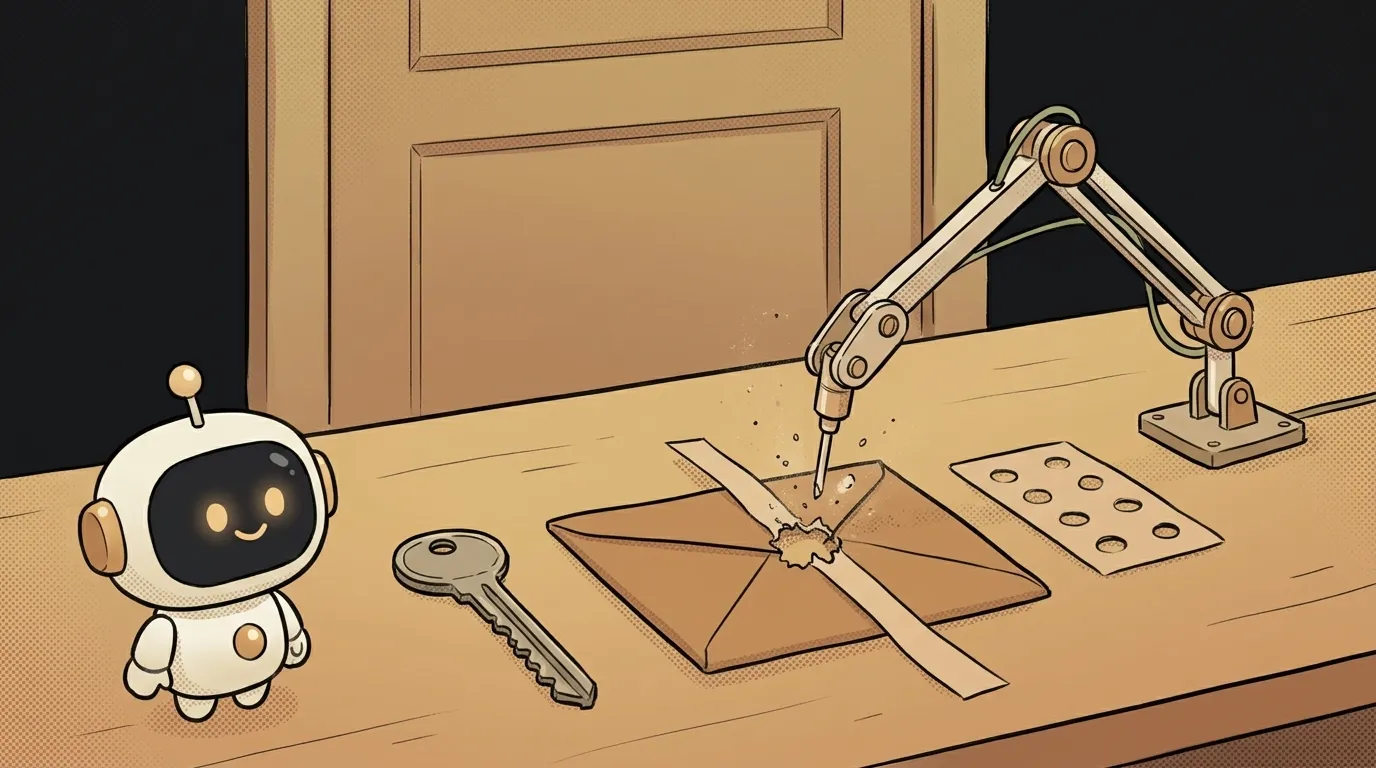
Logging in with a link from an email — the "click here to sign in" kind — has an enemy the tutorials don't mention. It's the antivirus in corporate mail.
It checks links in messages: opens them ahead of time to see whether they lead somewhere malicious. But a sign-in link is single-use. The scanner opened it, the token burned. The person clicks and sees: "This link is no longer valid."
Debugging that is nearly impossible: it works for you and for half your users, while anyone at a company running Microsoft or Google mail can't get in at all. So picking a login method isn't about fashion — it's about who your users are.
Three options.
The three in one line each
- Password. They invent one, you store its hash and compare. The classic.
- Magic link. You email a link; clicking it logs them in.
- Email code (OTP). You email 6 digits; they type them into your site.
Magic links and codes are the same thing underneath — a one-time secret sent by email — but the delivery difference decides everything.
The table: where each one hurts
| criterion | Password | Magic link | Email code | |---|---|---|---| | What the user remembers | a password | nothing | nothing | | What you store | a password hash | a one-time token | a one-time code | | How much code to write | the most: signup, change, reset | little | little | | If your database leaks | bad: hashes get cracked | nothing valuable | nothing valuable | | Signing in on another device | easy | painful: email on phone, login on laptop | easy: retype the code | | Corporate email | works | breaks: the scanner clicks first | works | | Speed of login | seconds | wait for the email | wait for the email | | Lost access | needs a whole reset flow | nothing to reset | nothing to reset |
Look at two rows in particular: password recovery and corporate email. Those two usually decide it.
Why a password costs more than it looks
A password isn't one form. It's signup, login, change, "forgot password?", the reset email, the lifetime of that reset link, and rate limiting against brute force. Half of that is the same one-time-secret-by-email flow — just built twice.
You also take on someone else's risk. People reuse passwords: a leak from your side project can open someone's mailbox. That's why passwords are only ever stored as a hash, never in plain text.
In exchange, a password is familiar and instant — no waiting for mail.
Where magic links break, exactly
Mail filters at Microsoft and Google, and corporate gateways, open links ahead of time — that's their job. The failure modes:
- The token burns before the human. The classic "invalid link" on the very first try.
- The link gets rewritten. Some filters swap the address for their own scanning domain, and your domain check stops matching.
- The wrong client signs in. The filter's server opened the link, not a person. Best case nothing happens; worst case a session is created for the wrong browser.
There are workarounds: don't spend the token on automated requests, add a "Confirm sign-in" screen with a button. It doesn't always help — some filters click the button too.
A code doesn't have this problem by design: there's nothing to click in the email. And signing in from another device becomes normal — read the code on your phone, type it on your laptop.
Who should pick what
No fence-sitting.
- Building your first app — use an email code. Least code, nothing worth stealing, works for everyone including corporate mail. That's how KODiQ signs you in.
- Magic link — if your audience is on personal email (people, not companies) and one-click matters. Know about the scanners and add a fallback from day one.
- Password — if your users expect one, or they need to get in without access to their mail. Be ready to write twice the code and to store hashes only.
- Sign in with Google or Apple is a separate option, often the smoothest: someone else keeps the password. See what OAuth is.
Whatever you pick, everything after login is identical: the server issues a session token and the browser carries it with every request. For the hands-on part, see how to add login to your app.
Is an email code safer than a password?
Usually yes — for a boring reason: you simply don't have a password database anyone can steal. But security moves entirely onto the mailbox: crack that and the account goes with it. Which is why codes are short-lived (5–10 minutes) with a limited number of attempts.
Do I still need 2FA with code login?
Often no — the second factor is already there: access to the mailbox. For sensitive things (money, other people's data), add it. See what 2FA is.
What about passkeys?
Signing in with a fingerprint or face, with no shared secret on the server, is the strongest option, and every major browser supports it now. But it's more setup, and some users will still be logging in from someone else's computer. Sensible path: email code as the default, passkeys as the next step.
The AI Architect 2027 course: step by step from computer basics to your own app and first customers. 543 short lessons on your phone.
Read next

Ed25519 vs RSA — which SSH key to choose in 2026

What is sudo — and why it asks for your password, not the admin's

What is a tar.gz file — and why a tar archive can be bigger than the files

What is a command-line flag — and why git commit -ma breaks but -am works

scp or rsync — and why rsync sent 141 bytes instead of two megabytes the second time
