What is a hard link — and why rm doesn't actually delete a file
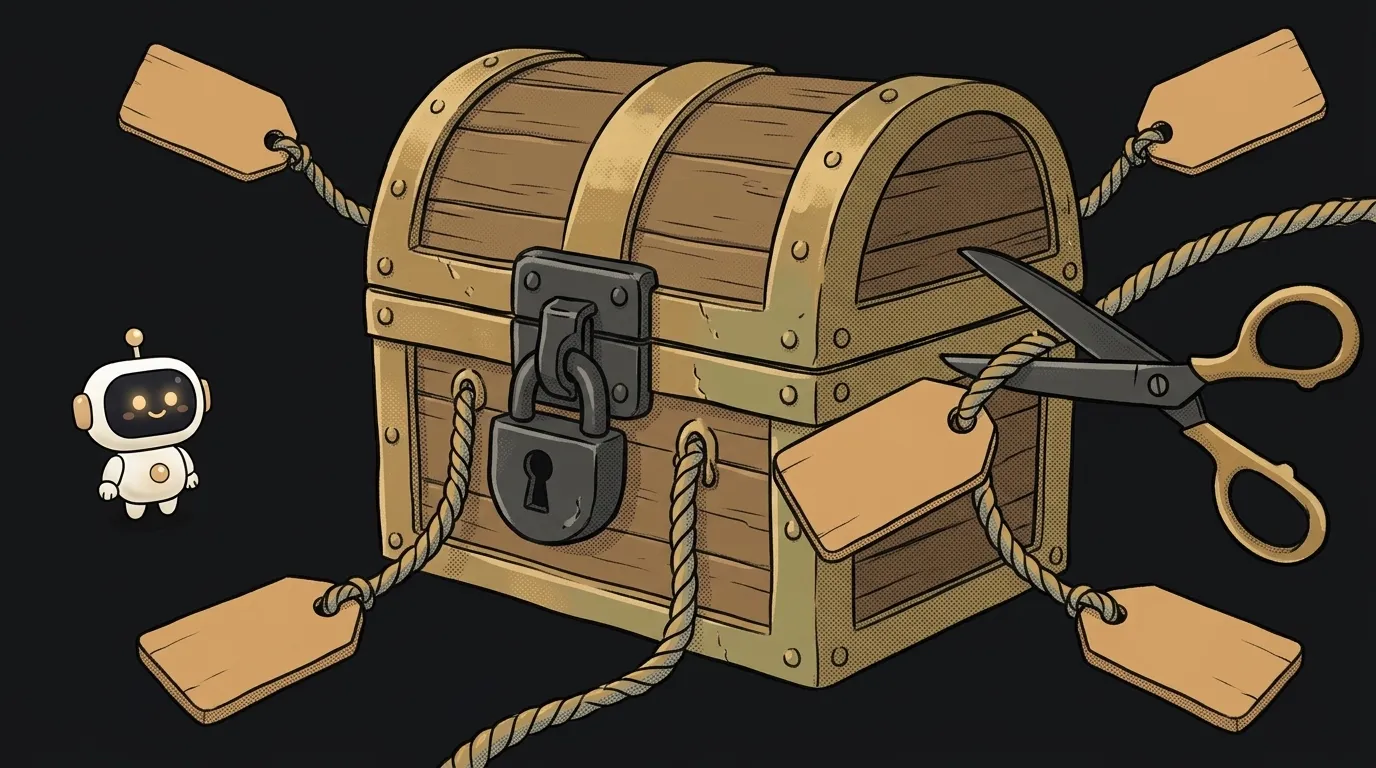
The rm command doesn't delete a file. It deletes a name. The file lives on if it has another name.
It sounds like wordplay, but you can test it in ten seconds. And it explains why one edit inside node_modules can quietly change all your projects.
What a hard link is
A hard link is another name for the same file. Not a copy. Not a shortcut. Two equal names for the same bytes on disk.
A file on Linux and macOS has two parts:
- The data and the file's passport: size, permissions, where the bytes are. The passport is called an inode, and it has a number.
- A name in a folder. That's just a line saying "this name → this inode number."
The name and the file are different things. And there can be several names.
Picture a chest with tags on ropes. One chest, as many tags as you like. Cut a tag and the chest stays. It only gets hauled off when the last rope is cut.
What it looks like
Create a file and give it a second name:
$ echo hello > a.txt
$ ln a.txt b.txt
$ ls -li a.txt b.txt
26106486 -rw-r--r-- 2 root root 6 Nov 10 09:11 a.txt
26106486 -rw-r--r-- 2 root root 6 Nov 10 09:11 b.txt
The first column is the inode number, and it matches. The 2 after the permissions is the name counter.
Now append through one name and read through the other. Then delete the first:
$ echo world >> b.txt
$ cat a.txt
hello
world
$ rm a.txt
$ cat b.txt
hello
world
Nothing is lost. rm removed a tag and lowered the counter. The bytes are freed when the counter hits zero and nobody holds the file open. That's the classic riddle: you deleted a huge log but the disk space didn't come back. A program still holds the file through a file descriptor.
Hard links have two limits:
- Usually not for folders:
ln: hard link not allowed for directory. - Not across disks:
Invalid cross-device link. An inode number only means something within one filesystem.
The trap: the link breaks silently
Here's the surprise. Make a link and edit the file with sed -i:
$ ln b.txt c.txt
$ sed -i 's/hello/hi/' c.txt
$ cat b.txt
hello
world
$ ls -li b.txt c.txt
26106486 ... b.txt
26106487 ... c.txt
The numbers diverged. sed -i doesn't change the file in place. It writes a new file and slides it in under the old name. Many editors do the same on save, so a crash can't lose your data.
The conclusion is simple: if two names suddenly stop being one file, something saved a new file instead of the old one.
Where you've already met this
Open any pnpm project. Your package manager keeps each package file once in a shared store and hands it out to projects. On Linux that's hard links by default. Here's a file from a real project:
$ stat -c '%h %n' node_modules/.pnpm/[email protected]/node_modules/is-set/package.json
19 node_modules/.pnpm/[email protected]/node_modules/is-set/package.json
That one file has 19 names. Ten projects with the same React take up the space once. That's where the disk savings come from.
Now the consequence. Say you, or your AI agent, "quickly patched" a file inside node_modules. The pnpm docs say it plainly: under a hard link, the file in node_modules is the file in the store, so the edit changes every project using it.
On macOS pnpm tries cloning first, and there an edit leaves other projects alone. So the same move breaks your neighbors only on Linux, which means on your server or in CI.
A rule for life:
- Need to fix a dependency? Use
pnpm patch, don't editnode_modules. - Handing the task to an agent? Forbid it from touching
node_modulesright in the instructions. - Not sure? Check the counter:
stat -c %h fileon Linux,stat -f %l fileon macOS. More than one means the file has other names.find . -samefile filewill locate them.
How is a hard link different from a symbolic link?
A symbolic link is a separate tiny file with a path inside. Delete the original and it leads nowhere. A hard link is an equal name for the same data and doesn't need the original.
Is a hard link good for a backup?
No. The data is the same: corrupt the file through one name and it's corrupted through the other. It'll save you from an accidental rm, but not from an edit.
Why does a folder have a link count of 2?
One name is its entry in the parent folder, the other is the . inside the folder itself. Each subfolder adds one more through its ...
Short story-lessons, an agent simulator and daily practice — in our mobile app. Free.
Read next

What is a zombie process — and why kill -9 can't touch it

What is a pipe in the terminal — and why an endless command ends instantly

source vs ./script.sh — why your script ran and nothing changed

What is PATH — and why a program is installed but the terminal can't find it

What is a file descriptor — and why Too many open files happens with no files open