What is a pipe in the terminal — and why an endless command ends instantly
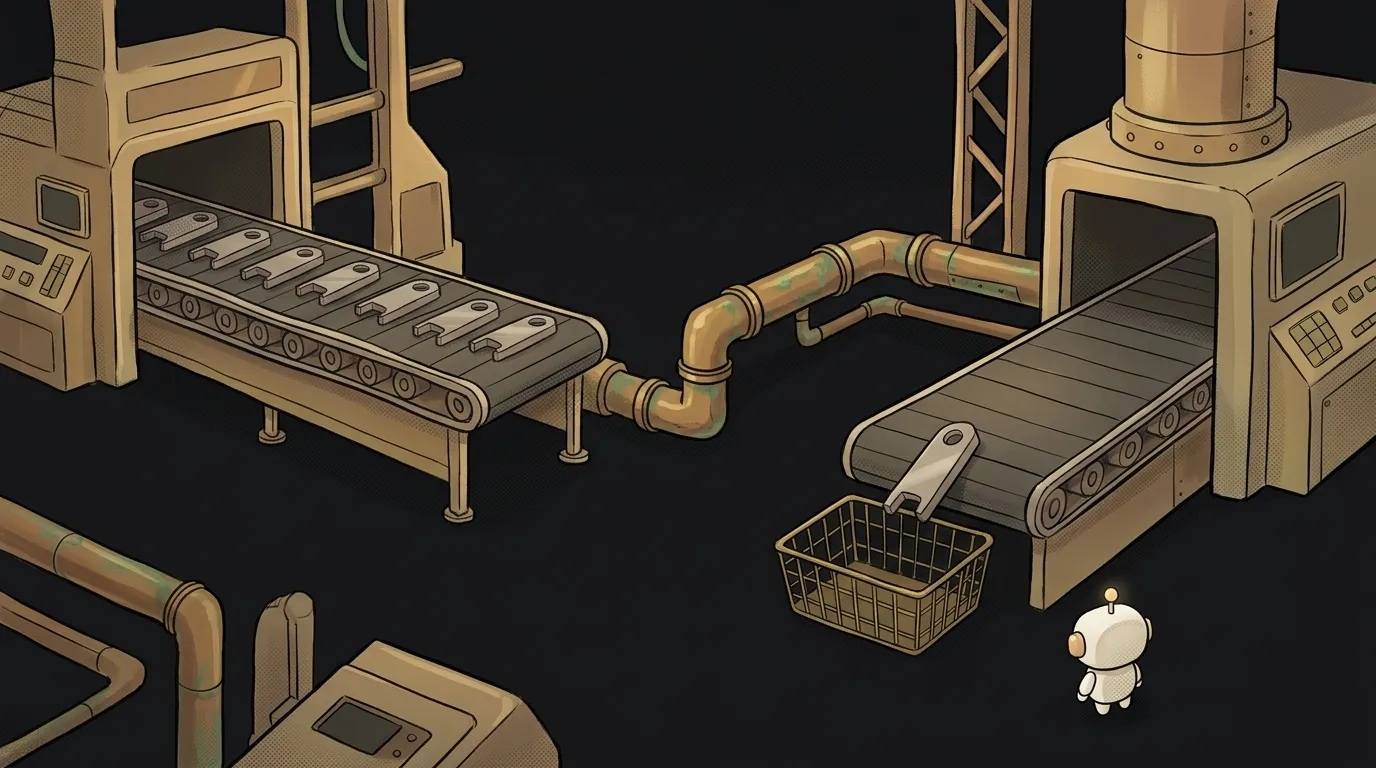
The yes command prints the letter y forever. It will never stop by itself. Now type this:
$ yes | head -1
y
The answer lands in hundredths of a second. Where did forever go? Look, the whole trick is in the little bar between the commands.
What a pipe is
A pipe is the | character. It connects the output of one program to the input of another. Whatever the left one prints, the right one reads.
Without it you'd save the result to a file and then open that file with a second command. The pipe removes the file. That's why tiny programs snap together into big ones:
$ grep ERROR app.log | sort | uniq -c | sort -rn | head -5
      2 ERROR a
      1 ERROR b
That's a top list of the most frequent errors in a log. grep picks the lines, sort groups them, uniq -c counts, the second sort puts the most common on top, head trims. None of these programs knows about the others.
One important detail: only regular output goes into the pipe — stdout. Errors fly past it, straight to the screen. If npm run build | grep error finds nothing, the error may have gone to stderr. Then write npm run build 2>&1 | grep error.
How it really works
It's easy to assume the commands take turns: the left finishes, the right starts. They don't. They start at the same time. Try it:
$ (sleep 1; echo left-done) | (echo right-start; cat)
right-start
left-done
The right side printed its line while the left side was still asleep.
Between them sits a small buffer in memory. On Linux it's 64 KB. Picture two workers with a little table between them: the first puts parts down, the second picks them up.
- Table full — the first worker is put to sleep until the second takes a part.
- Table empty — the second worker sleeps until the first adds a new one.
That's why yes doesn't eat all your memory. It writes exactly as fast as someone reads.
Now back to the riddle. head -1 read one line and exited. The second worker went home. yes tries to put down a part, and the system answers with the SIGPIPE signal: "nobody's reading." By default that signal simply ends the program. That's how forever finishes.
You can see it in the exit codes:
$ yes | head -1
y
$ echo ${PIPESTATUS[@]}
141 0
141 is 128 plus 13, the number of SIGPIPE. It's a normal way to die, not an error.
Where this bites beginners
The mechanism is simple, but it has four unpleasant consequences.
Broken pipe in Python. Run python3 script.py | head -1 and you get a BrokenPipeError traceback. Your code did nothing wrong, the reader just left early. Python turns SIGPIPE off itself and raises the failed write as an exception. In Node.js the same thing is called EPIPE, though writing to a pipe can also end without an error there. For Python utilities one line at the top is enough: signal.signal(signal.SIGPIPE, signal.SIG_DFL).
A green build with failed tests. The result of a chain is the exit code of its last command. In npm test | tee log.txt the last one always succeeds, and CI won't notice the failure. The fix is set -o pipefail.
The trap inside pipefail. With that setting yes | head -1 returns 141, so it counts as a failure. If your script has set -eo pipefail, a line like generate | head -1 will end the script without a single error message.
The vanishing variable. Each side of the pipe lives in its own process. So a counter inside a loop on the right disappears along with the loop:
n=0
cat list.txt | while read x; do n=$((n+1)); done
echo $n    # 0
Drop the pipe and it works: while read x; do n=$((n+1)); done < list.txt.
Why you care right now: logs into AI
Here's the most useful part: a command-line AI agent is just another program that reads from a pipe. So you can put a model right in the chain:
$ git diff | claude -p "find bugs in this diff, real ones only"
$ tail -200 app.log | claude -p "what fails most often? give me a top 3"
But one rule saves real money. Shrink first, then ask. A 50 MB log is millions of tokens, you pay for them, and they won't fit in the model anyway. One grep before claude -p removes 99% of the junk for free.
An everyday template: filter → count → ask.
$ grep ERROR app.log | sort | uniq -c | sort -rn | head -20 | claude -p "where do I start?"
The model gets twenty lines instead of a million. The answer comes faster and costs pennies.
Keep one picture in mind: the table between the workers. The commands run together, the table is small, and when the right one leaves, the left one gets sent home.
How is a pipe different from >?
> writes output to a file, | hands it to another program. After > comes a file name, after | comes a command.
Do pipes work on Windows?
Yes, in both cmd and PowerShell. But PowerShell sends objects down the pipe rather than text, so filtering looks different there: Where-Object instead of grep.
How many commands can I chain?
As many as you need. Each one becomes its own process, and they all start at once.
Short story-lessons, an agent simulator and daily practice — in our mobile app. Free.
Read next

What is a zombie process — and why kill -9 can't touch it
What is a hard link — and why rm doesn't actually delete a file

source vs ./script.sh — why your script ran and nothing changed

What is PATH — and why a program is installed but the terminal can't find it

What is a file descriptor — and why Too many open files happens with no files open