What is a zombie process — and why kill -9 can't touch it
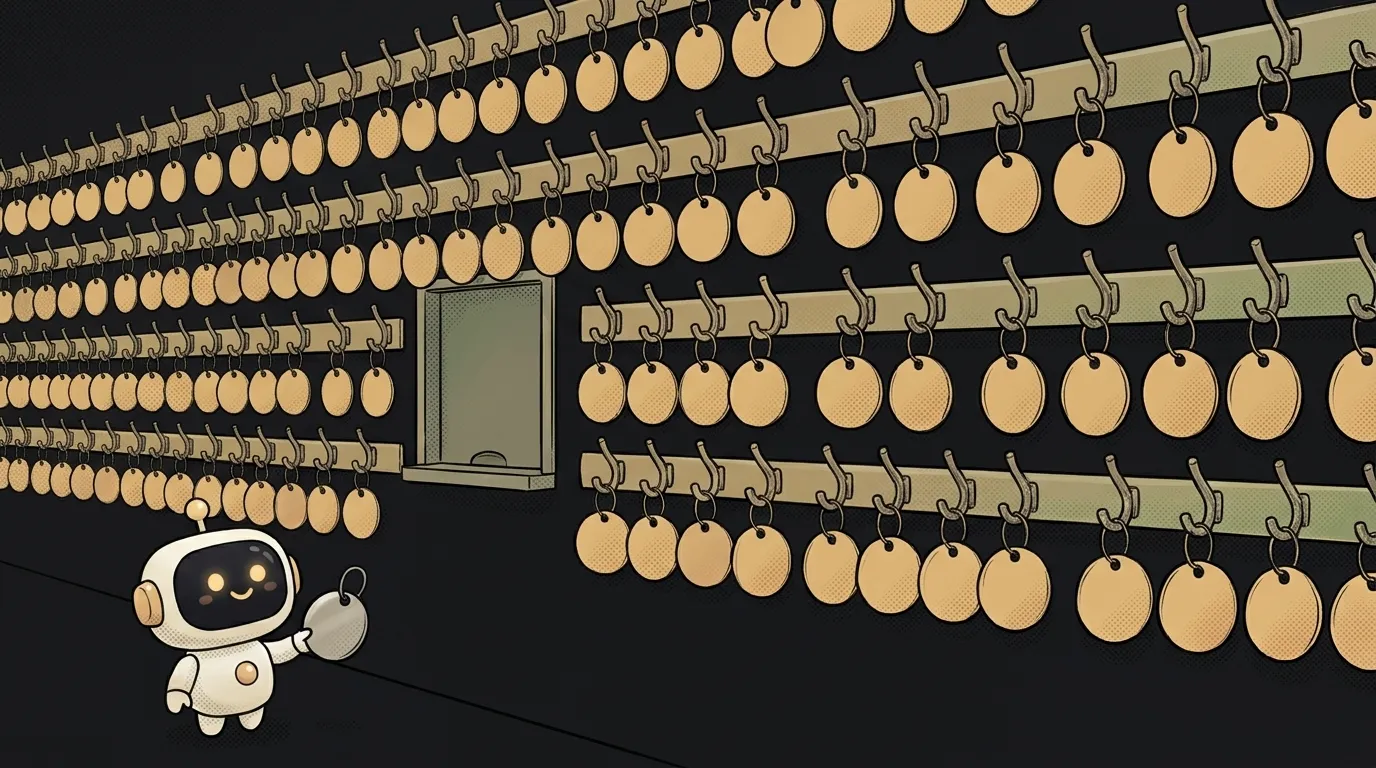
A strange line sits in your process list: [chrome] <defunct>. You send it kill -9, the strongest signal Linux has. You look again and it's still there.
The signal isn't broken. There's just nothing left to kill. That process died a while ago.
What a zombie process is
A zombie is a finished process that has left a single record behind in the process table. No code. No memory. Just a number (PID) and an exit code.
Why would the system keep a record of the dead? Because the parent process may ask: "How did my child do, did it finish OK?" Until the parent asks, the answer has to live somewhere.
Picture a coat check. The coat is long gone, but the tag still hangs there because no one took it down. No item, slot occupied.
How one appears
A process has a short final stage:
- The child exits. The system frees its memory and closes its files.
- The record stays in the table with status
Z. At this moment it's a zombie. - The parent makes the
waitsystem call and collects the exit code. - The record disappears.
Here's the surprise: every process on earth is briefly a zombie, usually for milliseconds. Trouble starts when step 3 never comes. The parent is alive and busy, and it just forgot to ask.
You can build a zombie in five lines of Python:
import os, time
pid = os.fork()
if pid == 0:
    os._exit(3)   # the child dies immediately
time.sleep(60)    # the parent never asks
In another window you'll see this:
$ ps -o pid,stat,cmd -p 3912796
    PID STAT CMD
3912796 Z    [python3] <defunct>
$ kill -9 3912796
$ ps -o pid,stat,cmd -p 3912796
    PID STAT CMD
3912796 Z    [python3] <defunct>
The signal went to a process that doesn't exist. Once the parent called os.waitpid, the line was gone.
How to find and clear zombies
List all zombies and their parents:
$ ps -eo pid,ppid,stat,cmd | awk '$3 ~ /^Z/'
The second column is PPID, the parent's number. The parent is the one at fault here.
There are two cures:
- Fix the parent. Make it call
wait. In Python that means not abandoning asubprocess.Popenwithout.wait(). A plainsubprocess.runwaits by itself. - End the parent. Orphans pass to the process with number 1, and it dutifully calls
waitfor everyone. The zombies vanish on their own.
That second point is the main takeaway: to get rid of a zombie, you don't kill the zombie.
Before treating anything, read the STAT column in ps. The letters tell you who you're dealing with:
Z— a zombie, already dead. Signals are pointless.D— a live process stuck waiting on disk or network.kill -9won't take it either until the wait ends, but it's a different illness entirely: the disk is at fault, not the parent.SorR— a regular live process. This is wherekillactually works.
One letter saves an hour of looking in the wrong place.
Why you should care
One zombie is harmless. It doesn't eat memory. But process numbers are finite, and containers usually get their own separate limit. Run out and new processes won't start. It looks like fork: Resource temporarily unavailable. Everything starts failing at once, and nobody suspects the zombies.
The most common place to meet them today is Docker with a browser inside. Watch how the trap comes together:
- Your AI agent or scraper launches headless Chrome.
- Chrome spawns a pile of helpers, and some of them become orphans.
- The orphans get adopted by process number 1.
- In a container, number 1 is your app. Node.js doesn't call
waitfor other people's children.
On a regular machine number 1 is init, and it cleans up after everyone. In a container there's no janitor. Zombies pile up for weeks, and one developer described a container that reached a 15,000-process limit this way.
The cure is one flag, recommended by the Puppeteer docs:
$ docker run --init my-scraper
The --init flag installs a tiny process number 1 that knows how to clean up orphans. In Docker Compose it's the line init: true. If your project has a browser in a container, set it right away. It does no harm.
Next door is a related limit people also discover through a weird error: file descriptors. Same logic. A small resource, a quiet leak, and something else entirely falls over.
Remember one simple check. See Z or <defunct>, look at the PPID. Treat the parent and leave the dead alone.
Do zombies use memory?
Almost none: just a small record in the process table. The real cost is the occupied process number.
What's the difference between a zombie and an orphan?
A zombie is dead while its parent lives. An orphan is alive while its parent is dead. Orphans get adopted by process number 1, and zombies don't linger there.
Can I kill a zombie manually?
No, it has already finished. You can only make the parent call wait or end the parent itself.
Short story-lessons, an agent simulator and daily practice — in our mobile app. Free.
Read next
What is a pipe in the terminal — and why an endless command ends instantly
What is a hard link — and why rm doesn't actually delete a file
source vs ./script.sh — why your script ran and nothing changed
What is PATH — and why a program is installed but the terminal can't find it

What is a file descriptor — and why Too many open files happens with no files open