What is a lockfile — and why “works on my machine” is no longer an excuse
You sent your project to a friend. Same repo, same install command — and everything breaks on their machine. You shrug: “works on mine.”
Here's the surprising part: you two are probably running different code. Not yours — somebody else's. The libraries you both “just installed” arrived in different versions. And it's not your friend's fault. It's one line in package.json that looks like a version but isn't one.
package.json stores a range, not a version
Open package.json and look at the dependencies. You'll see something like "react": "^19.1.0".
Looks like “version 19.1.0”. Actually ^ is a range operator. It means: any version until the first number changes. So 19.1.0, 19.2.7, 19.9.4 all qualify. What those three numbers mean has its own breakdown — semantic versioning.
Here's what follows. You installed the package on Monday and got 19.1.0. Your friend cloned the project on Friday, and 19.2.0 shipped on Wednesday. They get that one. Your package.json files match letter for letter, but the code in node_modules does not.
Usually a new minor version breaks nothing. But “usually” isn't “always”, and debugging someone else's bug in someone else's version is a special kind of fun.
What's inside a lockfile
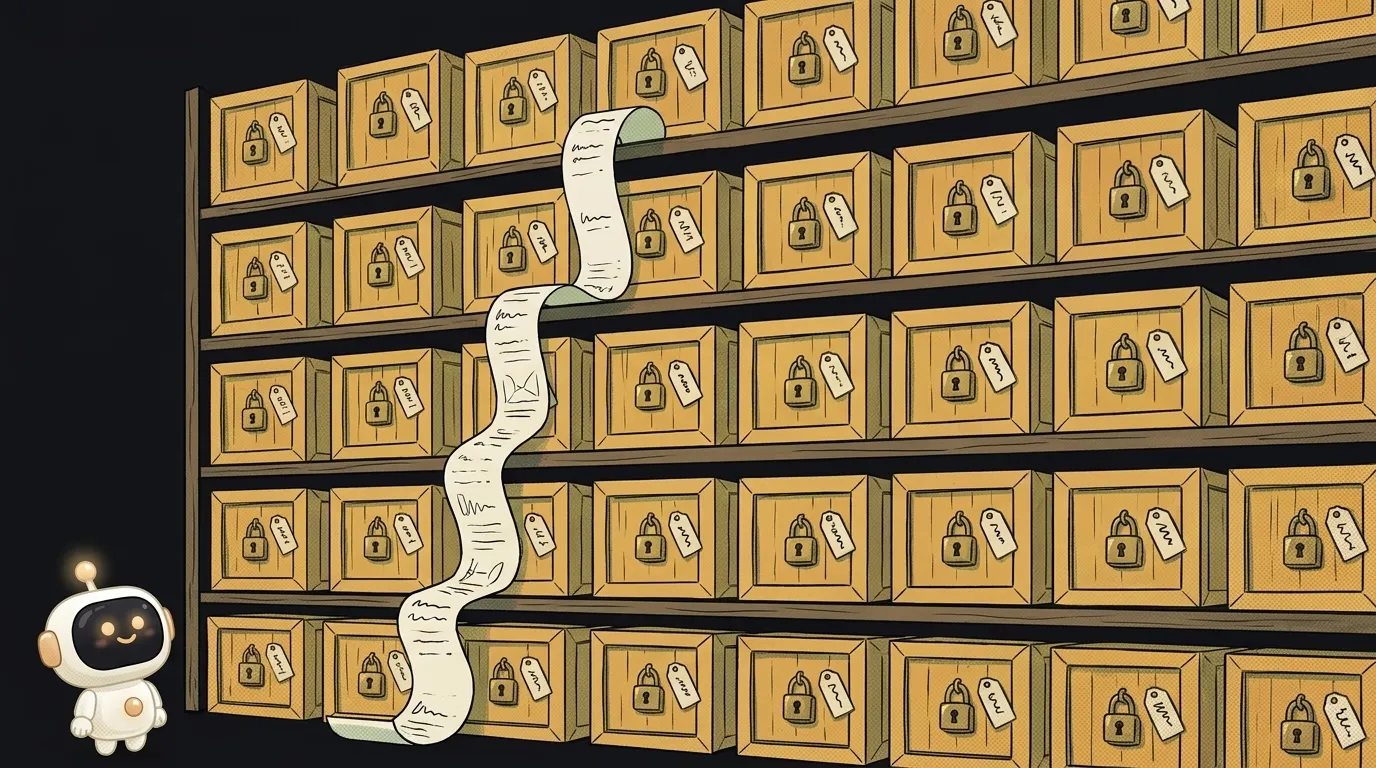
A lockfile is the same list — written down all the way.
- The exact version of every package: not “19.x” but
19.2.0. - All the dependencies of your dependencies. You installed 20 packages and the folder holds 600 — they're all listed here.
- The archive URL and an integrity hash: proof that what downloaded is exactly the right file, not a swapped one.
Simple analogy. package.json is a shopping list: “milk, bread.” The lockfile is the receipt: this milk, 3.2%, this batch. Two people shopping from a list bring back different things. From a receipt — the same thing.
The hash deserves its own mention, because that part isn't about convenience — it's about security. Every lockfile entry stores a checksum of the archive. On install it gets recomputed, and a mismatch fails the install. That's how you find out something other than the usual package showed up — and supply-chain attacks in package registries stopped being theoretical a long time ago.
Every package manager has its own lockfile: npm uses package-lock.json, pnpm uses pnpm-lock.yaml, yarn uses yarn.lock. And they don't read each other's: switch from npm to pnpm and the old guarantee doesn't come along — you need a fresh lockfile. So it's one project, one manager, no “but I'm used to this one.”
Why deleting the lockfile is the worst cure
The most popular advice online when an install fails: delete node_modules and package-lock.json, install again.
Sometimes it genuinely works — and that's exactly what makes it dangerous. Here's how it works: npm throws away the pinned set of versions and picks a fresh one. Your error disappears along with the old version of that package. But hundreds of other versions silently change too — ones you never touched and never tested.
You didn't fix one breakage. You traded it for an unknown number of future ones, and lost the only record of what a working build looked like.
The right order when an install fails: read the error first (the npm install breakdown covers the four usual causes), delete node_modules, clear the cache. The lockfile is the last thing you touch — and only on purpose.
How to live with it
Three rules and the problem is gone for good.
Commit the lockfile to git. Always. It's not junk and not a build artifact — it's part of the project. Without it, working together is a lottery.
Locally, run npm install. It respects the lockfile and updates it when you deliberately add or remove a package. A changed lockfile after npm install <package> is normal — commit it.
On the server and in CI, run npm ci. That command reads the lockfile only, installs exactly what's listed, never touches package.json — and fails outright if the two have drifted apart. So your build either matches yours exactly or says so honestly. pnpm does the same with pnpm install --frozen-lockfile, yarn with yarn install --immutable.
Bonus: npm ci is noticeably faster, because it has nothing to resolve — it just downloads the list.
Do I need to commit the lockfile if I work alone?
Yes. “Alone” means you today, you in three months, plus the server you deploy to. That's already three different machines, and they all need the same set of versions.
What do I do when the lockfile conflicts during a merge?
Don't resolve it by hand — it's a machine-written file. Take the version from the main branch, then run npm install: npm will rebuild the lockfile against the current package.json. Commit the result.
Now, when a friend says “it's broken here,” your first question won't be “what's the error?” but “is the lockfile in the repo?” Half the time, the conversation ends right there.
The AI Architect 2027 course: step by step from computer basics to your own app and first customers. 543 short lessons on your phone.
Read next

Ed25519 vs RSA — which SSH key to choose in 2026

What is sudo — and why it asks for your password, not the admin's

What is a tar.gz file — and why a tar archive can be bigger than the files

What is a command-line flag — and why git commit -ma breaks but -am works

scp or rsync — and why rsync sent 141 bytes instead of two megabytes the second time
