What is a payout — and why your customer's money doesn't hit your bank right away
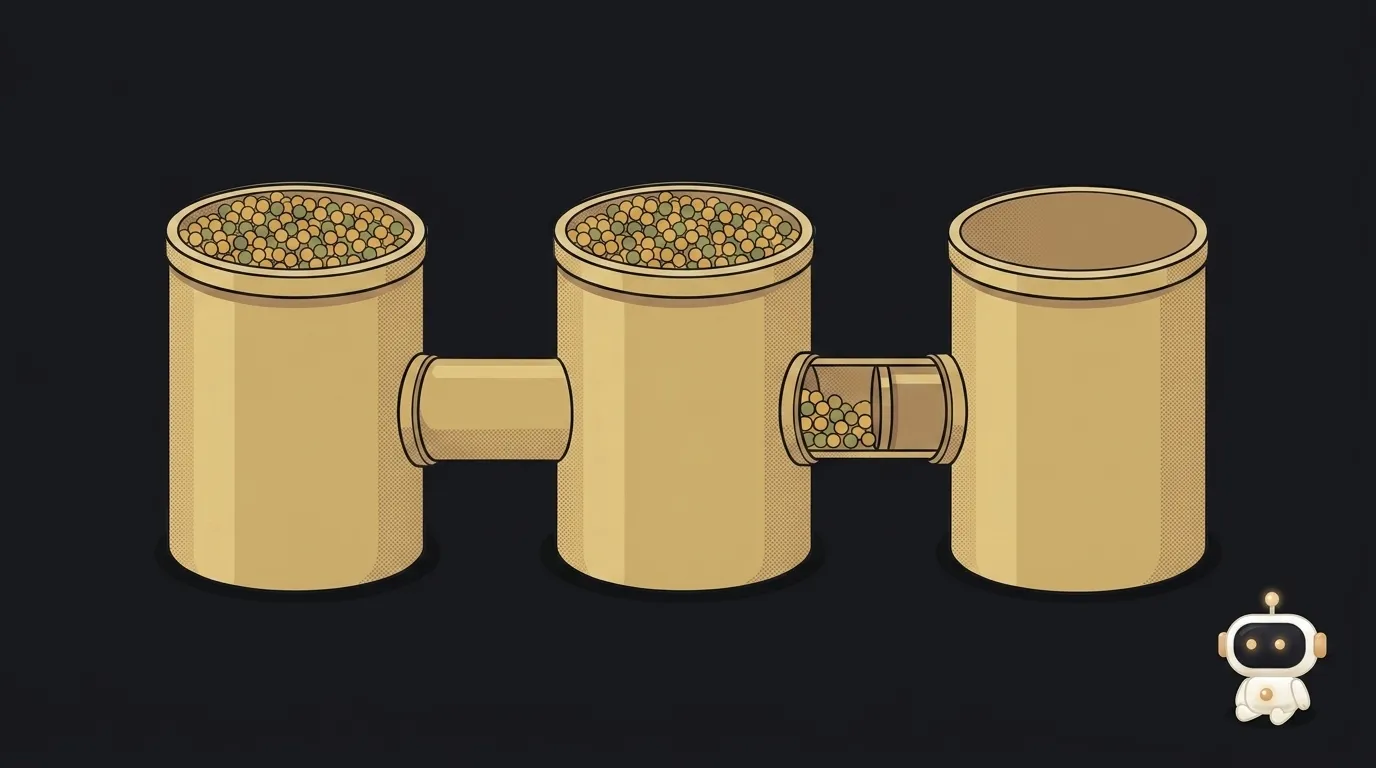
First sale, first letdown.
Your payment dashboard proudly shows $42. You open your banking app — zero. And it'll stay zero for a week, maybe two.
Nothing broke. There's just a stop between your customer's card and your bank account, and it's called a payout.
The money travels through three wallets, not one
Here's the route of a single payment:
- The customer's card. Their bank approves the charge. The money left them — it hasn't reached you.
- Your provider's balance, the "in transit" part. Funds sit here while settlement runs between banks. This delay is written as "T+X": T is the payment day, X is how many business days to wait. In the US it's usually two; in some countries, up to thirty calendar days.
- Your provider's balance, the "available" part. Now it's yours and ready to move.
- Your bank account. A payout puts it there.
The payout is only that last step. Everything before it isn't about your settings — it's about how settlement between banks works.
Why the first payout takes up to two weeks
The first one waits separately. Per Stripe's docs, after your first successful live payment the initial payout is typically scheduled to complete within 7–14 days. Longer if you're in a risky category, an unusual country, or your profile is incomplete.
The reason is simple and not personal. A new account is an unknown: what if refunds and disputes start rolling in after the money is already gone? The pause is a buffer.
After that, payouts follow your schedule and this delay is over.
The big mistake: daily payouts don't make money arrive sooner
A beginner sees a "pay out daily" setting, flips it, and expects money tomorrow. It won't come.
The docs are unambiguous: choosing a payout schedule doesn't change how long your pending balance takes to become available. The schedule only controls when already-available funds get sent.
So you have two independent timers:
- settlement time (T+X) — you don't configure this;
- payout schedule (daily, weekly, manual) — you do.
Daily payouts with T+2 settlement means daily transfers of money taken two days ago. A steady trickle, not an instant one.
Your balance can go negative — and that's a normal situation
Refunds, chargebacks and fees all come out of the same balance. If you just withdrew every last cent and a dispute lands the next day, your balance goes negative and the provider will try to pull the difference from your bank account.
Hence the grown-up habit: keep a cushion. Stripe has a minimum balance setting for exactly this — it's described as covering potential refunds, disputes and fees that could push you negative.
Rule of thumb for a first product: don't withdraw 100%. Leave a buffer worth two or three of your average orders.
What this changes about planning
If you're calculating when ads pay off or when your first thousand lands, budget for the lag. A sale today means money in the bank in a week and a half, then a couple of days each time after.
For your first pricing math this matters more than it sounds: pricing your first product works on money that arrived, not on the number in a dashboard.
Currency: another place where the numbers don't match
A separate source of confusion once customers pay from different countries. They pay in their currency, your payout arrives in yours, and somewhere in between there's a conversion at the rate of the moment — with a percentage taken for it.
Two practical consequences.
First: the sale amount and the payout amount will never match, and that isn't a bug. Second, less obvious: if that payment is refunded or disputed, the amount going back is recalculated at the new rate. If the currency moved, you return slightly more or less than you got — and the difference is yours.
On small tickets that's pennies. Selling into several countries, get used to reconciling from the report in your own currency, not from the price on your page.
Can I withdraw manually whenever I want?
Yes, manual mode exists almost everywhere: press a button, the available balance ships. But it still can't reach into "in transit" money. Manual is handy when you'd rather accumulate and withdraw once a month in one lump.
Why doesn't the payout match my sales total?
Because provider fees, refunds and disputes for the period are already deducted. One payout is almost always dozens of payments minus costs glued together — reconcile with the period report, not with a single order.
What if a payout seems stuck?
Check your profile first: most often it's incomplete details or unfinished verification, and the provider simply can't send money. Second most common is wrong bank details — then the payout leaves and bounces back a few days later.
Haven't set up payments yet? Start with how to take your first payment.
The AI Architect 2027 course: step by step from computer basics to your own app and first customers. 543 short lessons on your phone.
Read next

Ed25519 vs RSA — which SSH key to choose in 2026

What is sudo — and why it asks for your password, not the admin's

What is a tar.gz file — and why a tar archive can be bigger than the files

What is a command-line flag — and why git commit -ma breaks but -am works

scp or rsync — and why rsync sent 141 bytes instead of two megabytes the second time
