What is a push token — and why it changes on its own
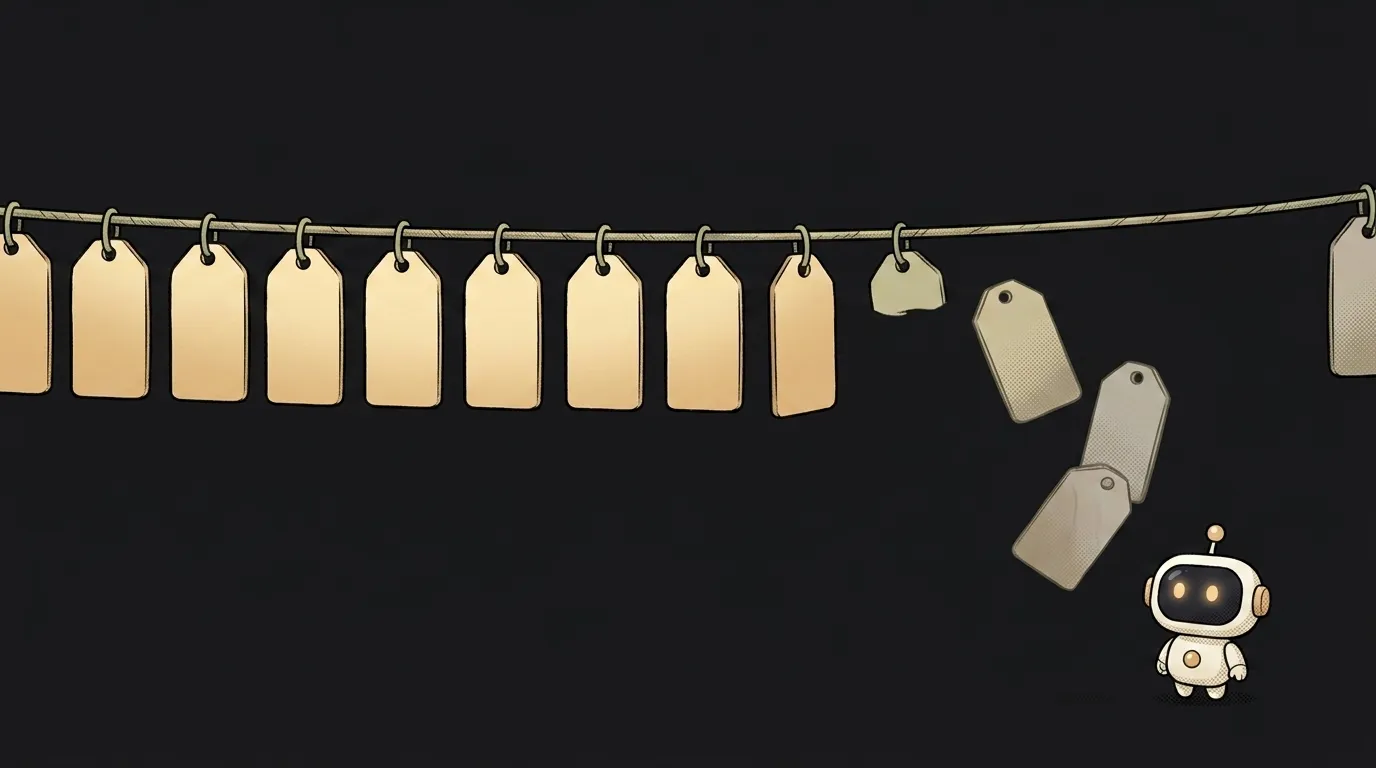
Here's a curious thing. You've got a thousand push tokens in your database, you send a notification — seven hundred arrive. Nobody unsubscribed, nobody deleted the app. Three hundred addresses just went stale, and that's not a bug, it's the normal life of a push token.
Let's unpack what this address is, why it changes by itself, and what to do so your sends stop being shots at empty apartments.
What a push token is, in plain words
A push token is a long string — an address that can deliver a notification to one specific install of your app on one specific phone.
Three words there matter:
- An address, not a name. You're not sending to "Pete," you're sending to an address. If Pete installed your app on a phone and a tablet, that's two different tokens.
- You don't issue it. The token comes from the operating system's notification service: APNs at Apple, FCM at Google. Your server only receives the finished string.
- It's per install. Delete the app and install it again — different address. Same person, same phone, new "apartment."
Having a token guarantees nothing on its own. You also need notification permission — without it the token exists but nothing gets shown.
How a push actually arrives
Here's where a common beginner belief breaks: your server never knocks on the phone directly. A phone isn't a server — it has no permanent address, it sleeps, it switches networks.
The chain always looks like this:
- On launch, the app asks the system for a token.
- The system issues a string and hands it to the app.
- The app sends the token to your server — an ordinary request to your API.
- When a notification is due, your server talks not to the phone but to APNs or FCM: "deliver this to that address."
- The notification service keeps its own channel to the phone and delivers it.
Which is why you have no way to "check whether it arrived." You handed the letter to the post office — the rest is their job.
Why the token lives its own life
This is the interesting part. Apple explicitly lists when the token is guaranteed to be different: the user restored the device from a backup, installed your app on a new device, or reinstalled the operating system. And it gives a hard rule: apps should never cache device tokens — ask the system on every launch.
The reason isn't pedantry. The docs add a crucial detail: when a token has changed, the user must open your app at least once before notifications can be delivered again. So after someone switches phones your pushes are silent until that first launch — and if you cached the old address, silent forever.
There's an expiry on the server side too. Google states it plainly for Android: when a registration has been inactive for 270 days, FCM considers it expired and garbage-collects it.
What to do about it: four rules
- Ask for the token on every app start. If it hasn't changed, the system returns it instantly — that's cheap. If it has, you find out right away.
- Send it to your server with a date. Store more than the string in your database: "token + when we last saw it." That's how you tell a live address from one abandoned two years ago.
- Delete the dead ones. If the notification service says the registration is invalid — for FCM that's
UNREGISTEREDwith a 404 — the docs say it outright: it's safe to delete that record. Keep them and you pay in time and quota to send into the void. - Expect many tokens per person. Attach tokens to a user as a list, not a field. Otherwise signing in on a tablet silently kills notifications on the phone.
Where you'll meet it first
Usually on your first evening wiring up notifications through a ready-made service. Firebase, OneSignal and friends hide half the complexity, but not this part: their instructions always include "send the token you received to your server" and a "token refreshed" handler.
Then a little table appears in your database: user, token, platform, last updated. That's the one that fills up with dead addresses if you skip rule four above. Good habit from day one: add the date field immediately, and once a week look at how many rows haven't refreshed in months. That number usually explains the gap between "we have a thousand users" and "seven hundred saw the notification."
Is a push token a secret?
Not like an API key, but not public either. Someone else's token alone only lets people send notifications if they also hold your server keys. Paired with those, though, it's a direct channel into someone's phone. Don't put it in logs or client-side code.
Why didn't the notification arrive if the token exists?
Three common reasons, most likely first: no permission for notifications; the token is stale and wasn't refreshed on launch; the phone is in power-saving mode and delivery is deferred until it wakes. Start at the top — that check is free.
Should I generate the token myself?
No, and don't try. Only the operating system's notification service issues tokens, and no library gets around that. Your job is to fetch it in time, store it with a date, and throw it away in time.
The AI Architect 2027 course: step by step from computer basics to your own app and first customers. 543 short lessons on your phone.
Read next

Ed25519 vs RSA — which SSH key to choose in 2026

What is sudo — and why it asks for your password, not the admin's

What is a tar.gz file — and why a tar archive can be bigger than the files

What is a command-line flag — and why git commit -ma breaks but -am works

scp or rsync — and why rsync sent 141 bytes instead of two megabytes the second time
