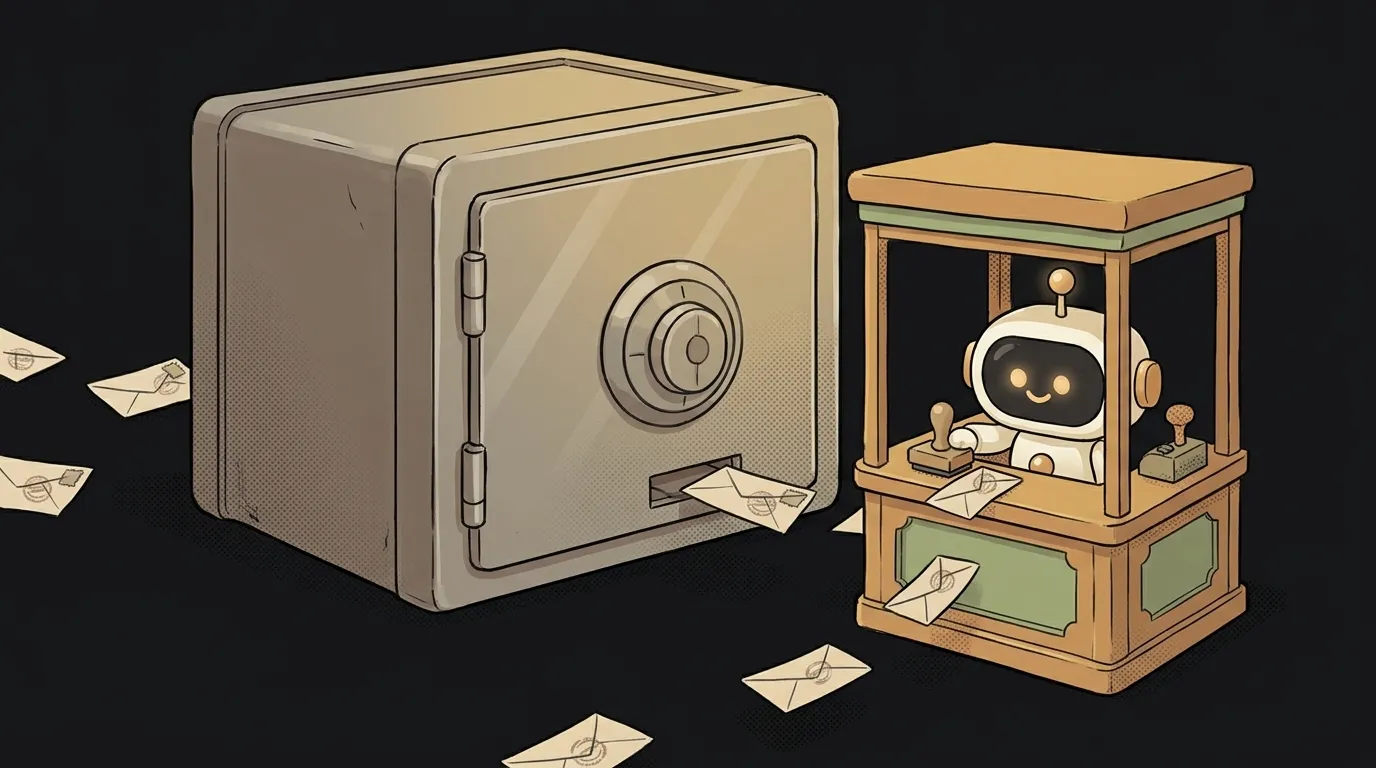
What is a ring buffer — and why old logs vanish on their own

Open a terminal on Linux and type man dmesg. The first line of the description: "print or control the kernel ring buffer". Here's what that means: your system's kernel writes its messages into a ring. When the ring is full, a new message quietly overwrites the oldest one.
Nobody deletes anything. No scheduled cleanup. The memory for those logs simply never grows. That's a ring buffer. And you'll need one much sooner than you'll touch a kernel.
What a ring buffer is
A ring buffer is a fixed-size array that you write to in a circle. Reach the end — keep going from the start, over the oldest data.
Picture a round table with 5 seats. Guests sit down one by one. A sixth arrives — takes the first seat, and the first guest leaves. The table always holds the five most recent.
Hence the key property: the buffer keeps the last N items. No more. However much data arrives, it uses exactly the memory you allocated up front.
How it works
Inside there are just three things: an array of the right length, a "where to write" pointer and a fill counter.
class RingBuffer {
  constructor(size) {
    this.items = new Array(size);
    this.size = size;
    this.next = 0;   // where to write next
    this.count = 0;  // how many are filled
  }
  push(item) {
    this.items[this.next] = item;
    this.next = (this.next + 1) % this.size; // that's the whole ring
    this.count = Math.min(this.count + 1, this.size);
  }
  toArray() {
    const start = (this.next - this.count + this.size) % this.size;
    return Array.from({ length: this.count }, (_, i) =>
      this.items[(start + i) % this.size]
    );
  }
}
All the magic is in % this.size. The remainder sends the pointer back to zero when it hits the end. Indexes run 0, 1, 2, 3, 4, 0, 1… No elements get shifted.
Trace it by hand on a three-slot buffer. Write a, b, c — the array is [a, b, c], the pointer is back at 0. Write d — it lands in slot 0: [d, b, c], the pointer is now 1. In memory the order looks "broken", but toArray() starts from the oldest entry and returns b, c, d. Storage and reading are two different things: a ring inside, a plain list outside.
That's why, if you peek at such an array in a debugger, it looks shuffled. It's not a bug. The list starts where next points, not at slot zero.
Now compare it with the usual way to "keep the last 100":
logs.push(entry);
if (logs.length > 100) logs.shift();
Looks harmless. But by the spec, shift() moves every remaining element one slot to the left. A hundred entries — a hundred moves on every new event. The ring doesn't care: one write into one slot, done.
Why you need it
A ring buffer fits anywhere freshness matters and history doesn't.
- Recent logs in your app. Keep the last 200 events in memory. A user hits "Report a bug" — and you attach them to the report. Error trackers' "breadcrumbs" work the same way. More on the entries themselves in the article on logs.
- History for an AI bot. Want your bot to remember the last 20 messages without bloating the request? A ring of 20 — and the context never grows on its own.
- A moving average. Show the average load speed over the last 10 measurements. A new reading overwrites the oldest, so the average is always "about now".
- Audio and video. An audio stream arrives in chunks but plays smoothly. Between them sits a circular buffer: one side writes, the other reads.
If you need "the most important" rather than "the latest", that's a different structure — a priority queue.
The catch: what to do when it's full
There are two honest options, and you should pick on purpose.
- Overwrite the old. As in the example above. Good for logs and metrics: losing an old entry is fine.
- Reject the new.
pushreturnsfalseuntil the reader frees a slot. You do this when data must not be lost — audio, say, or commands.
The most common beginner mistake is mixing the two. The writer overwrites data the reader hasn't read yet. You get "missing" events that never reproduce while debugging.
How is a ring buffer different from a regular queue?
A regular queue grows until you read from it. A ring buffer has a ceiling: when full, it either overwrites the old or rejects the new.
What size should I pick?
Work back from the task: how many events do you really need to understand a bug or answer a user? For browser logs, 50–200 is usually enough — beyond that it's noise.
Is there a ring buffer in JavaScript out of the box?
There's no built-in class. But it fits in 20 lines, like above — a great first data structure to write yourself.
Short story-lessons, an agent simulator and daily practice — in our mobile app. Free.
Read next
What is a heartbeat — and why an "open" connection can be long dead

What is a dead letter queue (DLQ) — and how one broken message holds up the whole queue

border vs outline — the difference, and why a hover border makes everything jump
What is a trie (prefix tree) — and why autocomplete never scans the whole dictionary
What is a priority queue — and why its array looks unsorted